Start11 Task Bar Auto-Hide

On V 1.01, autohide taskbar doesn't work. Specifically, bumping the mouse against the bottom of the screen (which should reveal taskbar sliding up) does nothing. Hitting the Windows key will bring up Taskbar (and Start Menu). It mostly worked in V 1.00 (not every time), but now autohide doesn't work at all. 

4,393 views 8 replies
Reply #1 Top

Hello,
Sorry to hear you are having issues. Need to know you on Windows 11 or Windows 10? and its version numbers please.

Thanks
Basj,
Stardock Community Assistant.

Reply #2 Top

Edition Windows 11 Home

Version 21H2

Installed on ‎11/‎25/‎2021

OS build 22000.348

Experience Windows Feature Experience Pack 1000.22000.348.0

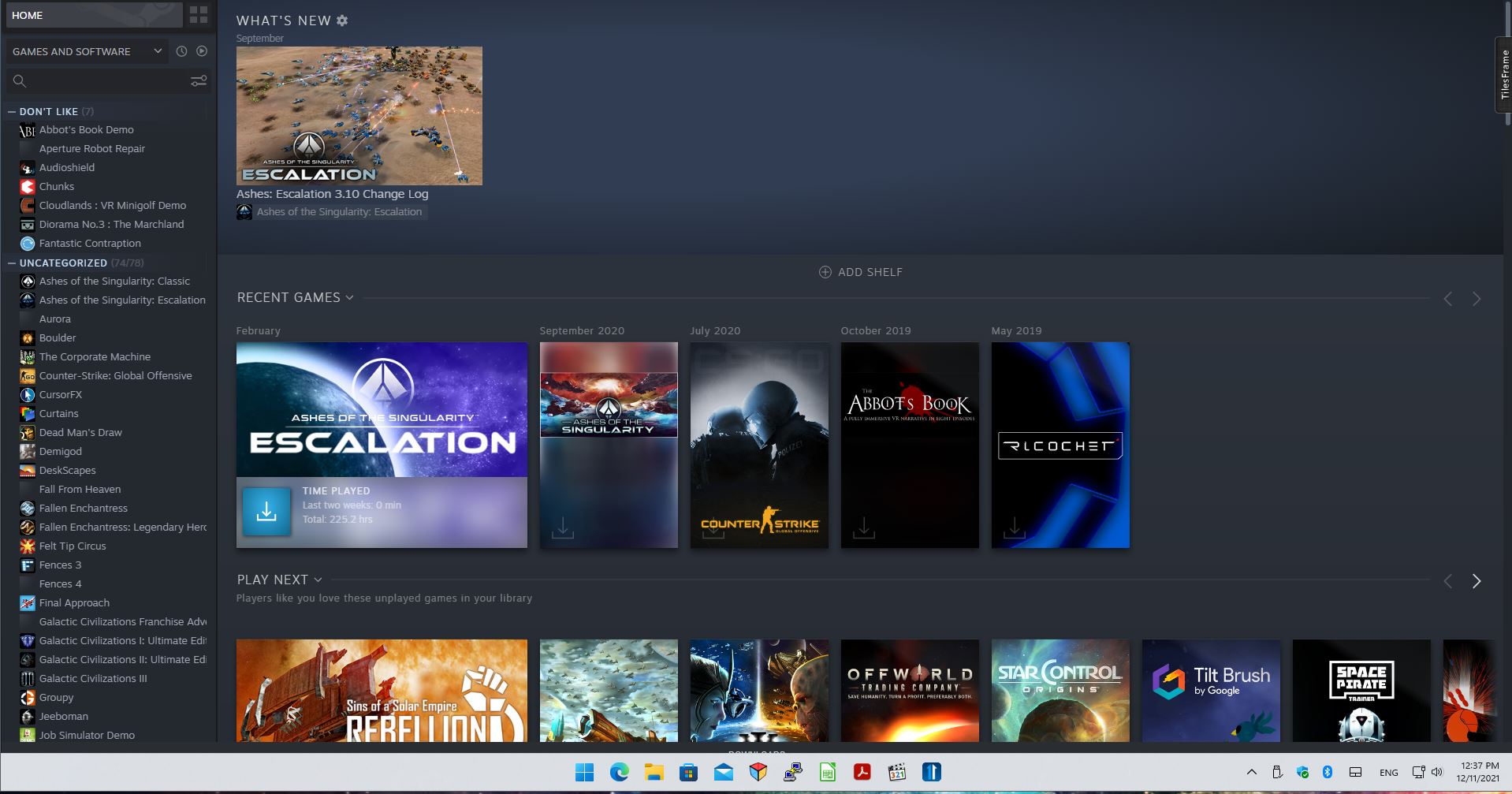
It seems it's per-application. If Steam is in foreground (I ordinarily use maximized windows), autohide doesn't work, for instance. Chrome, Word, and Discord are also affected. However, it's intermittent. Occasionally, those apps work with autohide. I don't know why autohide works sometimes, but sometimes doesn't, excepting that Steam never works.

Reply #3 Top

I am sorry, but I can't seem to reproduce your issue on my system. Any specific steps I need to make to recreate it so I can forward this issue to support? I am using Steam Desktop.

Thank you,

Basj,
Stardock Community Assistant

Reply #4 Top

The behavior is definitely repeatable, but may occur only after some time has passed. In other words, the behavior decays after a certain point, at which point the taskbar autohide no longer functions (bumping the cursor at the screen bottom does nothing). 

My computer has been up for about three days now, and the autohide functionality no longer works, despite having worked at boot time. I suspect if I reboot, it'll work for a time, then stop.

Not sure what, if anything in particular, triggers the behavior. Nevertheless, it inevitably appears.

Reply #6 Top

I rebooted and waited until the symptom occurred again. In this case, it was about 12 hours before the autohide became unresponsive. As an aside, tapping the Windows key works fine--Taskbar appears and Start11 works fine. Restarting explorer.exe returned functionality to autohide. So I don't know if it's a Win11 problem, or if Start11 is contributing. I didn't test turning Start11 off and waiting for normal Win11 autohide to stop working. Nevertheless, autohide (Win11 and / or Start11) is buggy.

Reply #7 Top

This is also occurring on my system. The task bar will not auto-hide after I've brought it up.

Windows 11 Pro
version 21H2
build 22000.376

Toggling Start11/Start Menu/Use the Start11 Start Menu either on or off will cause the task bar to autohide. That's the one consistent way I've found to hid the taskbar.

I also have Start11 running on a Windows10 install, and I do not have any problem there with auto-hide.

Reply #8 Top

Well, after another explorer.exe restart (again, around 12 hours later), autohide functionality works. Something very specific must be killing that subroutine; a background process that runs only periodically; an (almost certainly) repeatable bug, or something else. The app load remains the same throughout the time span; i.e., no new apps launched (Chrome, Outlook, Discord, explorer.exe, Word, Steam, MS Weather and Store, and Preferences.)

If it's a Win11 problem (and not Start11), I wonder how they could have released the OS with such a flaw. Seems incomprehensible.