Start 11 jumps to top of screen

Start 11 jumps to the top of my screen and stays there until there is a reboot.

Windows 11 Pro - Version: 21H2 - 64-bit
Processor: Intel(R) Core(TM) i7-9700F CPU @ 3.00GHz
Installed RAM: 32 GB

Start 11 at top of screen

6,107 views 20 replies
Reply #1 Top

Hello,

Would you do this PURGE: https://forums.stardock.com/486022/start10-support-faq#reinstalling

Reboot and ReInstall the latest version from your account https://store.stardock.com/myaccount/products/

Reboot, test and report back please if it's OK now .


AzDude
Stardock Community Assistant

Reply #2 Top

I did what you suggested and while resetting everything up I discovered that if I use the Windows 7 menu and have the grid set to small icons as soon as I go over 20 icons the menu jumps to the top of the screen. The same happens if I use medium icons. Currently I am set up with 20 tiny icons and the menu is staying at the bottom of the screen. I hope this helps.

Reply #3 Top

Hello,
Sorry to hear you are having issues. What version of Start11 you have installed? Have you tried V1.01 yet? And do you have Windowblinds or Curtains installed?

Thanks
Basj,
Stardock Community Assistant.

Reply #4 Top

I am using version 1.01. I do not have Windowblinds or Curtains installed, but I am using Fences.

Reply #5 Top

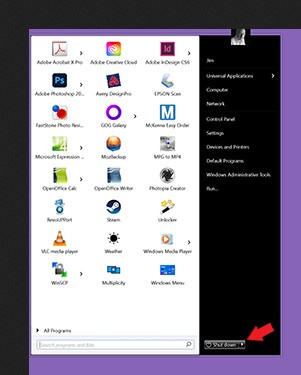
Do you have any other 3rd party application installed that change your start menu or taskbar? You start menu "shut down" button look different from normal theme-less ones.

Thank you.

Basj,

Stardock Community Assistant.

Reply #6 Top

The start button on the taskbar is a Stardock download. However, I doubt very much it has anything to do with the issue as the start menu will jump to the top of the screen using the generic start button. I have no other software installed that effects the start menu or task bar. The issue really seems to revolve around the size of the icons selected in the Windows 7 grid mode, nothing else.

Reply #7 Top

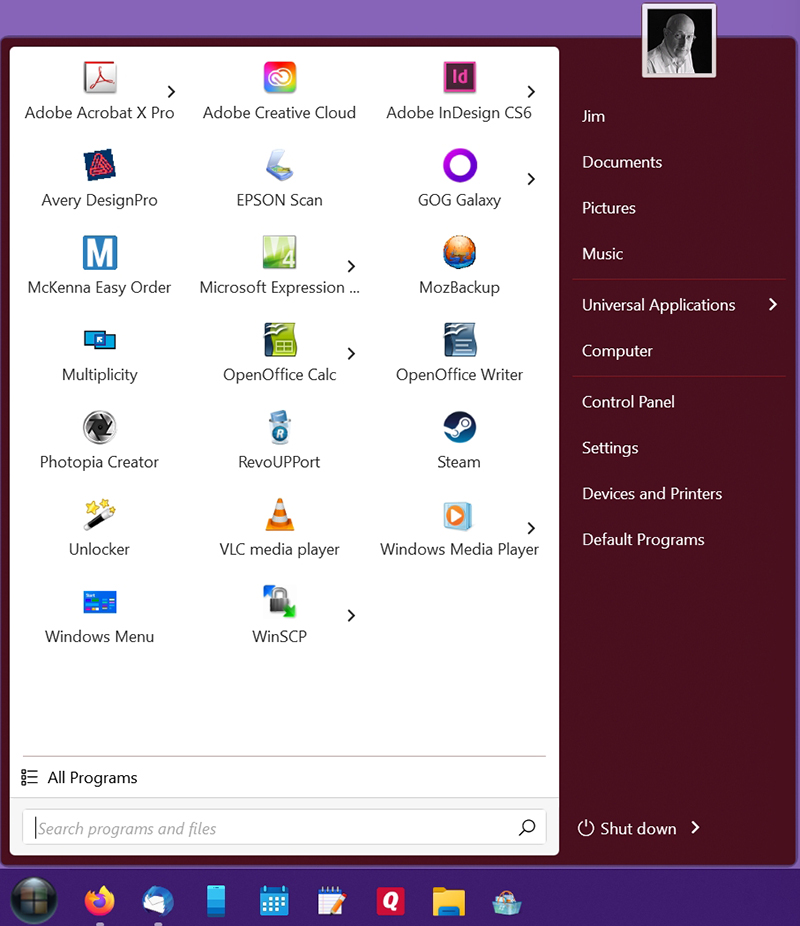
No, I mean the Shutdown buttons and the search bar on the startmenu look different than normal Start11 Startmenu.

From your screenshot.

Normal Start11 Windows 7. That button normally flat not emboss like yours. That usually due to something change it. no?

Thank you.

Basj,

Stardock Community Assistant.


Reply #8 Top

I didn't notice this. They may look embossed when they move to the top of the screen but now that I am using the tiny icons and the menu is staying at the bottom of the screen they are flat. The task bar is not embossed either although it looks like it in the attached screen shot.

Reply #9 Top

So something kick in change that and move it to the top. Do you have ObjectDock installed or something similar to it? Can you try the cleanboot steps? https://forums.stardock.com/486022/start10-support-faq#cleanboot

Thank you.

Basj,

Stardock Community Assistant.

Reply #10 Top

Thank you for your interest but I am okay with what I have now and it's working this way. Yes, I am also using Object Dock.

Reply #11 Top

Yup, that might be it, ObjectDock, its not compatible with Windows 11 and might do something strange with your system. But, if you wish that it okay. than, I am glad it worked out for you.

Thank you.

Basj,

Stardock Community Assistant.

Reply #12 Top

Hello, this is happening, maybe because I did not install windows correctly, try to install it again, maybe it will help me, I would not advise you to switch to windows 11 because it is not good yet, windows is new and bugs will advise you to install windows 10 again

Reply #13 Top

Quoting markus093, reply 12

Hello, this is happening, maybe because I did not install windows correctly, try to install it again, maybe it will help me, I would not advise you to switch to windows 11 because it is not good yet, windows is new and bugs will advise you to install windows 10 again
End of markus093's quote

What are you talking about?

Thank you.

Basj,

Stardock Community Assistant.

Reply #14 Top

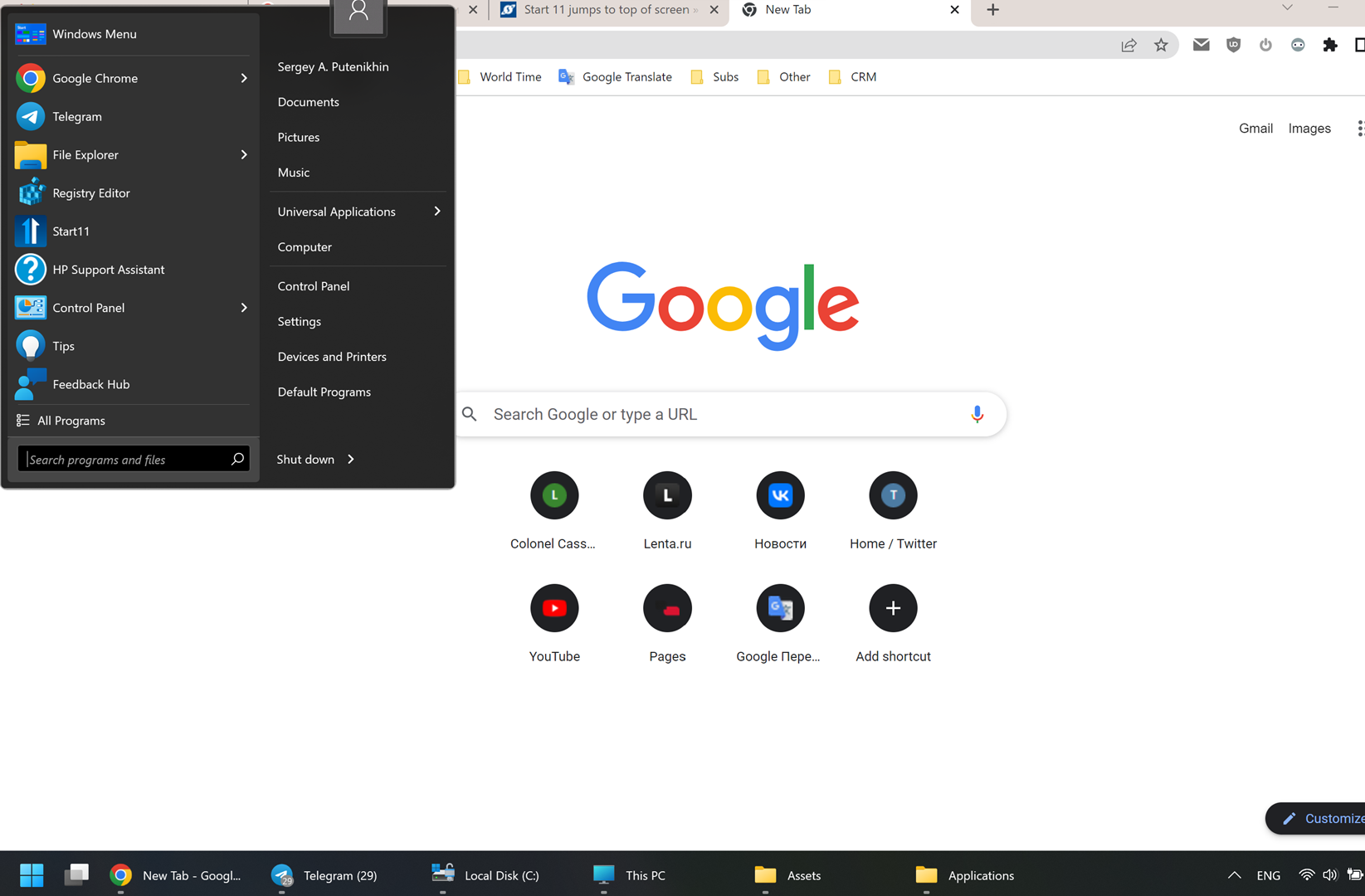
Hi, I installed the dock yesterday. I'm using the ungrouping and after install all works fine but after a couple of hitting the start button it jumps up and stays there from then on. See the screenshot. I tried playing around with the settings but can't find what's wrong.

Other than that all functions work. Can it be related to the resolution scaling in windows? I'm on a high-res laptop.

Reply #15 Top

to add to the above. I did try to reinstall and restart. it helps only for the beginning, then it jumps back up again.

Reply #16 Top

Hello,
Sorry to hear you are having issues. As mentioned above, ObjectDock is not compatible with Windows 10/11 system. It might causing strange behavior to your Start11.

Thanks
Basj,
Stardock Community Assistant.

Reply #17 Top

Hi, sorry about the confusion on the name of the product, however I quite don't understand why you can't see it from my and the other screenshots here. We're talking about Start11. And it should be compatible with windows 11. The issue is obviously with this product and you could have easily identified it from the above screenshot. By the way, I also use object dock that is "incompatible" with windows 11 and it works just fine. So could you please look into my issue for real? That'd be great thank you. 

Reply #18 Top

Quoting bigips, reply 17

Hi, sorry about the confusion on the name of the product, however I quite don't understand why you can't see it from my and the other screenshots here. We're talking about Start11. And it should be compatible with windows 11. The issue is obviously with this product and you could have easily identified it from the above screenshot. By the way, I also use object dock that is "incompatible" with windows 11 and it works just fine. So could you please look into my issue for real? That'd be great thank you. 
End of bigips's quote

The reason ObjectDock is mentioned is because it is the trigger for the Start11 menu jumping to the top of the screen.

ObjectDock does not work properly on Windows 10 / 11.

If you remove ObjectDock the issue will go away.

Reply #19 Top

Hmm, I see. Is three a plan though to make object dock compatible as well? I was using it on windows 10 with Start8 with no issues, issue is only with Start11 and windows 11. Wouldn't want to choose what to leave really and use both.

Reply #20 Top

Quoting bigips, reply 19

is three a plan though to make object dock compatible as well?
End of bigips's quote

Hello,

At this moment, from what I know, there is not official plan on it.

Thank you,

Basj,
Stardock Community Assistant