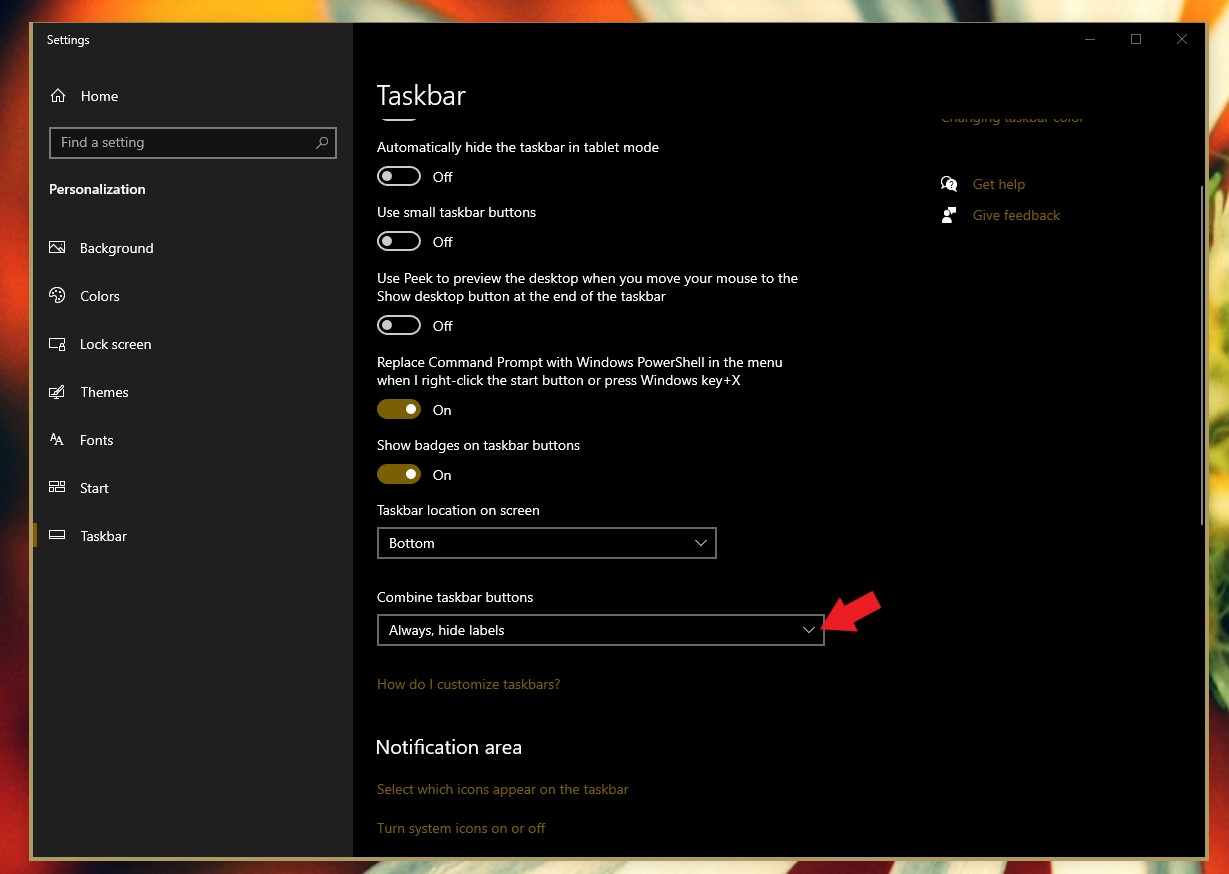
I open a program from Taskbar and it occupies a good real estate on taskbar.
This causes unnecessary left and right movement of taskbar items.
 Stardock Forums
Hi.
If I open a program on taskbar in Windows 11, the open program is indicated by a small underline, shorter than the length of the program icon.
The following screenshot is from Windows 11.

But if I open a program on taskbar in Windows 10 with Start11 installed, it occupies a large real estate on taskbar with the program description on the right.
The following screenshot is from Windows 10 with Start11 installed.
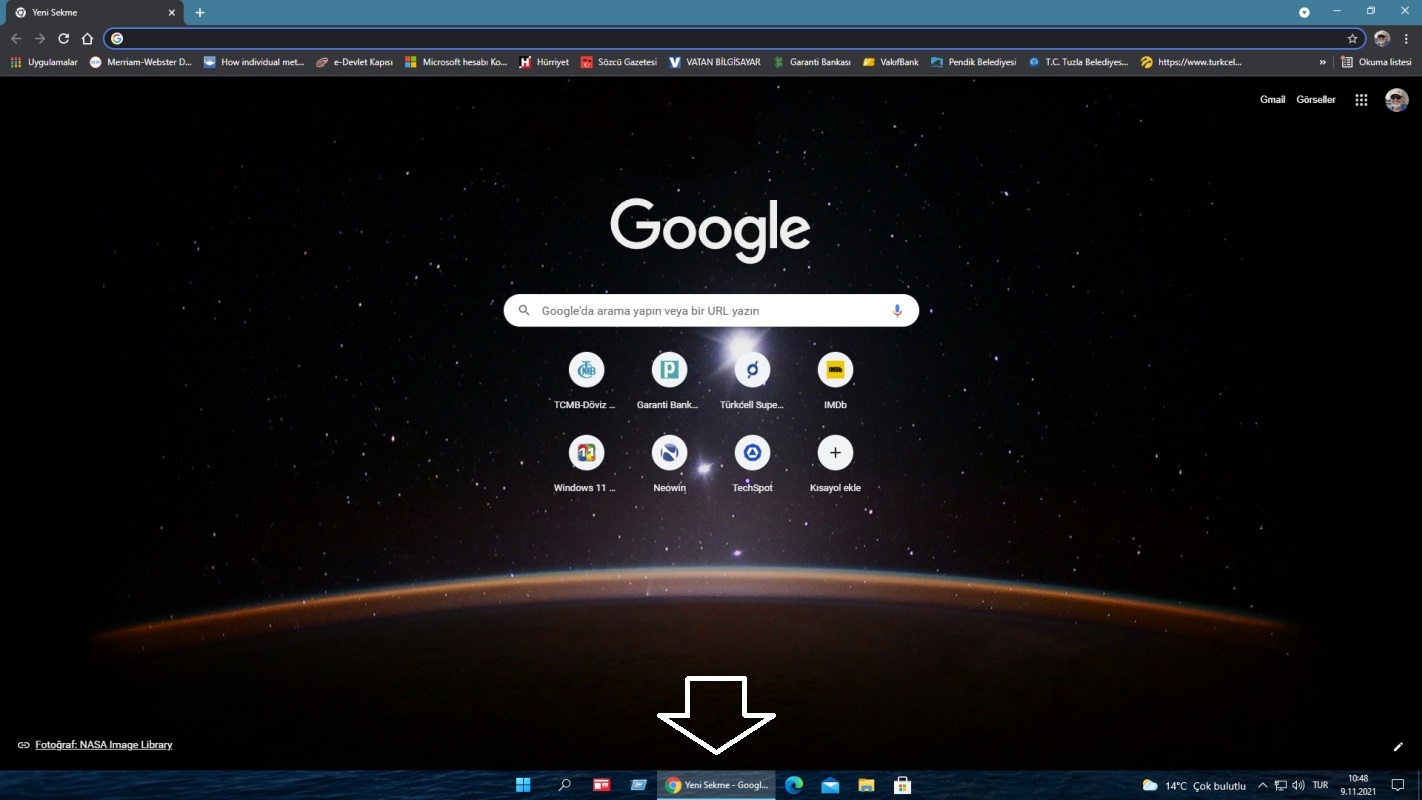
This causes unnecessary left-right movement of the taskbar icons when I open and then close the program.
Not a big deal but it's an eye-distracting action.
I just wanted to let dear Stardock developers know about it.
Please note the PC is the same for both Windows 11 and Windows 10. They are installed on different disk drives.
Regards