Modern UI apps have no folder in Start 11
from  Stardock Forums
Stardock Forums
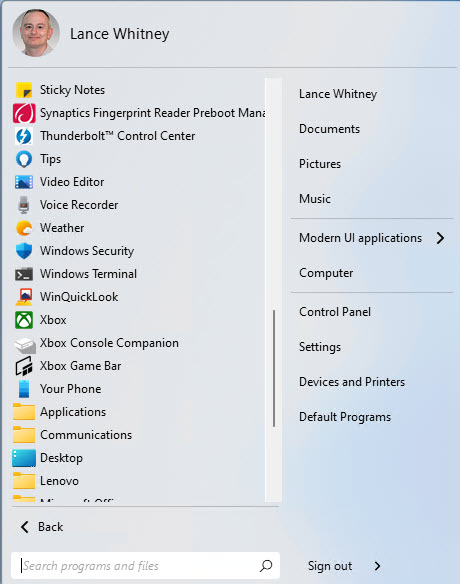
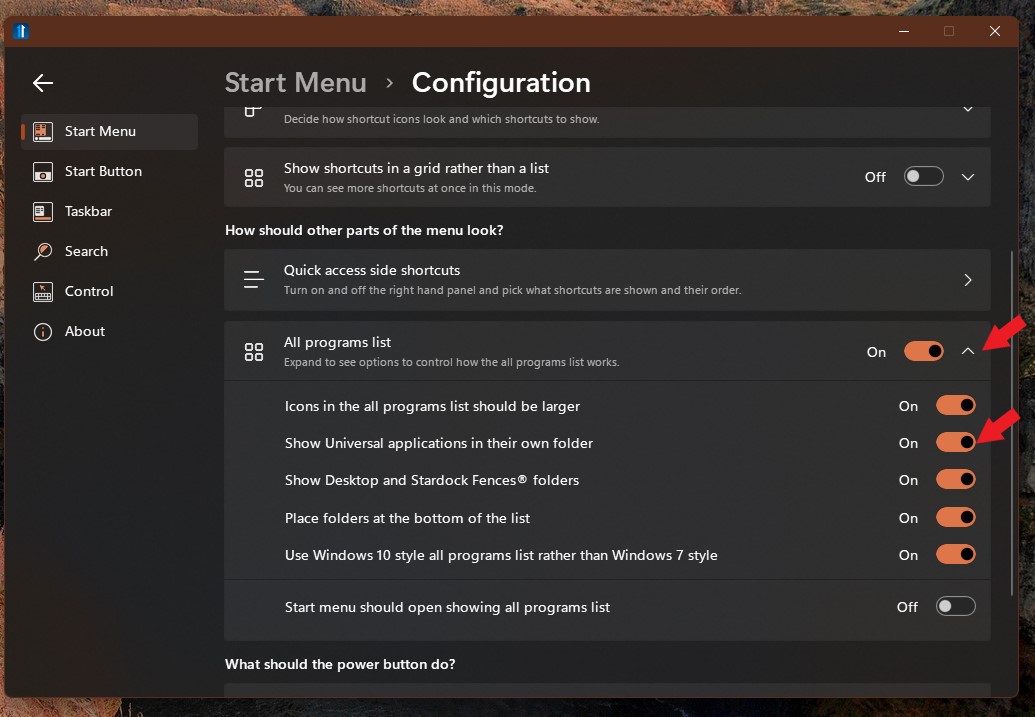
I'm running Start 11 in Windows 11, and there's one problem in the Start menu. The modern UI apps are not placed in their own folder, so the individual shortcuts for these Windows apps all are taking up a lot of space in the menu. In Start 10, the modern apps were automatically placed in their own folder called Universal Applications. I couldn't find any options in Start 11 to place the modern apps into a folder, and there's no way I can see to move the apps into a folder. Is this a glitch in the program or is there some way to fix this? Thanks!