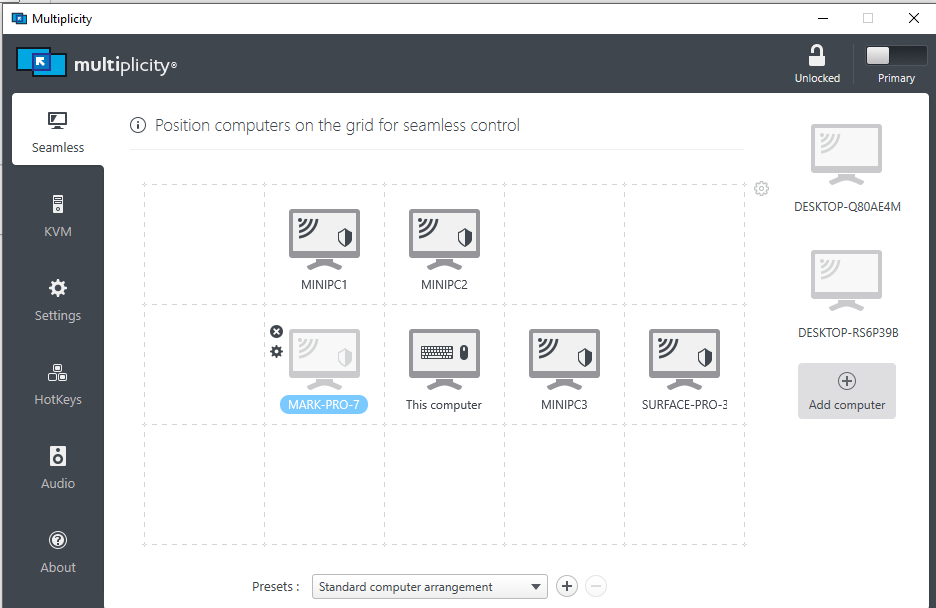
1 secondary computer not found (appears offline) using pro version with 5 slaves
 Stardock Forums
My setup:
all machines running windows 10 pro
master running version 21H1
slaves that have no issues running version 20H2
slave with problems running version 21H1 (surface pro 7)
all using OS build 19042.1237
all machines are hardwired through ethernet
all installs of multiplicity are up to date (v. 3.57 build 00103.kvmpro)
all firewalls and internet settings to private.
computer names and passwords are verified and entered correctly.
My problem:
about 1/3 of the times I start my machines multiplicity will fail to recognize and connect to the surface pro 7. That machine will remain greyed out on the dashboard. Restarts don't seem to affect it, but leaving the machines running for 30 to 40 minutes usually rectifies the problem (not always). This is a problem that hasn't always been an issue.... this combination of machines worked flawlessly for months then began to pop up about a month ago. The issue seemed to lessen when I unselected "allow this computer to send the screen contents to another computer (KVM mode)" but it has come back and now is unaffected no matter the status of this option.
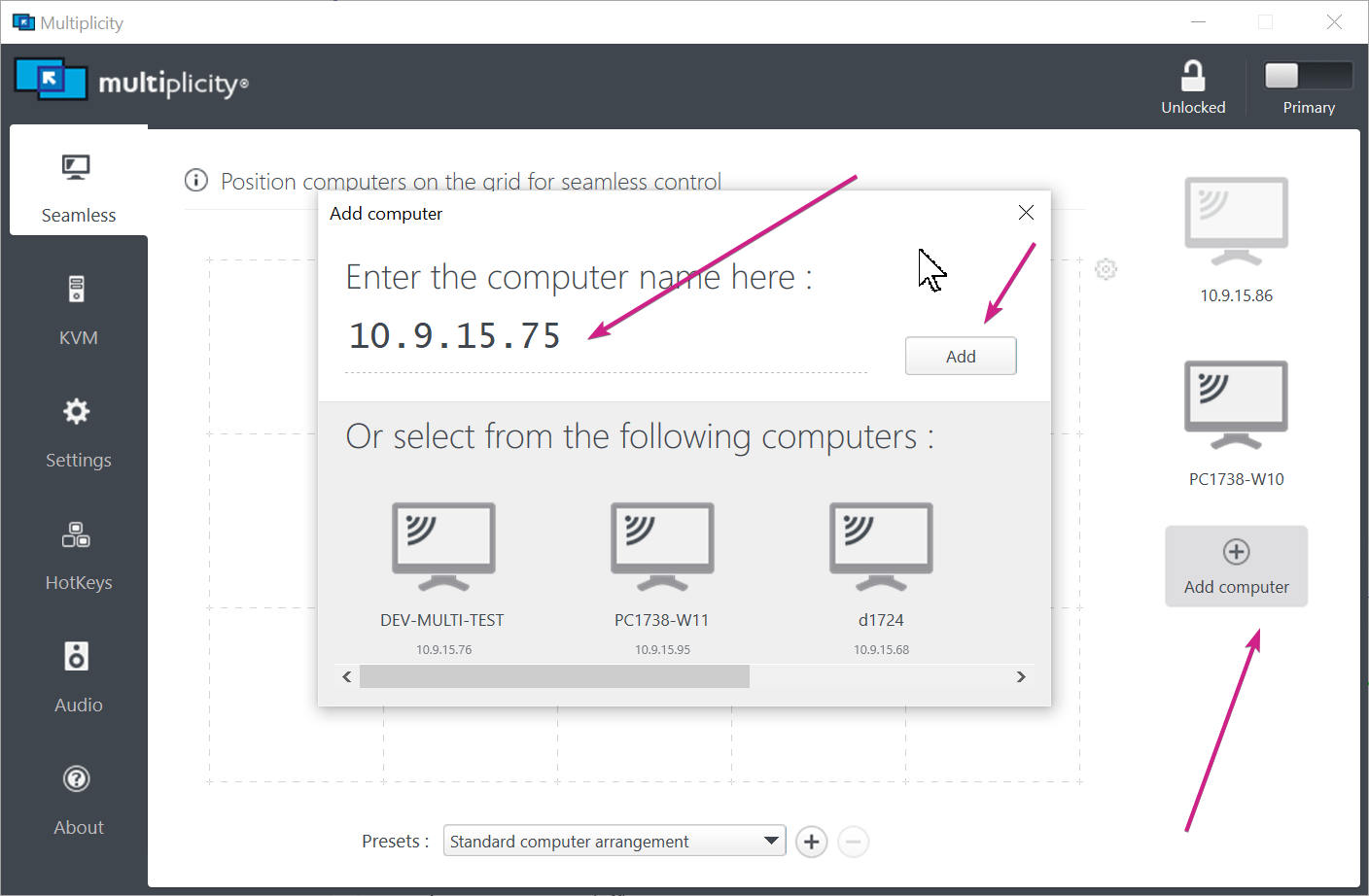
I have removed the problem computer from the array and added it again, still no change.