Lost a Fence with all its icons

How to recover lost fence

A fence with all of its icons is lost - it does not display on the screen and nothing I have done finds it.  Desktop Pages was turned off, and toggling that feature on and off does not recover the lost fence.  I know the fence exists somewhere, because I can see it listed in the dropdown in Color & Appearance settings.  I really don't care about the fence, but I need to find those icons.  I've spent way too much time trying to find the lost fence and icons.  Does anyone know how to recover the fence and icons?  I'm just about ready to uninstall the program.
7,866 views 8 replies
Reply #1 Top

Hello,
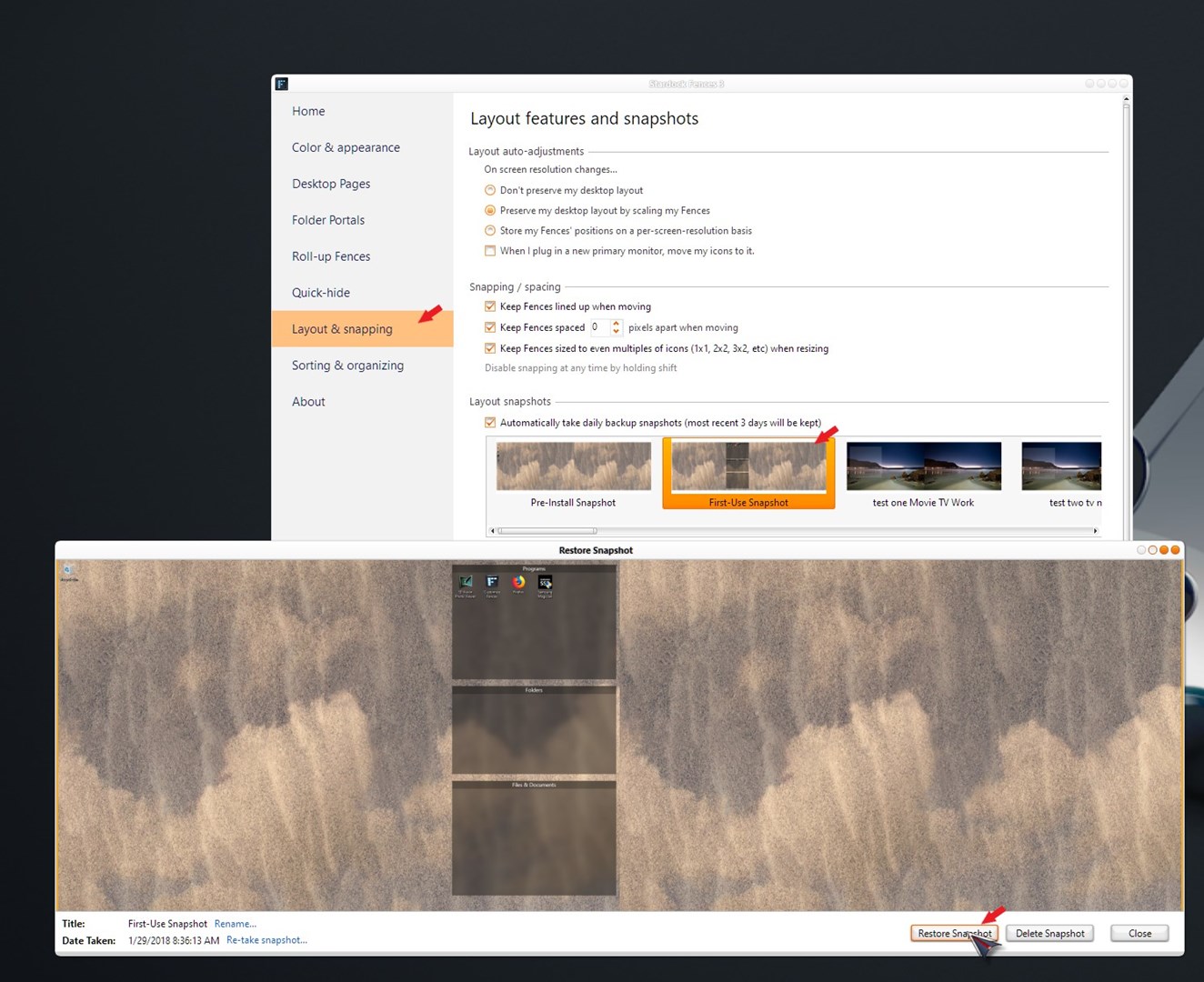
Sorry to hear you are having issues. You can do the snapshot layout restore. If you still have, use the "First Use Snapshot" and rebuild from there.

Thanks
Basj,
Stardock Community Assistant.

Reply #2 Top

Thanks - unfortunately, I don't have a suitable snapshot restore.  Is that the only way to get back the fence and icons?  I'll delete Fences and reload it if I have to, but losing a fence and its icons shouldn't happen.

Reply #3 Top

You can do the purge and reinstall steps as mentioned here: [link]. Just make sure to redownload the latest version from your account. Reboot after the purged. Reinstall, and Reboot again immediately after the installation. Than do the "Perform automatic layout" on your layout features and snapshots section. This will than create those 3 main Fences again, just like those created for you when you first install Fences. You will than recreate all your Fences again. Once done make sure to take and save a fresh new layout snapshot.

Thank you,

Basj,
Stardock Community Assistant


Reply #4 Top

The same thing happened to me. Everytime I try to upgrade the Fences version it wipes out my fences.

Here's my situation: I'm still (happily) running Windows 7 and Fences 3.09. Everything works and all is well. When I try to upgrade Fences it all goes sidways. Back in August it first happened. I upgraded from Fences 3.09 to whatever version was being offered in August and after the install completed and I rebooted, my desktop was completely gone. Everything right down to the taskbar. Using Ctrl-Alt-Del, I managed to get to the Task Manager, then Explorer, and then run some programs. Eventually I was able to reinstall Fences 3.09 and everything -- including the fences and the icons -- came back and all was well again.

So I waited for Stardock to get the kinks out of the installer or whatever was screwing things up. Then I tried again today. I experienced the same result again but not as bad. By that I mean, it didn't take out the taskbar and desktop this time but the fences were gone. And I tried everything I could think of to bring the fences back. Nothing worked. Then I right-clicked on the desktop, clicked on the View option, then clicked on the Show desktop icons. The desktop icons reappeared but with no fences. They were in the same basic order but there were no fences. So now I will reinstall Fences 3.09.

I don't know what is happening when I upgrade, but that is the process I used to get my icons back. I hope that helps. 

Reply #5 Top

Hello j-lane,

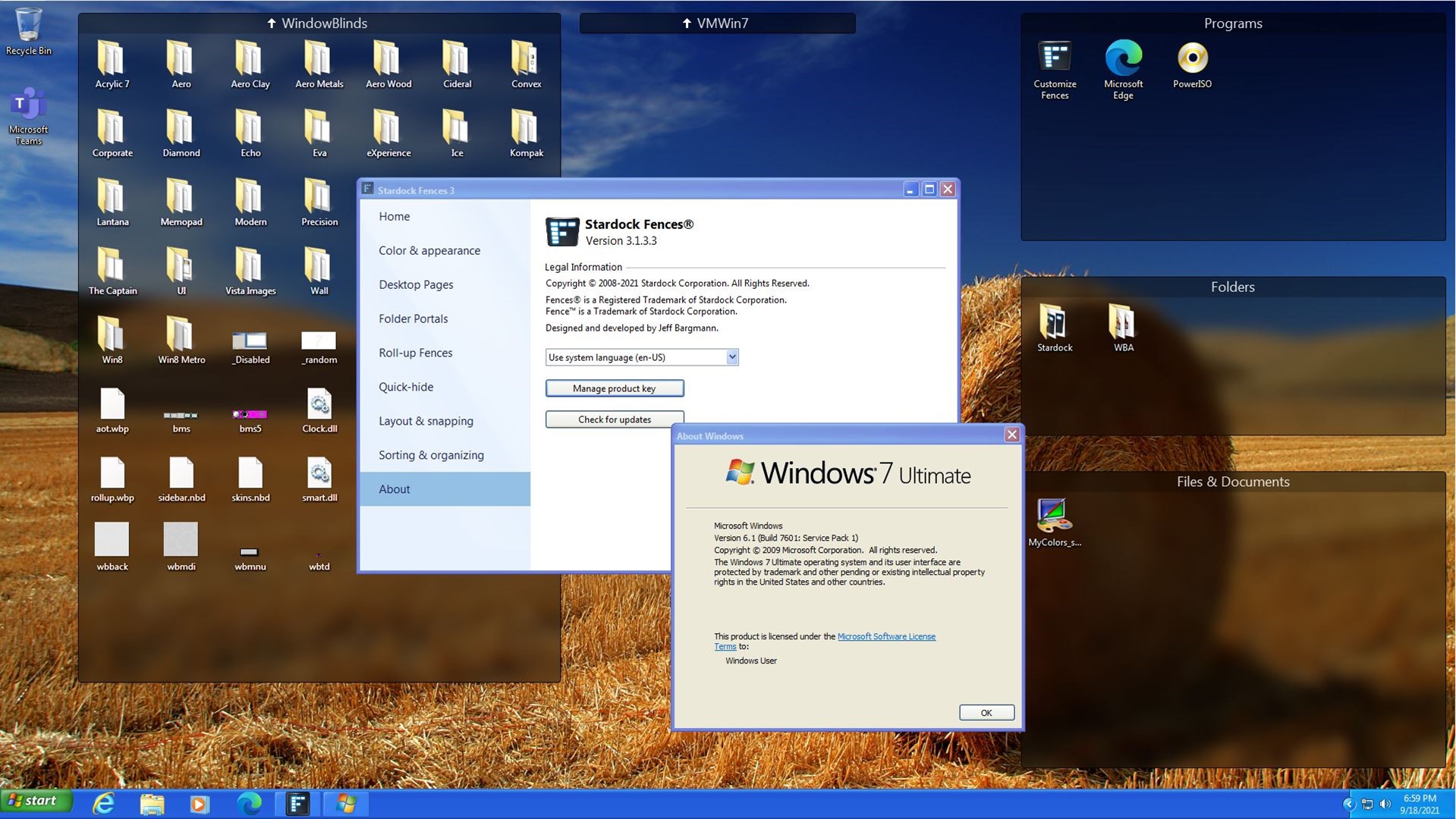
Sorry to hear you are having issues. Not sure what happen on your Windows 7. But I do have Windows 7 running without issue with Fences 3.13.3. Refer to my screenshot below. Could you share what your Windows 7 version numbers. And what AV or security software you're running on it.

Thanks
Basj,
Stardock Community Assistant.

Reply #6 Top

Hi Basj,

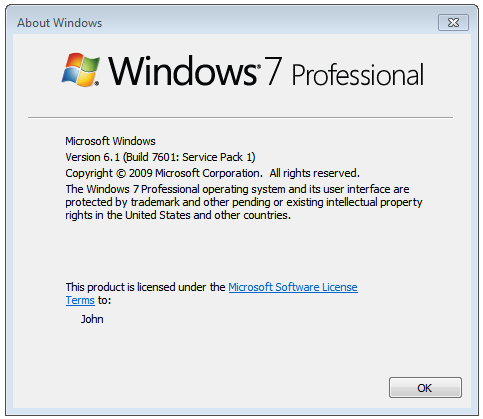
Thanks for your response. Below are screen shots of the things you asked for. Last night I did finish the reinstall of Fences 3.09 and once again the fences and icons all came back. 

The firewall shouldn't be a problem because I turn if off before I start the installation process. As for what may be causing the issue that prevents me upgrading, I just don't know at this point.

Thanks,
John 


Reply #7 Top

Quoting j_lane, reply 6

Hi Basj,
Thanks for your response. Below are screen shots of the things you asked for. Last night I did finish the reinstall of Fences 3.09 and once again the fences and icons all came back.
End of j_lane's quote

If you wish you can try do the purge and reinstall steps as mentioned here: [link]. Just make sure to redownload the latest version from your account. Reboot after the purged. Reinstall, and Reboot again immediately after the installation.

Thank you,

Basj,
Stardock Community Assistant