Multilicity of issues dealt with on multiple months

Recurring issues are at this point....


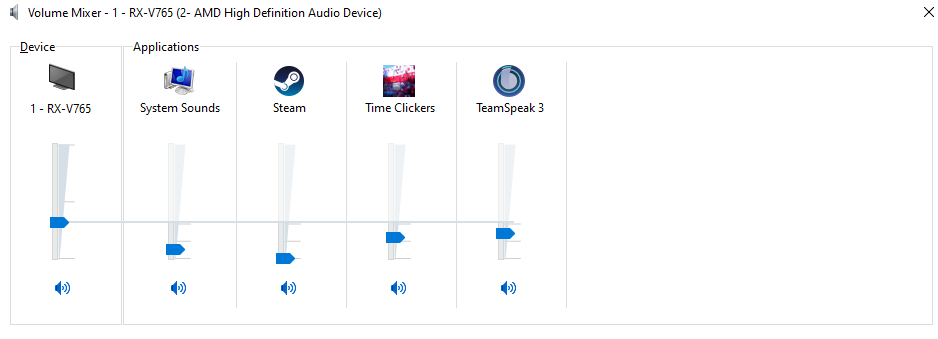
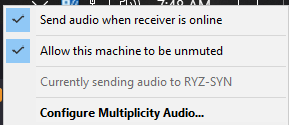
Secondary audio send issue. At first audio from secondary required a refresh from the secondary side via "check" and "uncheck", "send audio when receiver is online" to the point I pinned "multiplicity audio" to the secondary "notification area" expecting to do this daily.


This pivoted to needing to pin the "Multiplicity" icon to the "notification area" on the primary to "Restart Multiplicity processes" daily now.


With all that said. I need to have a mouse plugged in at all times to my secondary to wiggle and click every day before I log into both machines or the secondary won't start the process properly. If I manually log into the secondary I have the fun experience initiating the CTRL + ALT + backspace which results in secondary CTRL ALT DEL.


wut can do?

7,045 views 9 replies
Reply #1 Top

Hello,
I have forward your problem/question to Stardock Support Team for their assistance. Please keep an eye on this thread for any updates. We appreciate your feedback and patience.

Basj,
Stardock Community Assistant

Reply #2 Top


Secondary audio send issue. At first audio from secondary required a refresh from the secondary side via "check" and "uncheck", "send audio when receiver is online" to the point I pinned "multiplicity audio" to the secondary "notification area" expecting to do this daily.
End of quote

Try unmuting the sender:


With all that said. I need to have a mouse plugged in at all times to my secondary to wiggle and click every day before I log into both machines or the secondary won't start the process properly. If I manually log into the secondary I have the fun experience initiating the CTRL + ALT + backspace which results in secondary CTRL ALT DEL.
End of quote

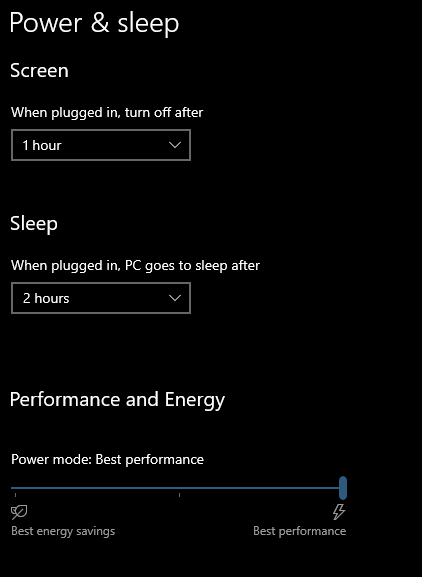
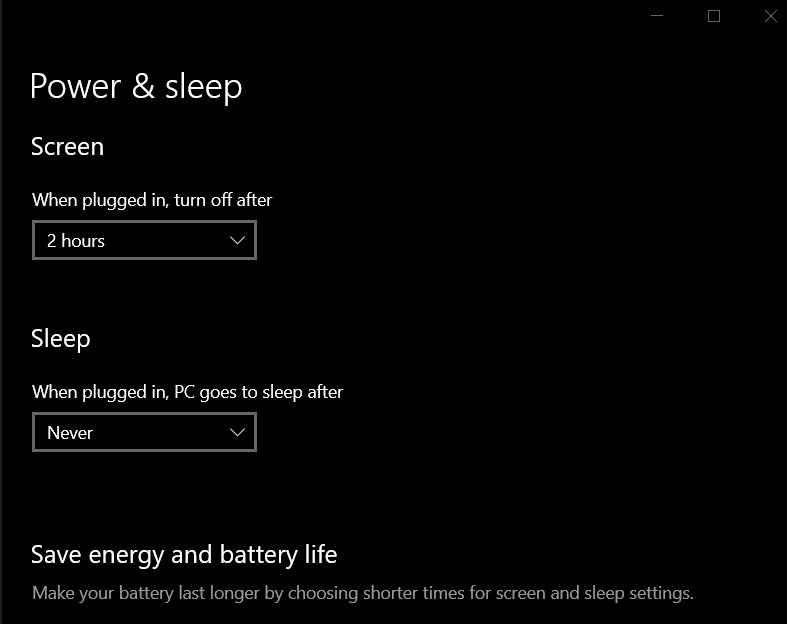
As a test, if you are 'sleeping' the PCs, try having both stay awake but just powering off the monitors:

Sean Drohan
Stardock Support Manager

Reply #3 Top


Neither of my machines sleep despite the sleep settings. they stay on 24x7


Primary

Secondary


wut do?

Reply #4 Top

I applied the settings for no sleep ever. things improved on log on. screens blared the log on screen all night. is this power efficient and is this the default stardock stance?


Reply #5 Top

Quoting Syndicated_Death, reply 4

screens blared the log on screen all night.
End of Syndicated_Death's quote

That should not be the case if the monitors ('screens') are set to power down.

Sean Drohan
Stardock Support Manager


Reply #6 Top

That makes sense. This was expected behavior 5 years ago. Something changed. I don't know if it's how multiplicity handles sleep events or audio stack issues. 


I used to put both of my machines to sleep every night and in the morning they worked flawlessly. log in without extra effort and audio pass-through without interruption. Granted, 5 or more years ago I wasn't using audio over HDMI with potential HDCP issues.


Working with new parameters any time the primary screen went to sleep, sound cut out on the secondary. As soon as the primary screen went dark sound from the secondary dropped.


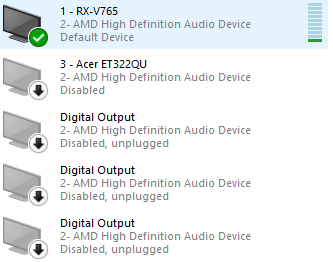
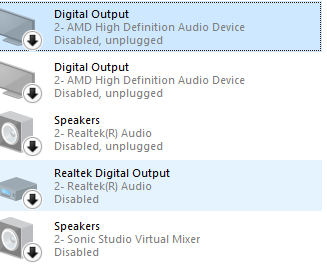
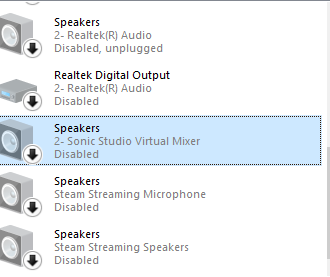
For reference I've killed every single audio device available other than the expected device.


Reply #7 Top

I have experienced what you are - more than I care to, but I don't believe it is Multiplicity that has 'changed' but how Windows has.

In speaking with the lead dev, it might take us writing our own audio driver for MP but that will not likely happen for Multiplicity 3 but a future version.

Is it annoying to have to restart sometimes, yes (and one reason I asked for the service restart in the systray) but it is not app breaking.

If it helps, I have written script to restart the MP service - you could include it in a log-on routine.

https://cdn.stardock.us/support/uploads/mpRestart.zip

Sean Drohan
Stardock Support Manager 

Reply #8 Top

Sorry for venting on you! Sounds like you're stuck between a rock and a hard place.


I was so used to MP being so seamless. When the issues started cropping up I quietly worked through them. The solves built over time and whittled my patience.


Thanks for the service restart request in the taskbar icon. It does help. Also, thanks for the script!


Reply #9 Top

Quoting Syndicated_Death, reply 8

Sorry for venting on you! Sounds like you're stuck between a rock and a hard place.
End of Syndicated_Death's quote

Not at all - I get it.  Of all our products, MP is the dearest to me personally (I wrote the manual for it - due for a refresh to be clear, however).

The lead dev and I talk often about the importance of the product and what is in store for it in the future.  It will always evolve as long as I have any input into its design and function.

Sean Drohan
Stardock Support Manager