Hi tmikolaj, thank you for posting.
Quoting tmikolaj,
Multiplicity on my primary computer (desktop) doesn't see a client on my laptop on my home network. I did everything as instructed: turned off firewall, etc,. they both have the same version of a software, freshly installed, both connected via ethernet. Documentation at Multiplicity Connection issues 101 - Documentation - Stardock Help Center istn't helpful (also, is made for an earlier version of the software).
End of tmikolaj's quote
While our connection guide was built with some images from the older version, the processes/solutions involved for Multiplicity 4 remain the same.
Here are a handful of checks to help verify some common things we've seen when going through it:
- Verify Multiplicity is running on both machines. To do this, make sure the Multiplicity tray icon is visible and active on both the Primary (desktop) and Secondary (laptop). Right-click the tray icon to open the configuration app to confirm it shows the correct role for each machine.
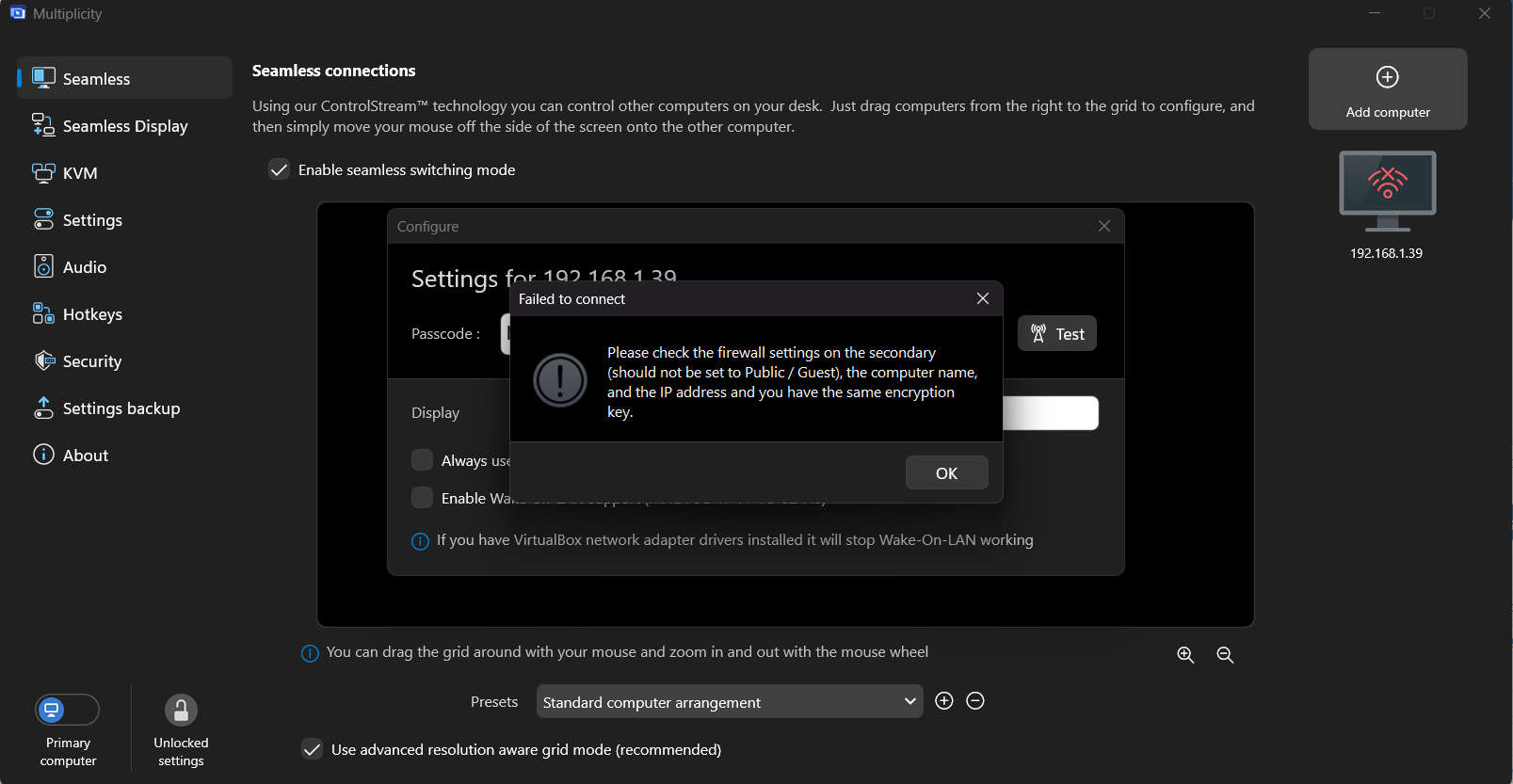
- Try connecting by IP address directly. Rather than relying on hostname discovery, on your desktop open Multiplicity's settings and try adding the laptop by its local IP address. You can find the laptop's IP by running ipconfig in a command prompt.
- Check third-party antivirus/security software. Disabling the Windows Firewall is a good first step, but if you have a third-party antivirus (WebRoot, Malwarebytes, Norton, Bitdefender, etc.), it may have its own network firewall that is still blocking Multiplicity independently. Try temporarily disabling it to test.
- Confirm both are on the same subnet. Even on a home network, if one machine is on Wi-Fi and one on ethernet (or connected to a different router/switch), they may be on different subnets. Run ipconfig on both machines and confirm the first three octets of their IP addresses are identical.
- Restart the Multiplicity service. Open services.msc on both machines, find the Multiplicity service, and restart it. Then try reconnecting.
Please let us know if this helps. If you see any specific error messages or have questions along the way, please let us know.
Thanks again and best regards,
Adam McGuinness
Stardock Support Specialist

 Stardock Forums