Cursor position on different pixel sized monitors

Hello,

I have been trying out multiplicity and have ran into an issue I am looking for a solution to or maybe a feature request.  I have a triple setup outside monitors are 27 inch 1080p middle is 34 inch ultra wide 1440p.  When I transition across center to other monitors the mouse position shifts due to the middle monitor having more pixels.  At the top it transitions exactly the same but spread gets worse lower you go.

The 27 inch monitor screens are same height as the 1440 ultra wide.  Other mouse control software seems to translate the location so it transitions at same point on edge but they have other issues your software doesn't.

It seems the destination monitor position is x+alignment offset where x is vertical pixel position of previous monitor.  Is there a way to have it be x/monitor vertical pixel count = y/new vertical pixel count so it scales and monitors of different resolution/size but have same vertical screen height transition in same position give or take a pixel for rounding?

4,596 views 3 replies
Reply #1 Top

Hello,
I have forward your problem/question to Stardock Support Team for their assistance. Please keep an eye on this thread for any updates. We appreciate your feedback and patience.

Basj,
Stardock Community Assistant

Reply #2 Top

Hello,

Sorry to hear you are having trouble.

I want to be clear that this is a cursor transition issue and not a clicking one (does not actually register the click at the observed cursor location)?

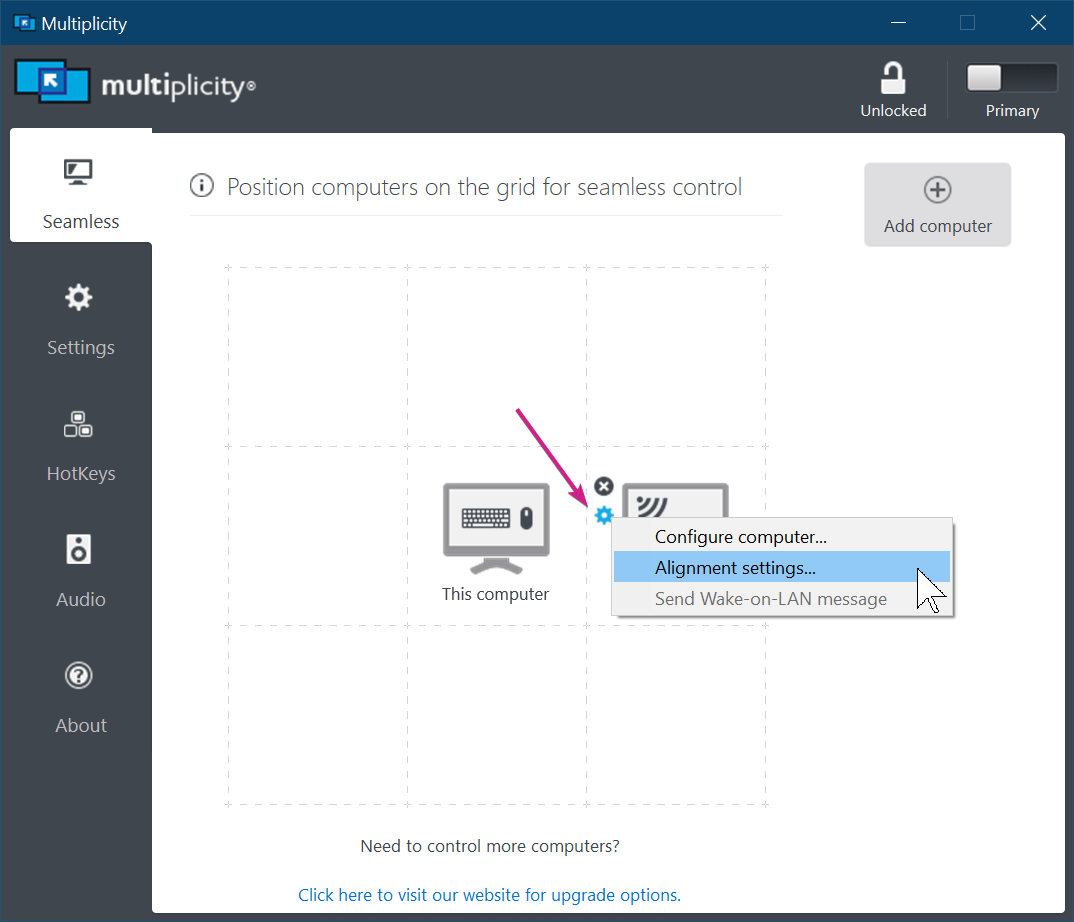
If the former, you can experiment with these options:

Sean Drohan
Stardock Support Manager

Reply #3 Top

It's a transition issue not a click.  Here is what will fix my issue.  If you transition from a monitor 25 percent from the top it should transition to 25 percent down the new monitor.  Right now it works like if you transition at y = pixel 500 it goes to pixel 500 on new monitor.  Your alignment options seem to only offset so it doesn't help me.  It looks like if I put 100 in for vertical and I transition at pixel 500 it lands at pixel 600.  Your software is pretty flawless except for this one issue.

That's why I suggested polling the monitor for it's resolution and then making it percent wise.  It will work exactly the same as it does now if both monitors have same resolution but if 2 monitors have a different resolution but same screen height dimension (can happen with ultra wide vs wide vs old standard monitors) then it can help make the transition happen in same place.

An option to do this would be awesome.  Other mouse sharing software products do this by default and in my situation where a 1440p monitor has same physical height as a 1080p the transitions when monitor is up next to each other is flawless.