Disappearing Fences
from  Stardock Forums
Stardock Forums
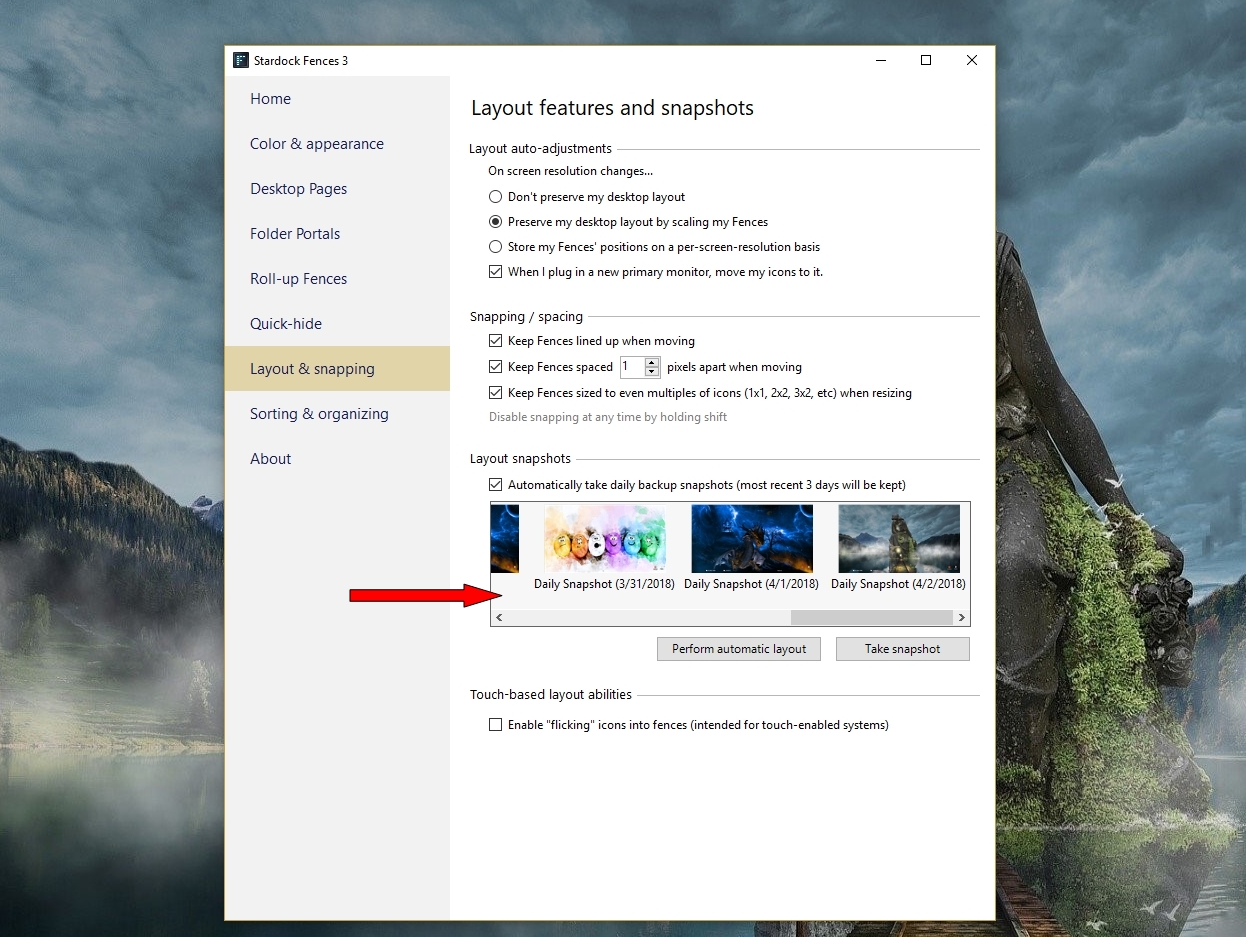
I am using Fences 3. I have Windows 10 Home. I had three fences and two of the three have disappeared. I've used Fences for years and this just recently occurred. I have searched this forum and cannot solve the issue. I have tried
- uninstall / reinstall. I used IObit uninstaller to try to get rid of all files/folders in the hope that I could start over, but it remembered my previous fences, recreated them automatically and the 2 of three are still hidden
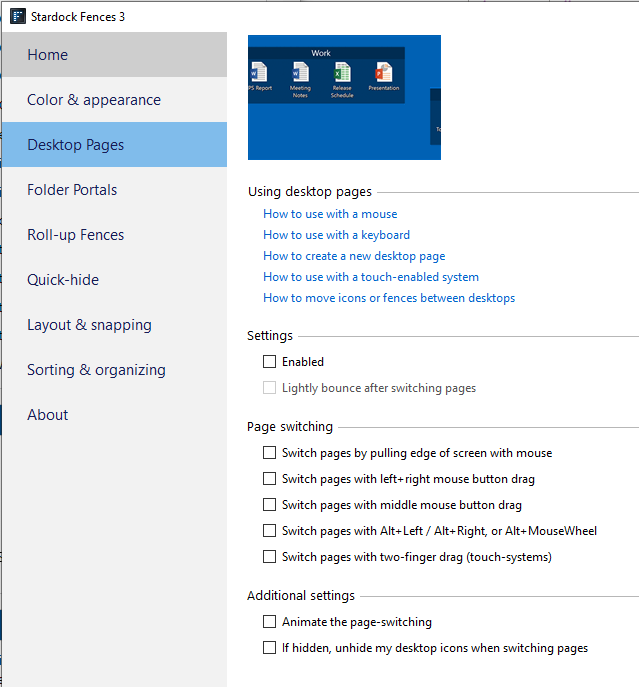
- I ensured quick hide is NOT enabled
- I ensured home -> basic options -> Enable Fences IS enabled
- I only have one monitor
- The folders I have in these two fences are still on my desktop, just hidden somewhere

 WinCustomize Forums