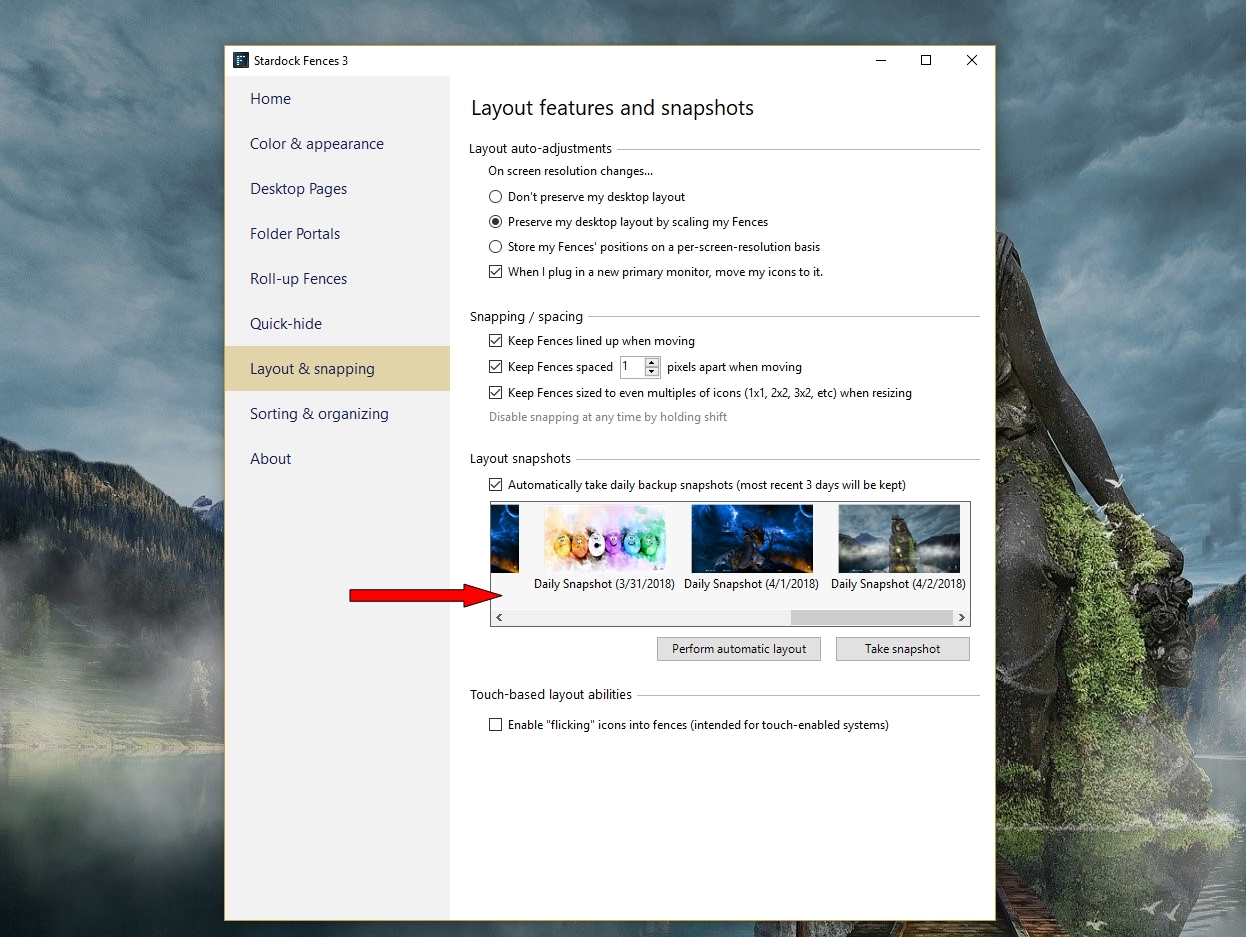
Fences problem populating files and folders into fences

Windows 10 - Fences appear but files and folders won't populate within them

My fences appear on restart/reboot; files and folders are stacked behind and beside my fences; and won't populate to within them. I rebooted computer and restored three previous stored fence configurations. No change. Suggestions?

8,558 views 9 replies
Reply #1 Top

Hello,

Would you do this PURGE: https://forums.stardock.com/486084/fences-support-faq#reinstalling

Reboot and ReInstall the latest version from your account https://store.stardock.com/myaccount/products/

Reboot , test and report back please.


AzDude
Stardock Community Assistant

Reply #2 Top

Thank you for your suggestion. To be sure, when I uninstall Fences Stardock, are my previous recent Fences configurations saved?

Reply #3 Top

Yes , update your Snapshot to be sure first .

Reply #4 Top

I followed your suggestions exactly but same problem. Tried system restore but failed. Said something about antivirus program creating error but I turned off antiviral and malware programs. What next?

Reply #6 Top

Not synching desktop (files/folders) to OneDrive. I had started to synch with DropBox but I paused it; then transferred back all files/folders back to my PC.

I checked the "path" of my desktop and it says: This PC > Desktop. However, when I do a search for a folder, it still appears as: "Users\Ric-Lenovo\Dropbox\My PC (LAPTOP-M0D22OU2)\Desktop)" ... so I'm not sure if this is the problem. And, if it is, how to fix it.

Here is what my screen looks like:

Reply #7 Top

I have the similar issue when I accidentally turn on desktop sync on OneDrive. All my Desktop move to C:\Users\xxxxx\OneDrive\Desktop. Something like what you have on your pc. What I did was cut all those files in there and move it back into : C:\Users\xxxxxxx\Desktop. Once that is done. You can try use the Fences layout restore. Some might move back. But some, you will still need to move it manually back into its own Fences.

Thank you,

Basj,
Stardock Community Assistant

Reply #8 Top

Not synched with onedrive but was synched with dropbox. Moved files back to PC and off dropbox and problem solved. thank you.

Reply #9 Top

Great, glad it work.

Thank you,

Basj,
Stardock Community Assistant