Screen goes to black background on refresh

Black blocks appear when screen clicked

My screen regularly goes to partial/full black

Refresh goes to full black, a restart is required to fix

Also, have had restarts where just a few fences are correctly built, most would be empty and the missing icons would be stacked in a single desktop space

To correct, all the stack icons had to be dragged back to their respective fences

These issues are making the product unusable, please advise how to correct

Note: have checked for upgrades & looks as though using latest version: 3.0.9.11
 

7,338 views 7 replies
Reply #1 Top

Hello,
Sorry to hear you are having issues. Need to know more information on your system.

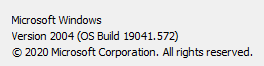
  1. Windows full version numbers. Please use Winver.exe for full version numbers.
  2. Name of Antivirus and Security software installed.
  3. Is the system also have issue if you press Win+D?
  4. Does you wallpaper comeback if you restart Explorer.exe? Use taskmanager to restart it.

Thanks
Basj,
Stardock Community Assistant.

Reply #2 Top

1. Windows 10

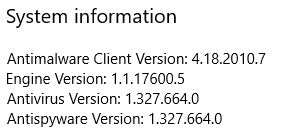
2. Windows security


3. I have 3 displays, all Fences are main display only

When I Win+D either no change or the other 2 displays go to black background, the main display doesn't change.

Cannot see why the result changes

4. Windows explorer restart:

the 3 displays go to black then [within 5 seconds] the wallpaper [plain colour] returns to all screens

Thanks & regards


Reply #4 Top

Hi

seem to have resolved the problem by not using Opacity

I've set all my fences to 100% and it seems to have cleared ethe problem

Will retest with a cleanboot as well

thanks for your contribution, much appreciated

Reply #5 Top

Hello,

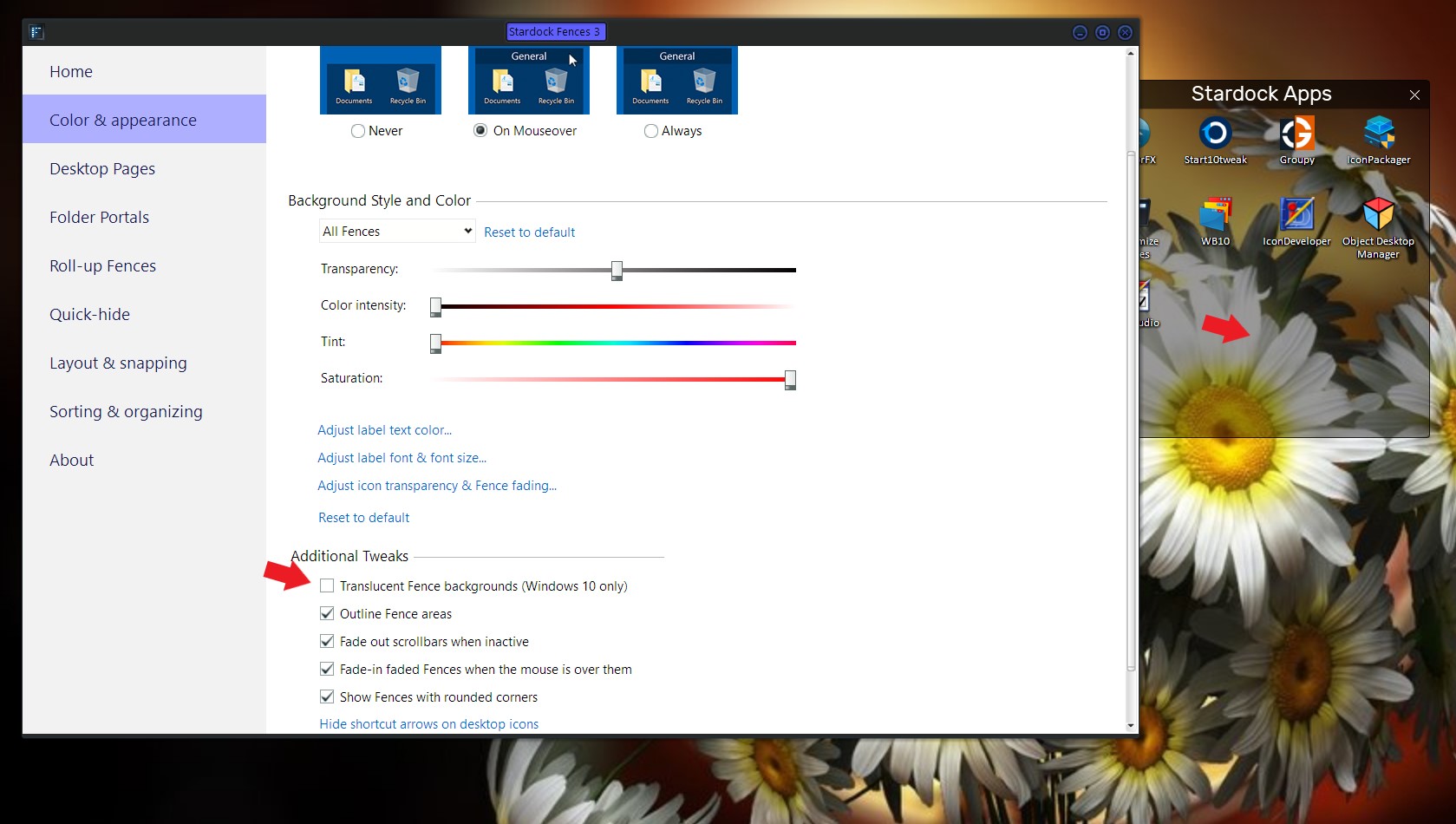
Just curious, are using Wallpaper Engine or something similar any program that manage your wallpaper. I remembered Wallpaper Engine user have similar issue and they needed to disable the "Translucent Fence backgrounds" option to resolved it.

Thank you,

Basj,
Stardock Community Assistant

Reply #6 Top

Hi, not using anything outside:

  settings / personalize / background / solid colour / background color [ NOT custom]

Thanks

& regards

Reply #7 Top

Ok, let us know what your finding on the Cleanboot steps.

Thank you,

Basj,
Stardock Community Assistant