Fence Icons disappeared when dragging file from one screen to another
from  Stardock Forums
Stardock Forums
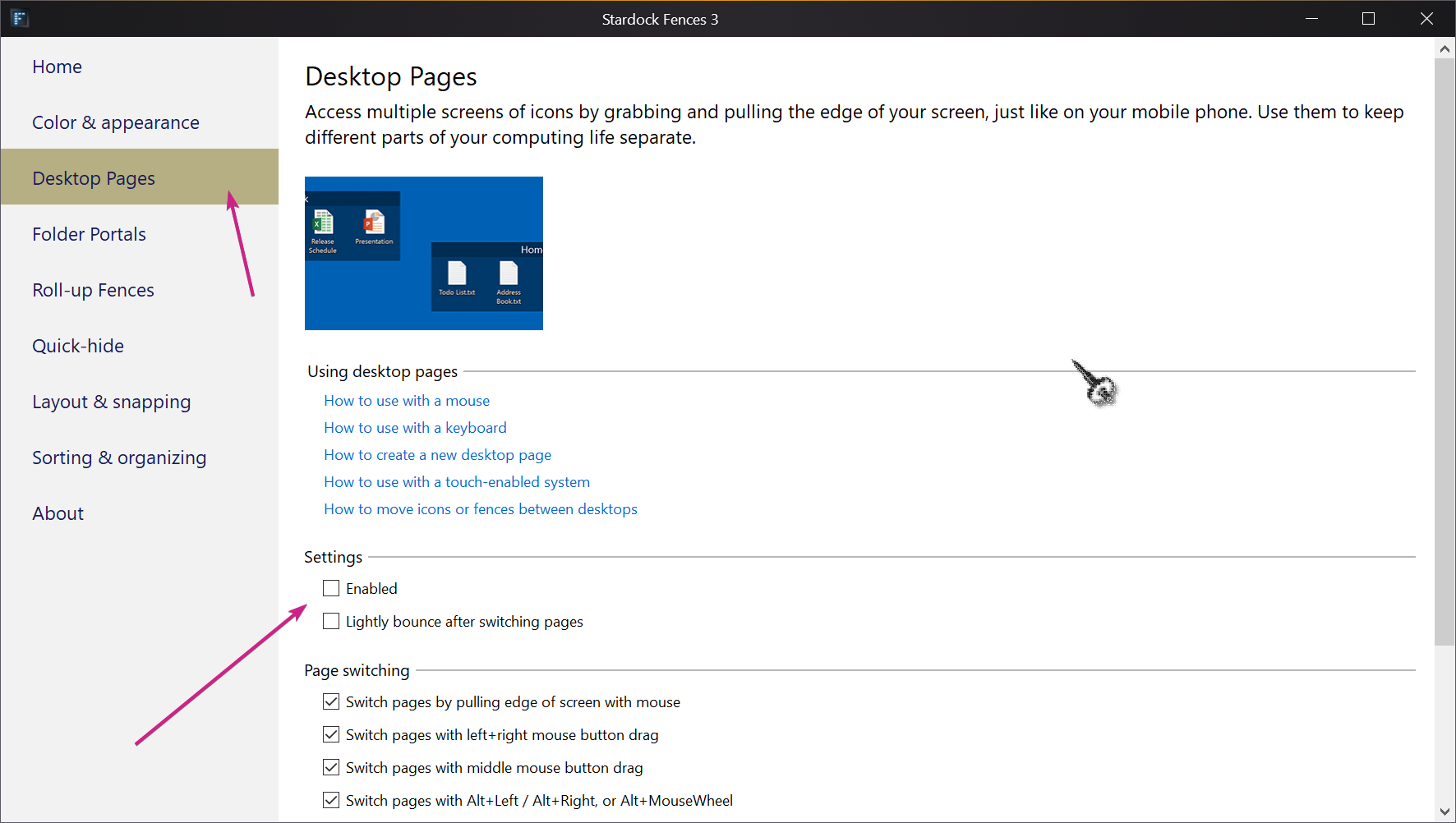
I have an all-in-one computer with a slave 2nd screen. I had a file saved on the slaved screen and attempted to drag it to the computer screen to a fence. It didn't seem to move, then all of a sudden it did, but ALL the fences on my main computer screen vanished. Anyone know how to find out where they went and how to get them back (this is not a double-click and they became invisible issue). This happened once before and it seemed they went into a virtual spot off screen to the right (like if I had a third monitor there, I'd find them). Can't believe I'm the only one this happens to.