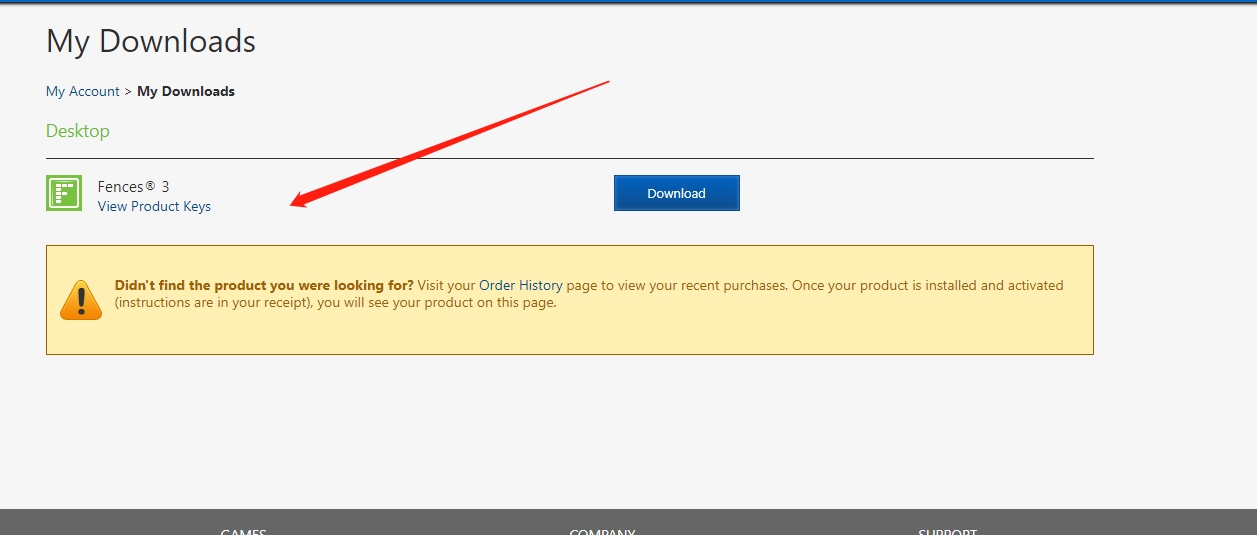
View Product Keys
from  Stardock Forums
Stardock Forums

Hello,
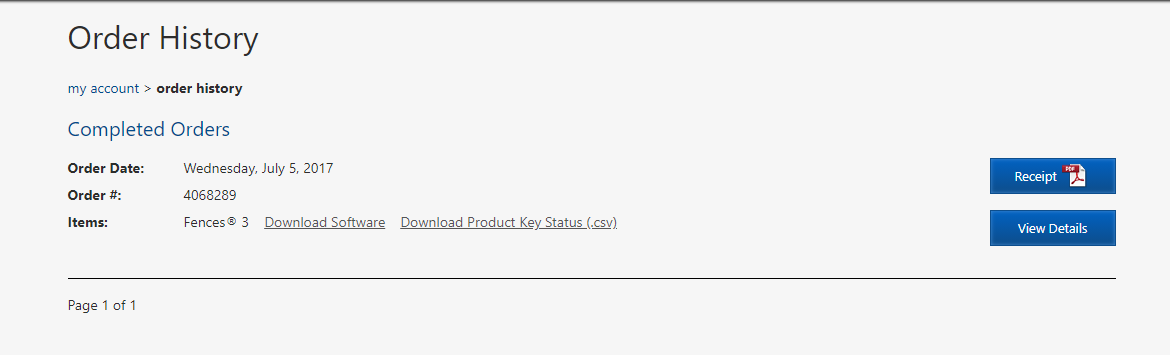
Sorry to hear you are having issues. Please use this guide to get to your product and keys : Make sure to enter the correct email address, specially if you use paypal or alipay make sure to use the email that link to that account.
https://forums.stardock.com/484254/getting-your-products-and-keys
Let us know if you still need our assistance. Please also tell us more details on your issue.
Thank you,
Basj,
Stardock Community Assistant

If I understand you correctly... please use the below method to deactivate old activation. https://forums.stardock.com/486311/accounts-and-activation-support-faq#deactivateproduct
Thank you,
Basj,
Stardock Community Assistant
Hello,
Please press the "View Product Keys" to see the "manage button".

Thank you,
Basj,
Stardock Community Assistant
Hello,
I have forward your problem/question to Stardock Support Team for their assistance. Please keep an eye on this thread for any updates. We appreciate your feedback and patience.
Basj,
Stardock Community Assistant
I checked and it is there on your account. Try opening up an incognito \ in-private window and trying to get around whatever is suppressing it.
Sean Drohan
Stardock Support Manager
Welcome Guest! Please take the time to register with us.
Select a reason for giving karma:
You're about to visit an external site:
Sign up here to get the latest news, updates, and special offers delivered directly to your inbox.