Taskbar flashes
Fences Steam ver.
from  Stardock Forums
Stardock Forums

Fences Steam ver.
Stardock Forums
Hello,
Sorry to hear you are having issues. Would like to know more.
1) Windows version. Please use Winver.exe for full Windows version numbers.
2) Fences version.
3) Do you have WallpaperEngine or anything similar running in the background?
4) Monitor/s, single, dual or more monitors. Resolutions, scaling applied and connection type on each.
5) Is the issue new, after Windows or any other software update and was okay before?
Thanks.
Basj,
Stardock Community Assistant.
Let's see:
1-
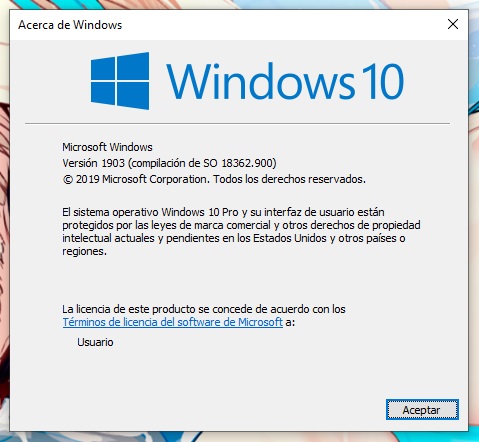
2-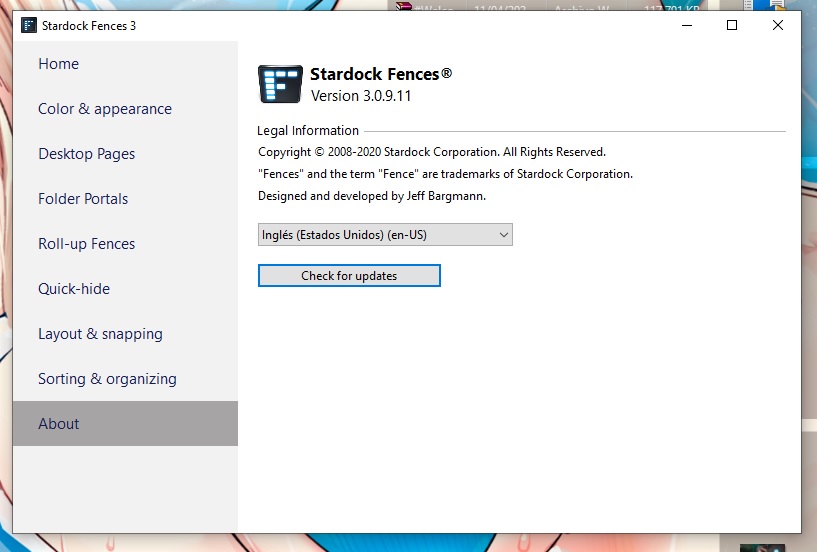
3- No, there's no software running in the background...
4- My monitor is a single Samsung b2030n, kinda oldie VGA lcd as you can see: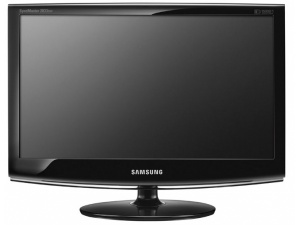
It's connected to my pc via VGA cable and an HDMI adapter to my video card (cause mi video card only have HDMI output)
16:9 1600x900 native resolution, it's my current res btw
5- I bought Fences a few hours ago, so there was no change in the PC, and it is the first time that I activate it on this pc.
Thank u!

1) Is there any reasons you're not updating to the latest Windows 10 ie V1909? Latest Fences version should run better with recent Windows versions.
2) Try disable the "Translucent Fence Background" option and see if it helps.
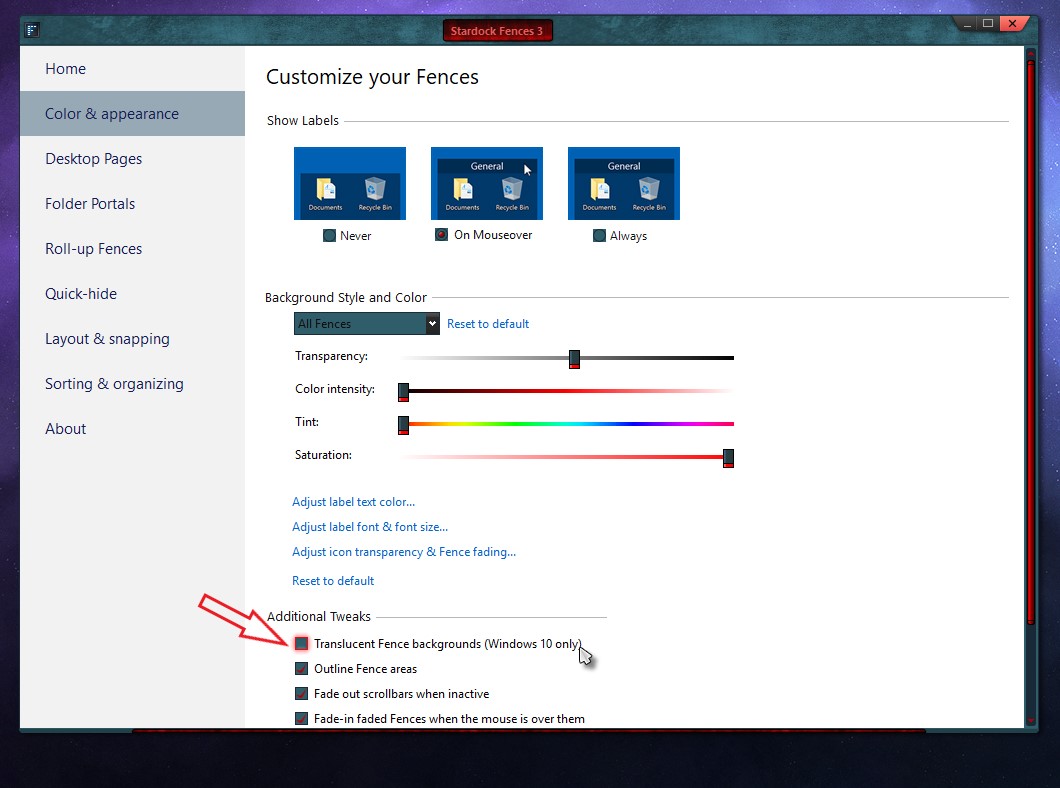
3) Anyway for you to test running with HDMI monitor just to see if that is the issue here.
Try those and report back.
Thank you,
Basj,
Stardock Community Assistant
1- Windows Update tells me that everything is up to date, it only indicates that the update to the 2004 version will be available for me soon. Nothing about the version 1909 (I tried looking for updates)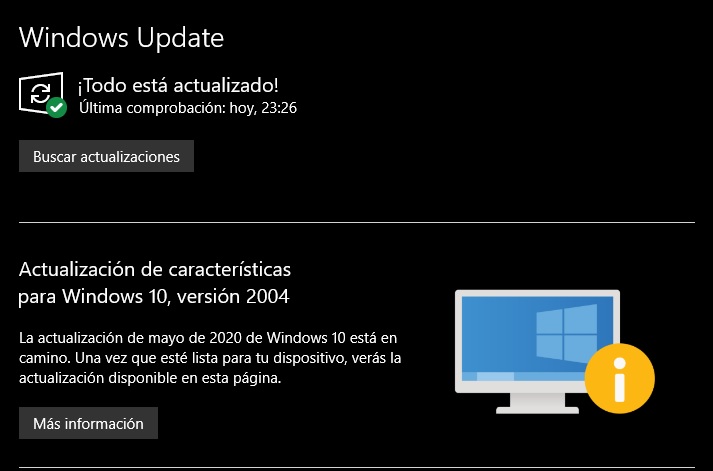
my system is in spanish, sorry
2- That option was already disabled, enabling it doesn't help either :c
3- I tried with an HDMI monitor that I have on another pc, and the problem persists 
Please try purge and reinstall steps as mentioned here : https://forums.stardock.com/486084/fences-support-faq#reinstalling. Just follow the guide for Steam version. Reboot after the purged. Reinstall, and Reboot again after the installation. Retest it. Report back here.
Thank you,
Basj,
Stardock Community Assistant
Well, it seems to be fixed! 
 For now at least.
Thank you so much! Love the software, and Groupy too (got the bundle).
Awesome support haha
Great, glad it get fixed.
Thank you,
Basj,
Stardock Community Assistant
Welcome Guest! Please take the time to register with us.
Select a reason for giving karma:
You're about to visit an external site:
Sign up here to get the latest news, updates, and special offers delivered directly to your inbox.
