Recently used applications not ahowing

Hi there,


I have been using Start10 for quite a while now and in the last month or so the recently used applications stop showing.

I can see the pinned items and expand all programs, but the menu remains empty otherwise.


OS: Windows 10 Enterprise Version 1809 OS build 17763.1192

Start10:: Version 1.9

.Start10 Missing Recent Programs


Thanks,

V.


5,363 views 10 replies
Reply #1 Top

Hello,
Sorry to hear you are having issues. If the Startmenu recent used program list empty. You might just accidentally turn off "The Recent items and frequent places" here a link where show us the step to turn it on or off.

https://www.tenforums.com/tutorials/3469-turn-off-recent-items-frequent-places-windows-10-a.html

Try it and report back.

Thank you,

Basj
Stardock Community Assistant.

Reply #2 Top

Hi Basj,


Thanks for the link.


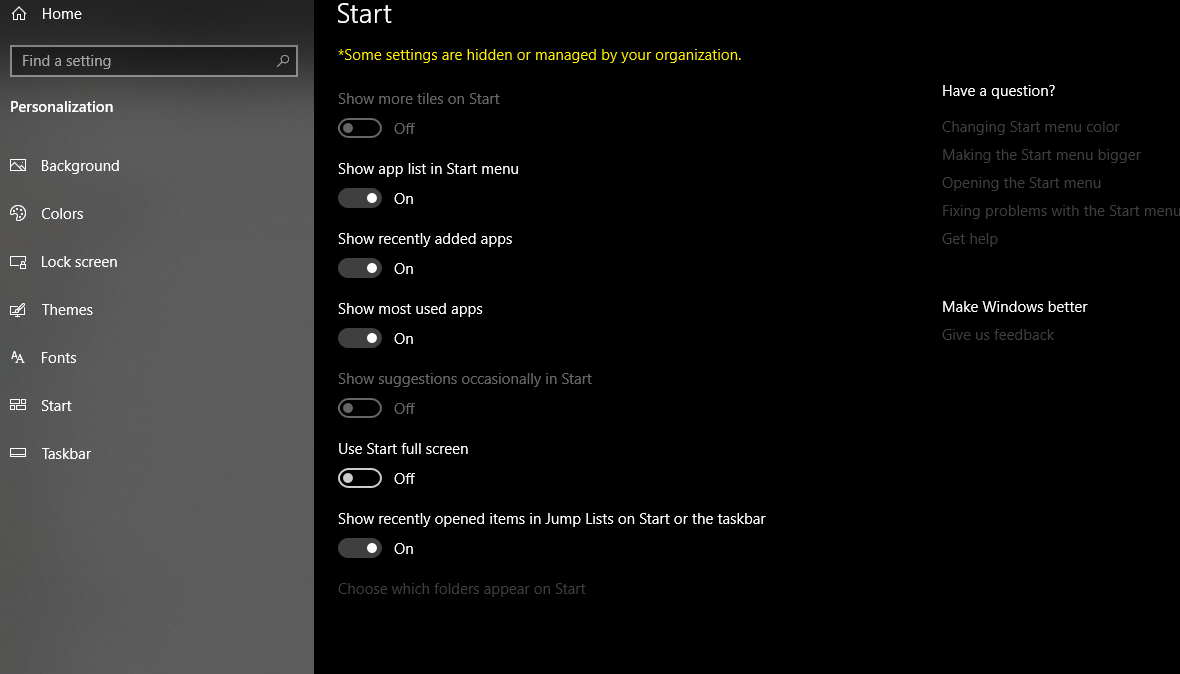
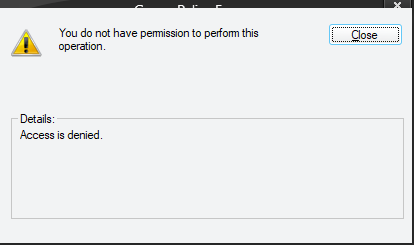
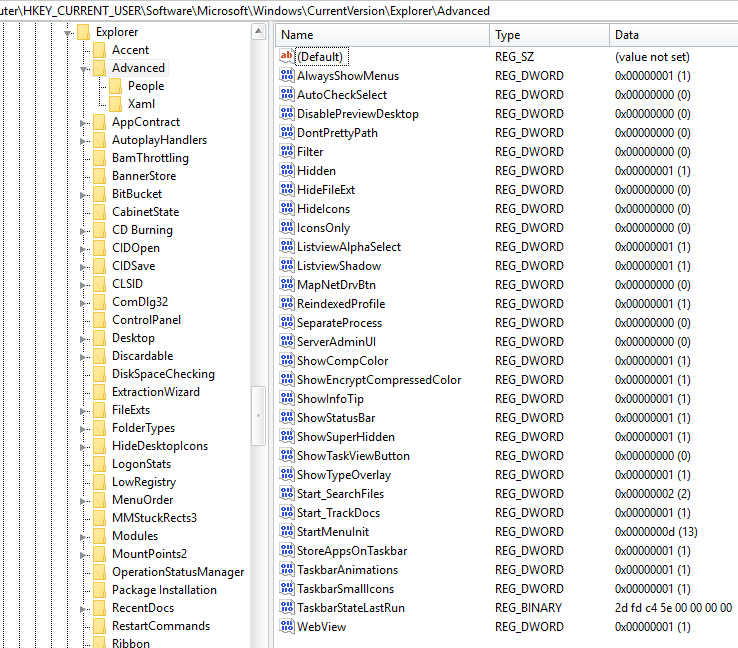
However I cannot perform the first option, it does not appear on my machine.

The third option is disabled (corporate machine).

The second option worked and has been implemented.

However the issue still remains.

Thanks

V.


Reply #3 Top

My guess is to update your machine to the latest Windows 10 versions. or try to see if there is corrupt system files.

Please try the following:

-For Win8/10 Users: Open the Start Screen, and type 'cmd'. Right-click on the search result and select 'Run as administrator' from below.

-Type: sfc /scannow

-Wait for the scan to complete (this can take several minutes)

Some help on how this looks should you need it:

https://support.microsoft.com/en-us/help/929833/use-the-system-file-checker-tool-to-repair-missing-or-corrupted-system

If the SFC finds errors, but cannot fix them, please also run the following command in the same command prompt window:

dism.exe /online /Cleanup-Image /RestoreHealth

Some help on how this looks should you need it:

https://www.windowscentral.com/how-use-dism-command-line-utility-repair-windows-10-image

The above command should assist with replacing any damaged or problematic system files. Please note, however, since it may require restoring certain files, this process can take some time and you will need to be patient until it has completed.

Please let me know whether this resolves your problem or if you have any additional questions.

Thank you,

Basj
Stardock Community Assistant.


Reply #4 Top

I have a similar problem.  I just installed Start 10 and it showed my most used apps.  Then, for some unknown reason, it now shows the most UNUSED apps!  Any ideas why?

Reply #5 Top

Quoting dpeddicord2, reply 4

I have a similar problem.  I just installed Start 10 and it showed my most used apps.  Then, for some unknown reason, it now shows the most UNUSED apps!  Any ideas why?
End of dpeddicord2's quote

Not really sure what happened there. Maybe you can try to turn off, reboot and turn it back on "The Recent items and frequent places".

Thank you,

Basj
Stardock Community Assistant.

Reply #6 Top

Thanks Basj


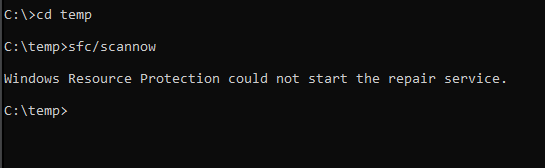
I could not get sfc to run.


I have turned off and on again the "Recent items and frequent places" and rebooted, but still not working.


Thanks,

Vincent.


Reply #7 Top

Quoting dpeddicord2, reply 4

I have a similar problem.  I just installed Start 10 and it showed my most used apps.  Then, for some unknown reason, it now shows the most UNUSED apps!  Any ideas why?
End of dpeddicord2's quote

The list is handled by the OS itself based on usage so I would assume something odd has happened to that tracking data.

Some privacy tools clear the list regularly which obviously stops it being useful.  Are you running something which might impact that?

Reply #8 Top

Hmmm....not sure about the privacy tools.  Will check it out.  Thanks to all for the tips and suggestions!

Reply #9 Top

Thanks for the suggestion I'll have a look.

Where does windows store this information normally?