Hello,
Not really sure how, but I do think it is possible. Looking at this
Basj,
Stardock Community Assistant.
End of basj's quote
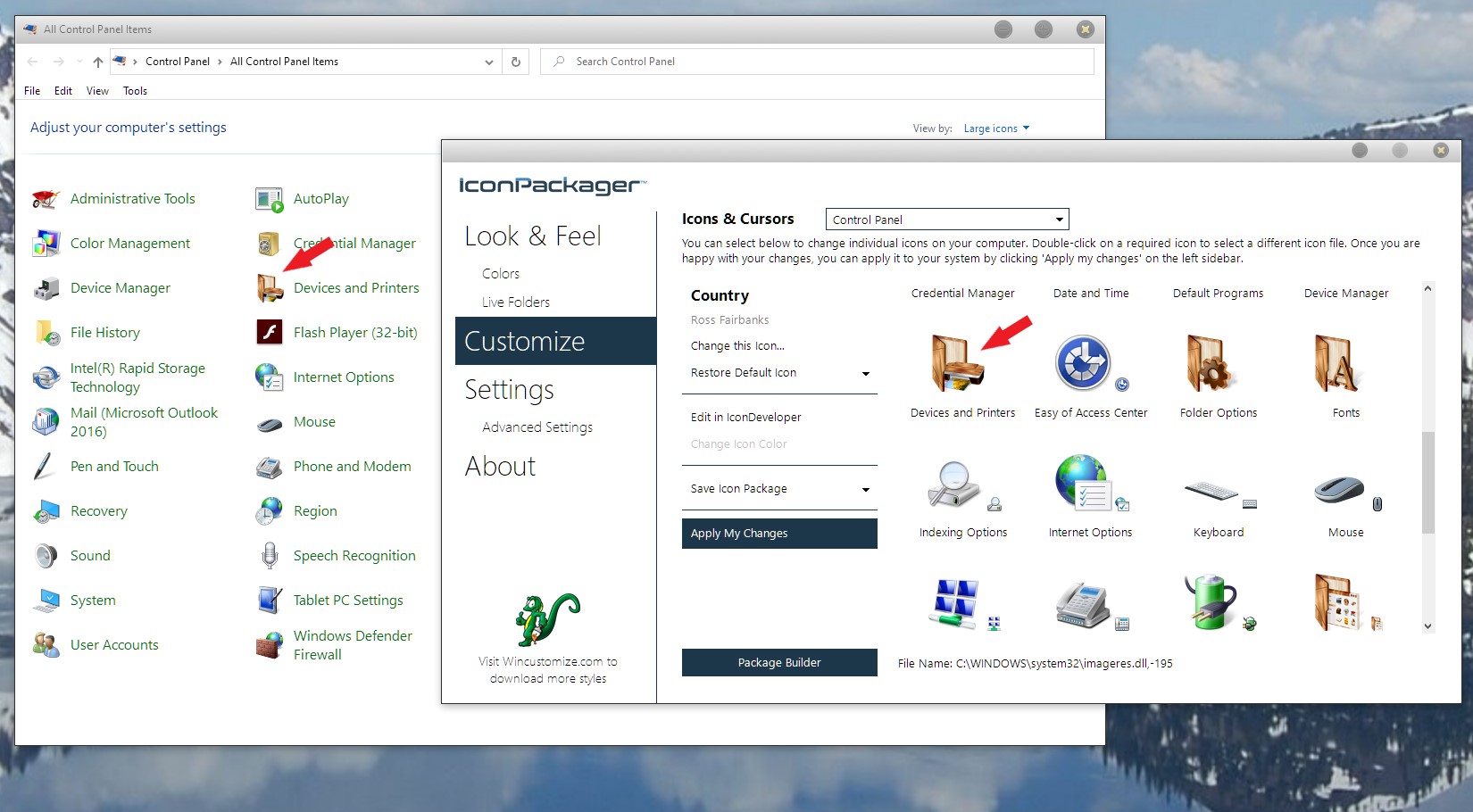
Thanks, Basj! Yes, I see the Control Panel drop-down option, but it only allows for changing that "Devices and Printers" Icon and not the icons which are inside or viewable by clicking Control Panel\All Control Panel Items\Devices and Printers.

(Sorry, but I think since I am on an ultrawide monitor my screenshots are always truncated with the main image in a corner and the rest of what should be the screen/desktop just black, so I took a picture of it).
As you can see, the icons under Devices and Printers are unchanged and I can find no other way of changing the iPhone icon.
In the great scheme of things, I guess it's not that important except to my OC(D) side, but if there is a way to do so through IP which I have not found and someone could tell me, or of incorporating it into an update or new release, that'd be perfect. You'd be surprised (or maybe not since everyone uses their phones so much) at how many people I found who are trying to accomplish this same thing. There is a tutorial here on how to do it manually, but it's just overly 'much' ESPECIALLY since the tutorial only covers the process of incorporating the icon and not the various steps required to make the icon acceptable to the program used to import it.

 Stardock Forums