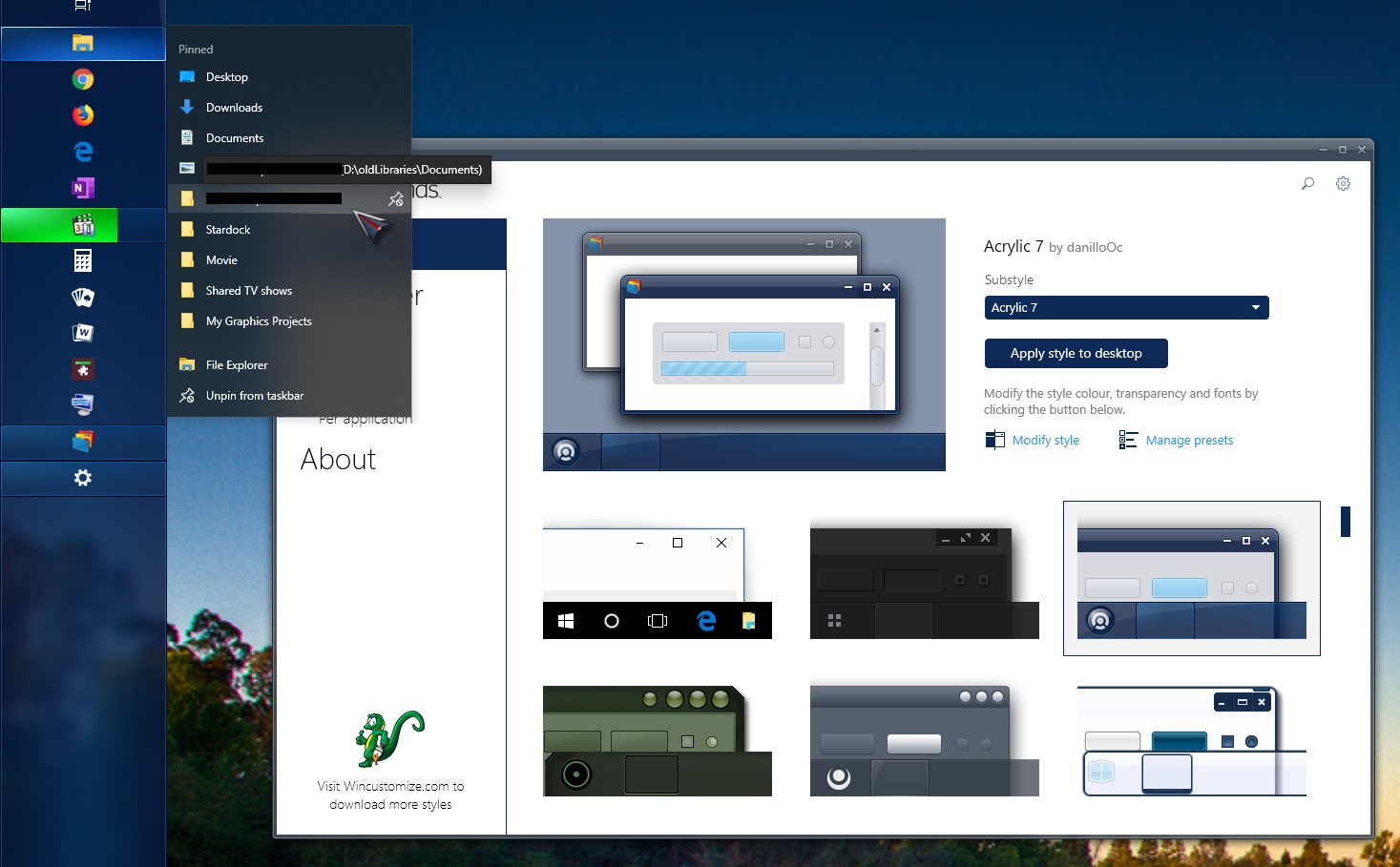
Missing context in the context bar

A fresh install also didnt work!

https://imagizer.imageshack.com/img924/4290/6xqYow.png

Hello guys, i have this little issue when i right click taskbar icons, there seems to be no context in the context menu, something to do with font i dare say cause when i hover i get the help menu and the icon is there, i have already tried a fresh install of my purchased copy, i have tried updating, using older versions and have tried various themes. There is definitely a glitch. Everything else works seamlessly

https://imagizer.imageshack.com/img924/4290/6xqYow.png


5,001 views 6 replies
Reply #1 Top

Hello,
Sorry to hear you are having issues. Please make a screenshot using the default theme that come with Windowblinds such as Corporate or Acrylic 7.

And need more information.

1) Windows version. Please use Winver.exe for full version numbers.

2) Windowblinds versions.

3) If Windows 10 V1903, you are using Dark or Light Windows theme? (Setting->Colors->Choose your color)

Thanks


Basj,
Stardock Community Assistant.

Reply #3 Top

Hello,

I would like to suggest for you to update your Windows 10 to V1903. Here is what I get from my pc. Its on dark Windows theme.

Thank You,
Basj
Stardock Community Assistant.

Reply #4 Top

not interested in updating, few of my old programs wont work on newer version, context worked for a week then stopped has nothing to with version of windows i am using


Reply #6 Top

Regardless of if the issue is or is not related to your Windows version, you should be aware that unless your version of Windows was Enterprise or Education your version is now considered end of life as of April 9th 2019.  This may have consequences for security updates!