



Fence at the bottom of Desktop won't roll UP when I clicked
Roll up Problems
from  Stardock Forums
Stardock Forums
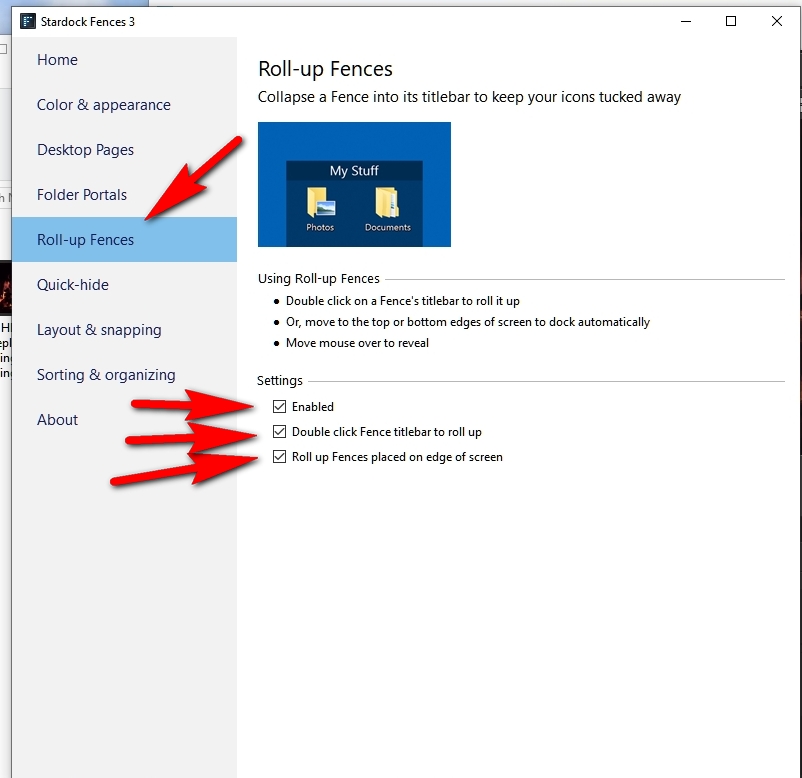
I have a Fence right at the bottom of the Desktop (the bottom of the Fence title touches the top of the Taskbar) and I cannot get the contents of the Fence (shortcuts) to roll UP. And, then, roll back DOWN into the title bar when I'm done using that Fence. Please explain how to make that Fence behave that way. I've done that before but cannot remember the exact steps. Thank you!

 WinCustomize Forums