Using Launch with Start10...

I have both Launch 10 and Launch installed, however I can only see the Launch toolbar with the default Windows key being used to show Start menu, since I have Start10, I have to hold cntrl when I press the windows button to do this. Is this really the only way to see the shortcut toolbar? I looked around in the settings but there was very little there and nothing stood out.


Thanks in advance

Acps

5,574 views 10 replies
Reply #1 Top

Hello,

I have forwarded your problem to Stardock Support team for their assistance. Please keep an eye on this thread for any updates. We appreciate your feedback and patience.


Basj

Stardock Community Assistant.

Reply #2 Top

Same here.  I really bought Object Desktop only for Launch, but it only shows up when I have the windows key held down.  I've tried installing it with Start10 and standalone.  Neither makes a difference.  

Reply #3 Top

Quoting gkempeni, reply 2

Same here.  I really bought Object Desktop only for Launch, but it only shows up when I have the windows key held down.  I've tried installing it with Start10 and standalone.  Neither makes a difference.  
End of gkempeni's quote

Launch is not broke - it's still working as designed...

Launch was designed with Win8's Tile desktop in mind as it was the default view of it.  Win10 has all but abandoned that with 'Tablet mode' being the exception and where you will see Launch still functioning as expected.

----------------
Sean Drohan
Stardock Customer Service Manager

Reply #4 Top

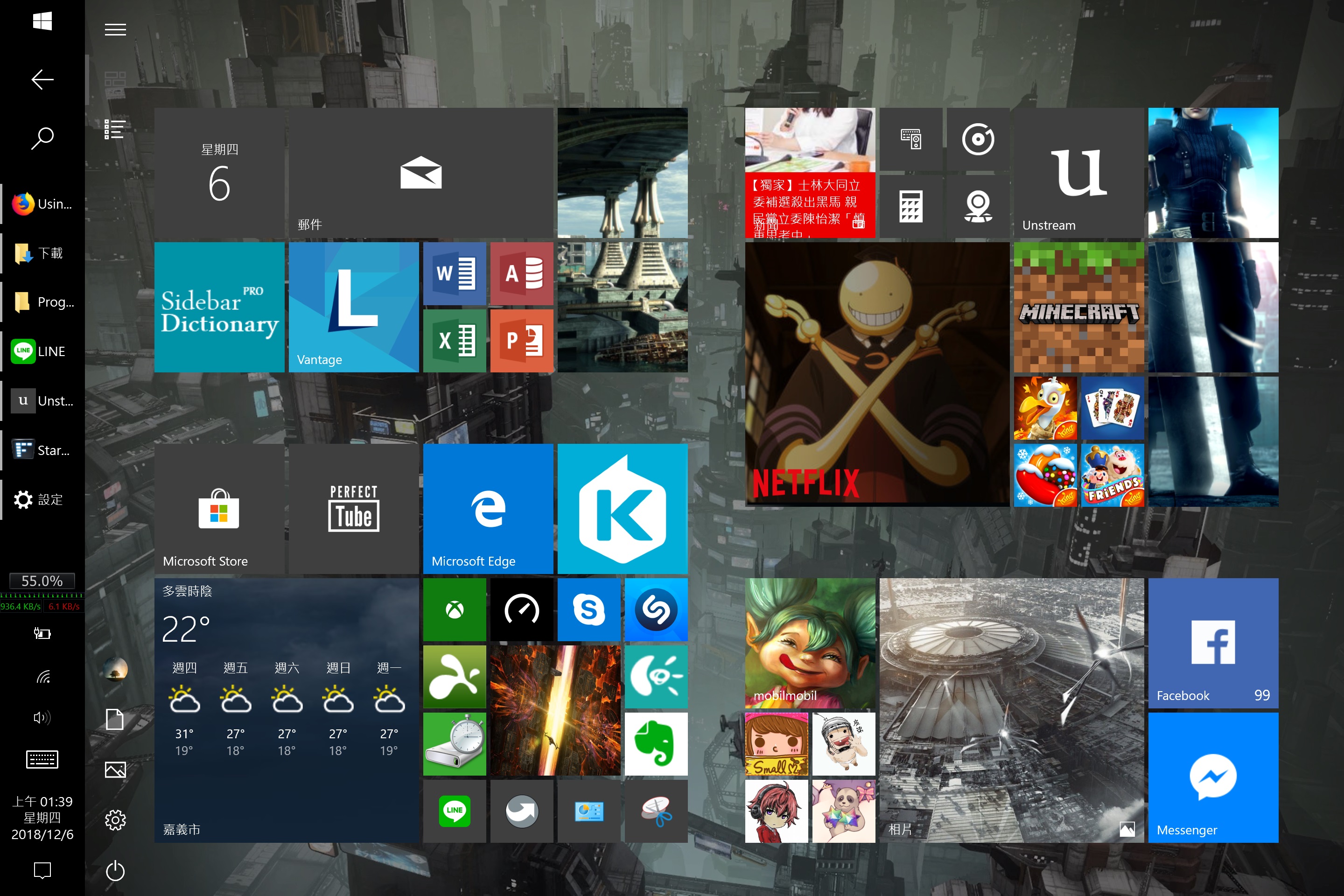
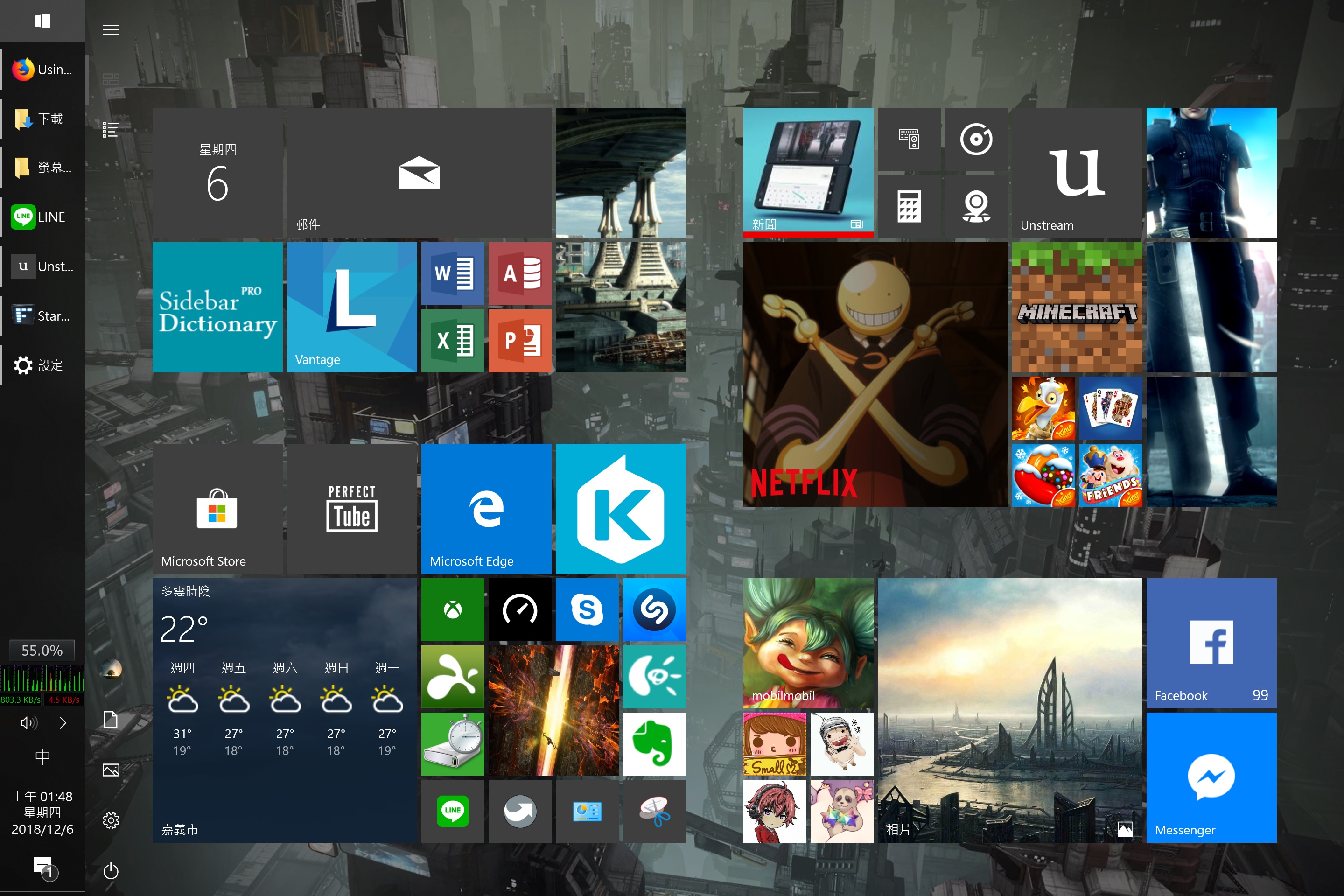
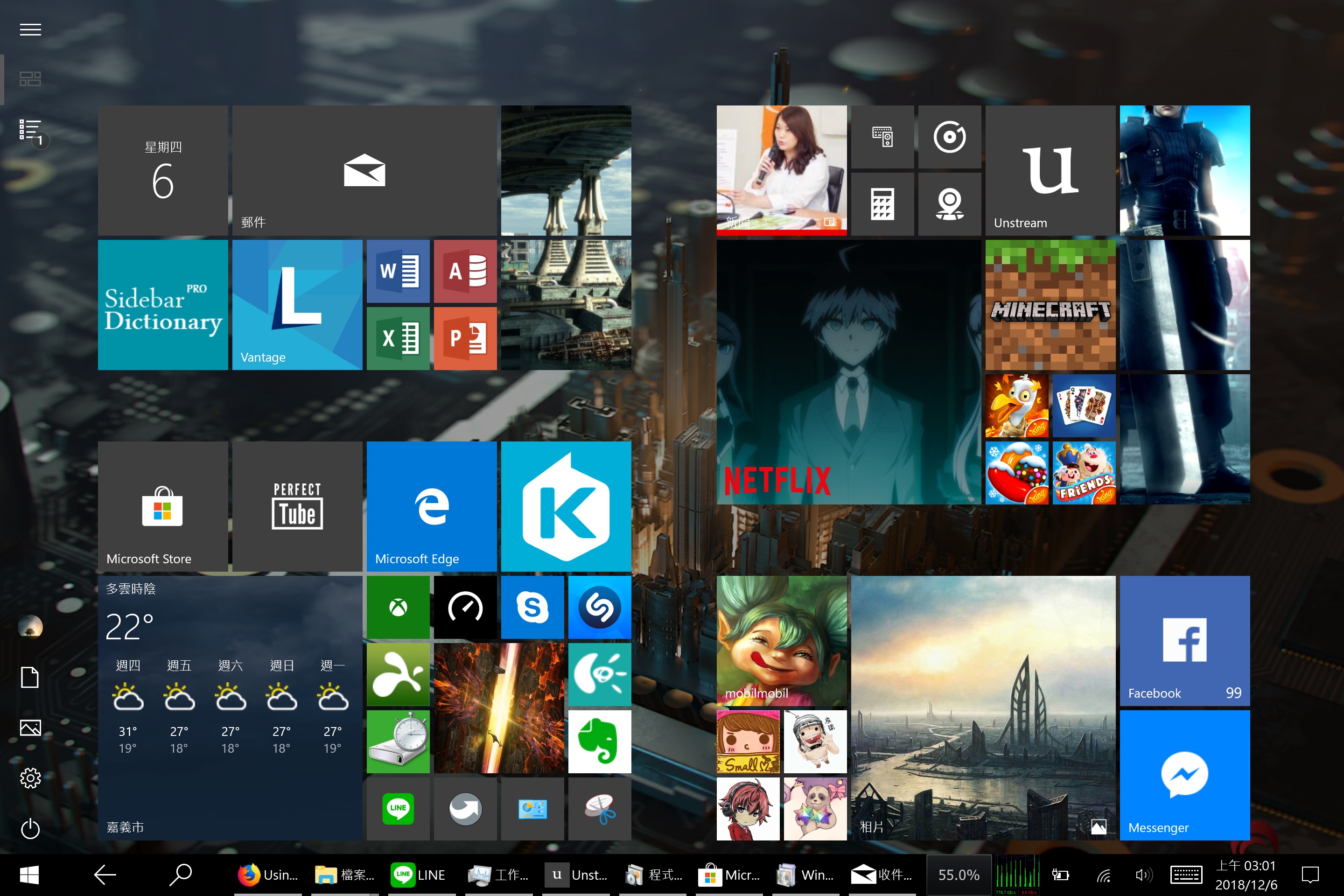
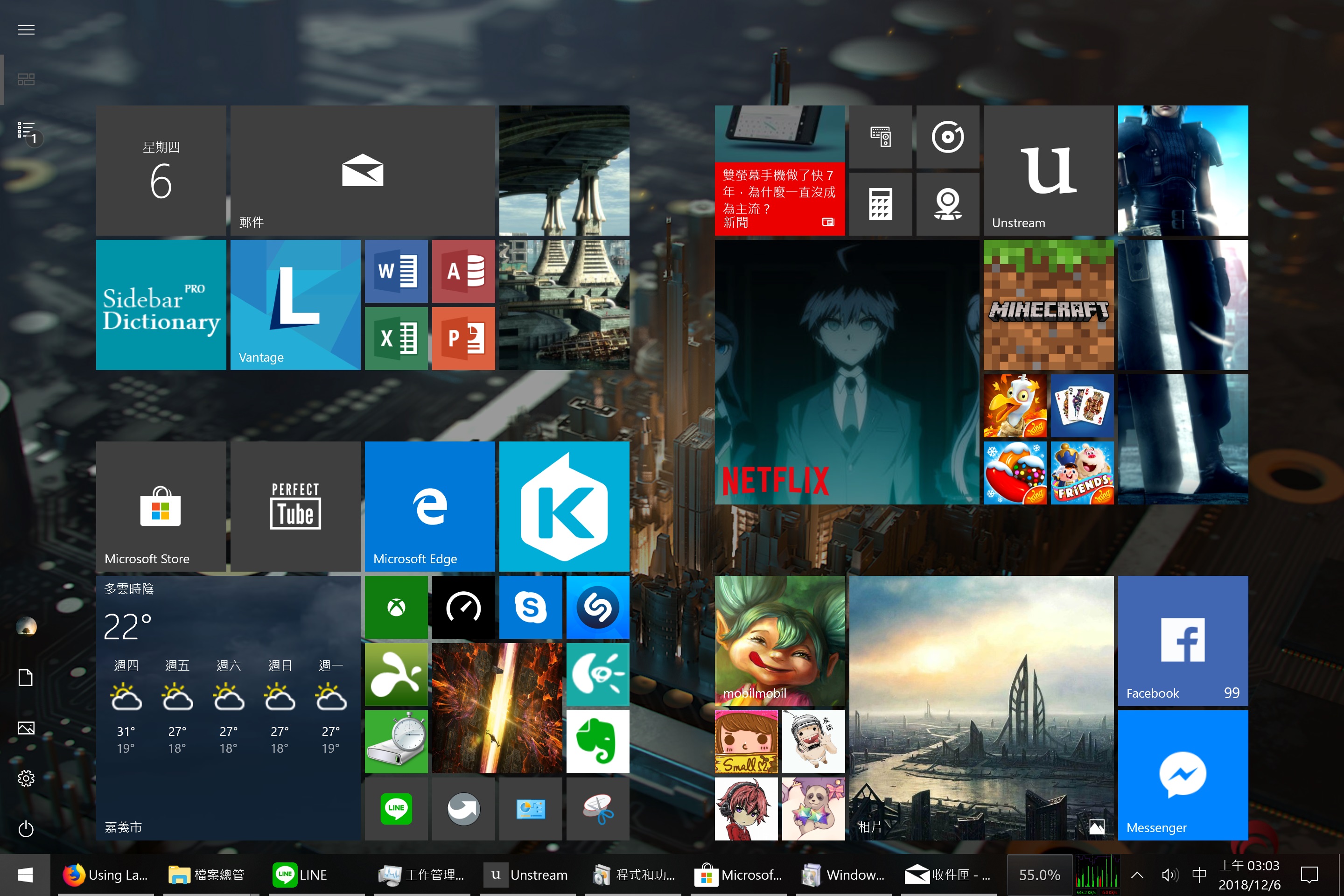
I have Launch installed.however I can't see any Launch toolbar with 'Tablet mode' or 'Desktop mode.Tablet mode'Desktop mode

Reply #5 Top

Quoting r2670838, reply 4

I have Launch installed.however I can't see any Launch toolbar with 'Tablet mode' or 'Desktop mode.
End of r2670838's quote

Does it if you have the taskbar in its default location?

----------------
Sean Drohan
Stardock Customer Service Manager

Reply #7 Top

What version of Windows (insider build?)?

----------------
Sean Drohan
Stardock Customer Service Manager

Reply #8 Top

There does appear to be an issue, that to see Launch, you need to use the Windows start menu.  

It has been bugged internally.

----------------
Sean Drohan
Stardock Customer Service Manager

Reply #9 Top

Quoting sdRohan, reply 7

What version of Windows (insider build?)?

----------------
Sean Drohan
Stardock Customer Service Manager
End of sdRohan's quote

1809

17763.134


Reply #10 Top

Quoting sdRohan, reply 8

There does appear to be an issue, that to see Launch, you need to use the Windows start menu.  

It has been bugged internally.

----------------
Sean Drohan
Stardock Customer Service Manager
End of sdRohan's quote

I have used the original Windows start menu