Fences disappear

I have two monitors  on a Surface Pro tablet on Windows 10.  I have three fences that came up on the tablet.  When I tried to move one of the fences from the tablet to a monitor, it disappeared.  It periodically reappears and the other two disappear.  
6,969 views 8 replies
Reply #1 Top

Hello,

Sorry to hear you are having issues. I think you just sent those other fences to another desktop pages.


Basj,

Stardock Community Assistant.

Reply #3 Top

Hello,

Sorry to hear you are having issues.

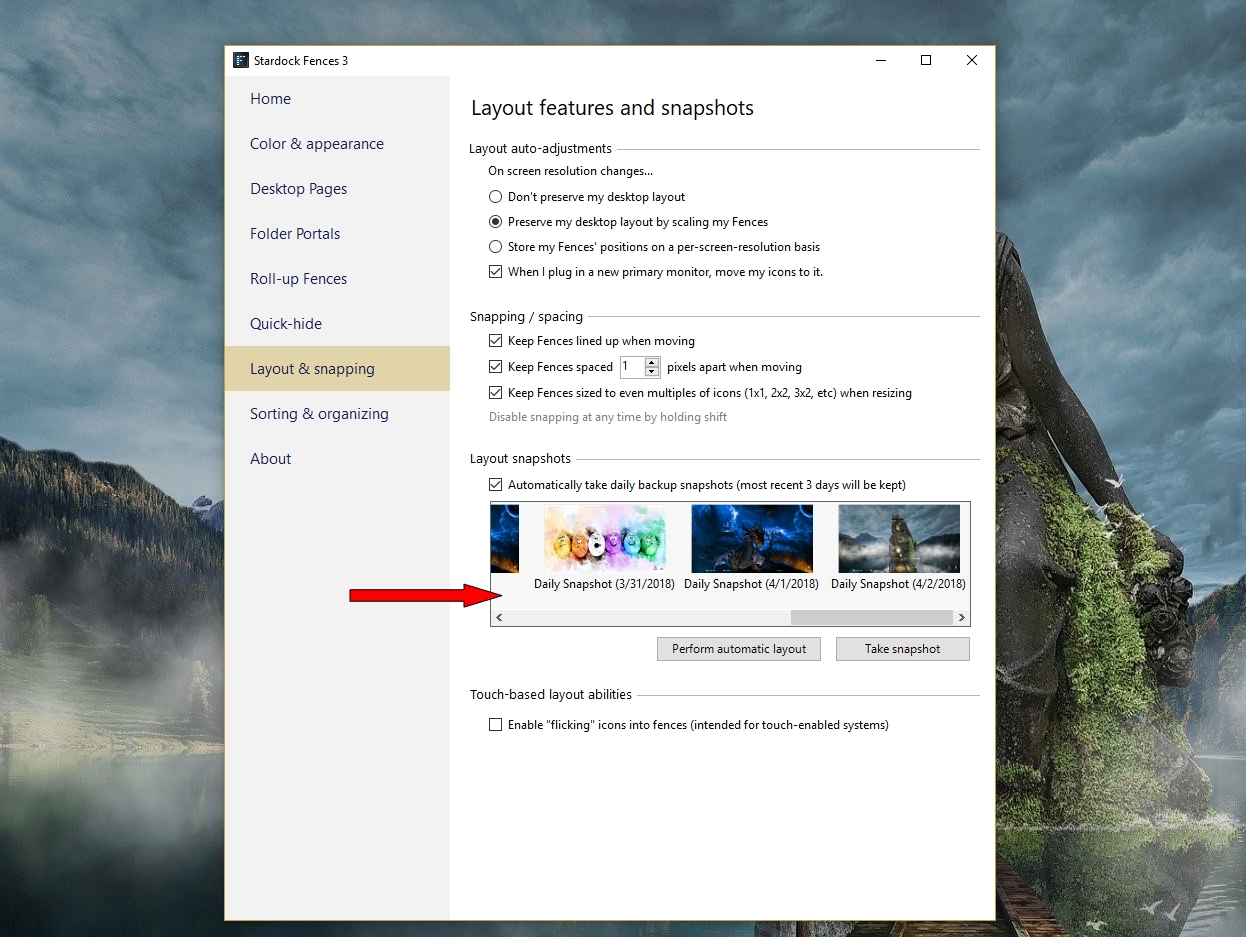
did you try Snapshot to restore it ?


AzDude
Stardock Community Assistant

Reply #4 Top

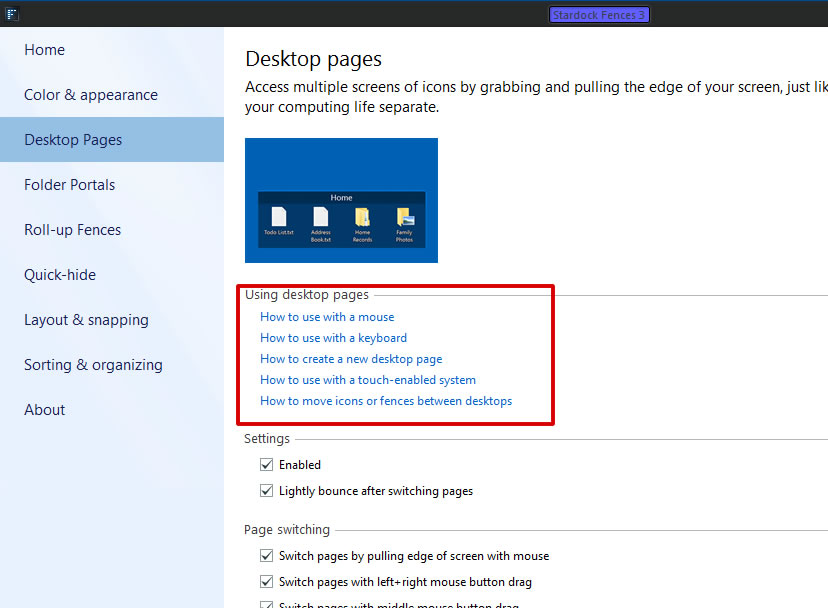
The simplest way is just disable the desktop pages. (untick that enable box, shown in the Screen-grab above) That will bring back all the fences into just one Desktop page. or you can try Switch the desktop pages. By using the keyboard. Press "Alt"+"right" or "left" key

Thank you,


Basj,

Stardock Community Assistant

Reply #5 Top

Yes thank you.  The Snap shot only goes back to the 2nd and I lost is before that. It reappears periodically and the other two Fences disappear, so it is residing somewhere.

Reply #6 Top

I am having the same problem: I have two monitors  on a Surface Pro tablet on Windows 10.  I have three fences that came up on the tablet.  When I tried to move fence one from the tablet to a monitor, it disappeared, but fences two and three remained. Periodically fence one reappears and two and three disappear.  The fences appear and disappear as I move them from one screen to the other.  When I have had Fence one, two and three disappeared and when I had Fence two and three, Fence one disappeared.  At this point I have Fences one and two.  Help! 

Reply #7 Top

As I have pointed in my previous reply (Reply#1), you need to learn how to switch between those desktop pages. Please click on those "How to xxxxxx" link to learn how to do it.

Here a good guide video on you tube. Please see "Tip2" to get info on Desktop pages. https://www.youtube.com/watch?v=k4fTziZ7tFg

Let us know if you still need assistance.

Thank you,


Basj,

Stardock Community Assistant

Reply #8 Top

For others that read this post as time goes by, Basj's first reply was right on and the quickest way to find your fences if they disappear.  Most likely they have gone to a 2nd virtual "fences" desktop (Alt-Left/Right).  So disaable "Desktop Pages" within Fences settings area, and your Fences/Icons will come back.