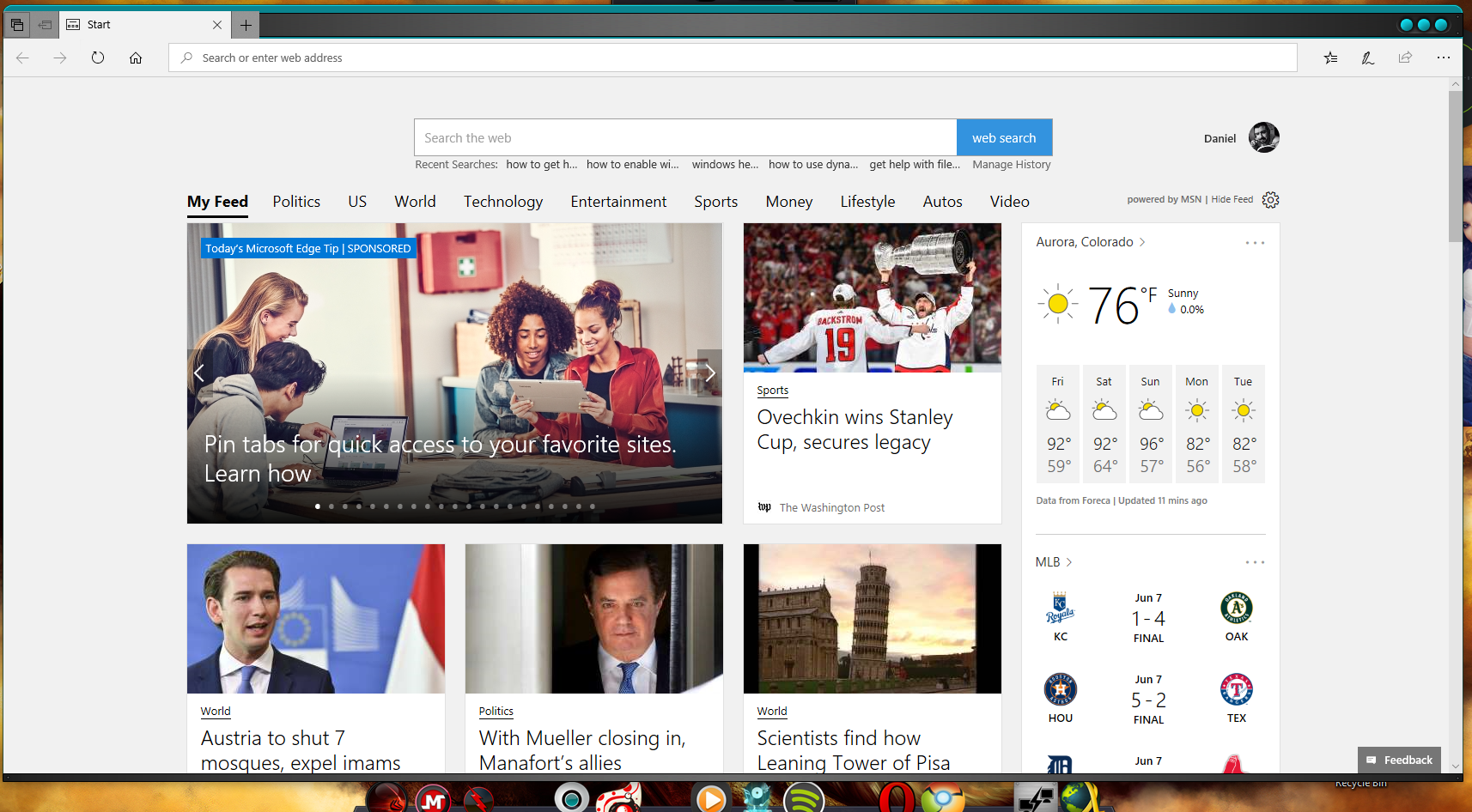
WindowBlinds & MS Edge conflict

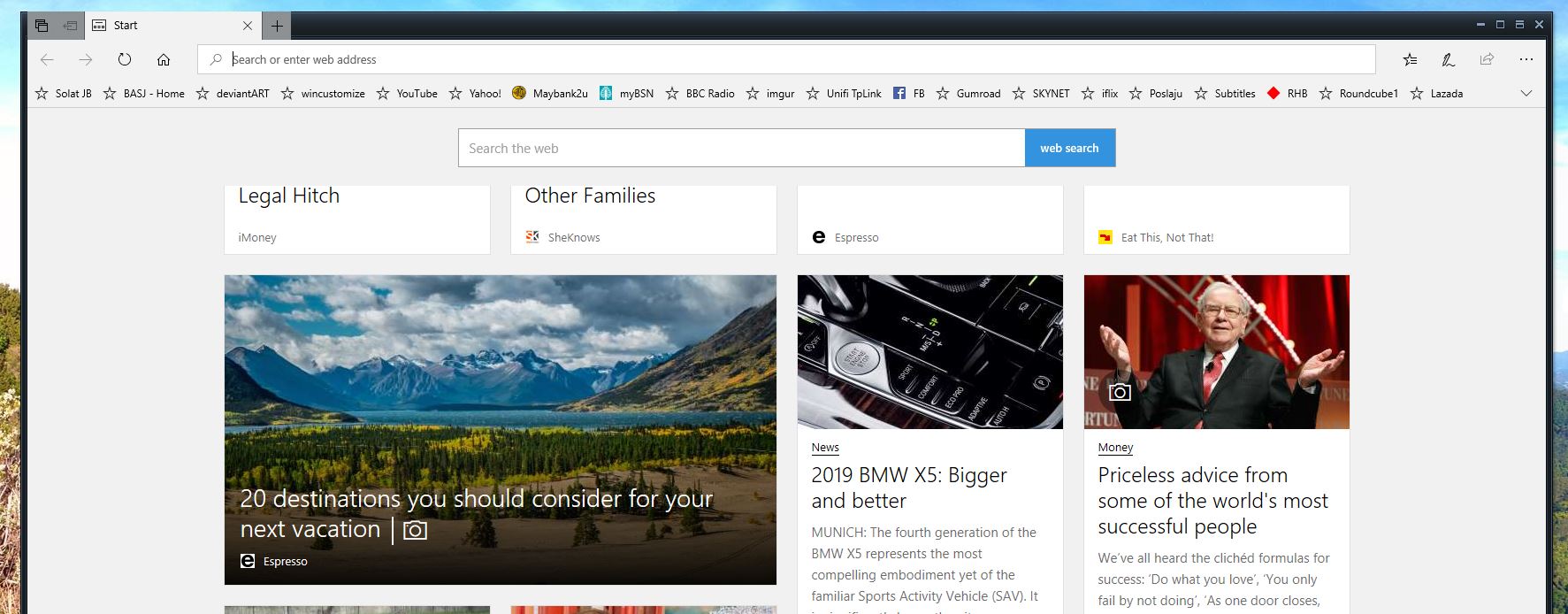
MS Edge minimise, maximise and close buttons not working

Hi All,

Newbie here!! I'm trialling WB and generally love the idea and the principle and would purchase it if I can resolve this one issue.

Except for the "default" skin I have tried a few 'dark' themed skins and all seem to run into the same problem, namely the minimise, maximise and close buttons at the top right of MS Edge don't work.. It seem only to be in Edge as |Chrome has no issues.

I'll trial further to see if other skins work, but, would be grateful for any feedback or tips how to resolve this.

Thanks and keep up the great work!!

Cheers


Guy
6,993 views 5 replies
Reply #1 Top

Hello,

Sorry to hear you are having issues. But strangely, Edge on my systems work just fine.

But please be informed that not all application compatible with Windowblinds. Chrome, for example, does not work with windowblinds.

Basj,

Stardock Community Assistant.

Reply #2 Top

Thanks Basj,


I suspect it may have to do with my W10 version. I'm currently trying to back date to a staple version.

I've also noted on other incumbent Windows programmes such as Settings that the same 3 buttons are out of sync. Namely, maximise/ shrink icon actually minimises and maximise action is now located between the close and maximise icons...

Will report back once I've got back to a stable release.


Cheers


Guy

Reply #3 Top

Ok... BTW what is your current Windows 10 version?

Reply #4 Top

Currently on Build 17682.rs_prerelease.180525-1616, but trying to roll back to last public release.


Reply #5 Top

I was running 1709 for a while since 1803 wasn't being nice with some things i have :/ but last night i updated and things are looking good so far *knock on wood* 

But i loaded Edge with my current windowsblind theme and it looks fine ( maybe is Edge that's problem :D -- sorry couldn't help it :D ). I'[m currently using Opera and Chrome BETA's 

Try a different browser and see if you are having the same issue :)