Reinstalled Fences screws everything up
from  Stardock Forums
Stardock Forums
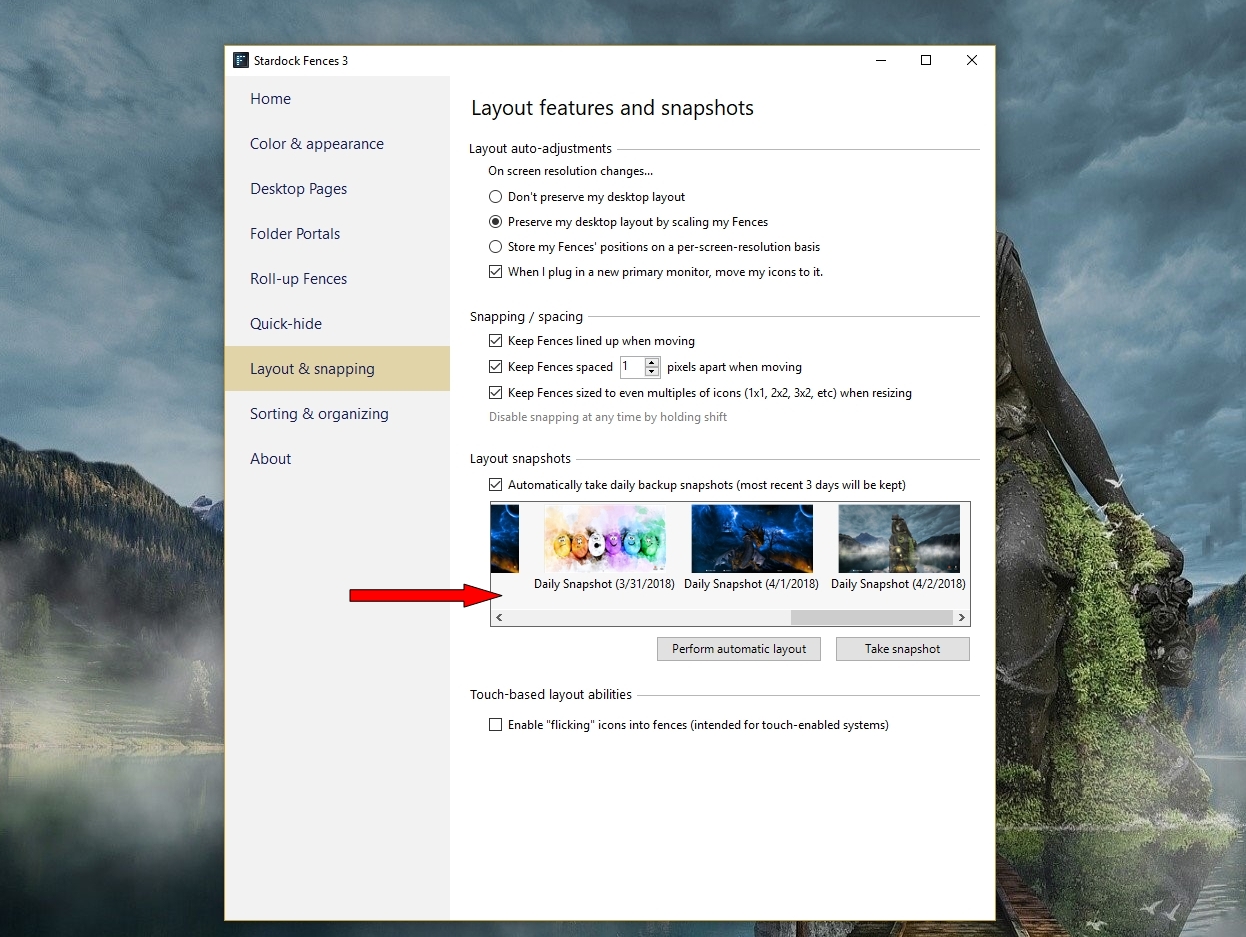
I was having minor problems with Fences 3, so I purged it, uninstalled it, and reinstalled ver. 3.08. I have no fences defined, yet. Enabling Fences lumps every icon I have, in seemingly random order, on the left half of my right-hand display. Attempting to restore layout with DesktopOK did nothing (It and Fences had worked well together previously), but if I disable Fences, DesktopOK works again. I am running the recent build of Win 10 Pro x64, and I have nVidia Desktop Manager disabled.
How do I get Fences to work properly again? Even getting a single fence would be invaluable.