I have to say that I'm very disappointed with my purchase from Stardock - I thought to pay for something, would have been better, but RocketDock, which is free, still remains - in many ways to outperform ObjectDock - you should be embarrassed that something they stopped development on in 2007 works better than your paid version in Windows 10.
Things that really grind my gears:
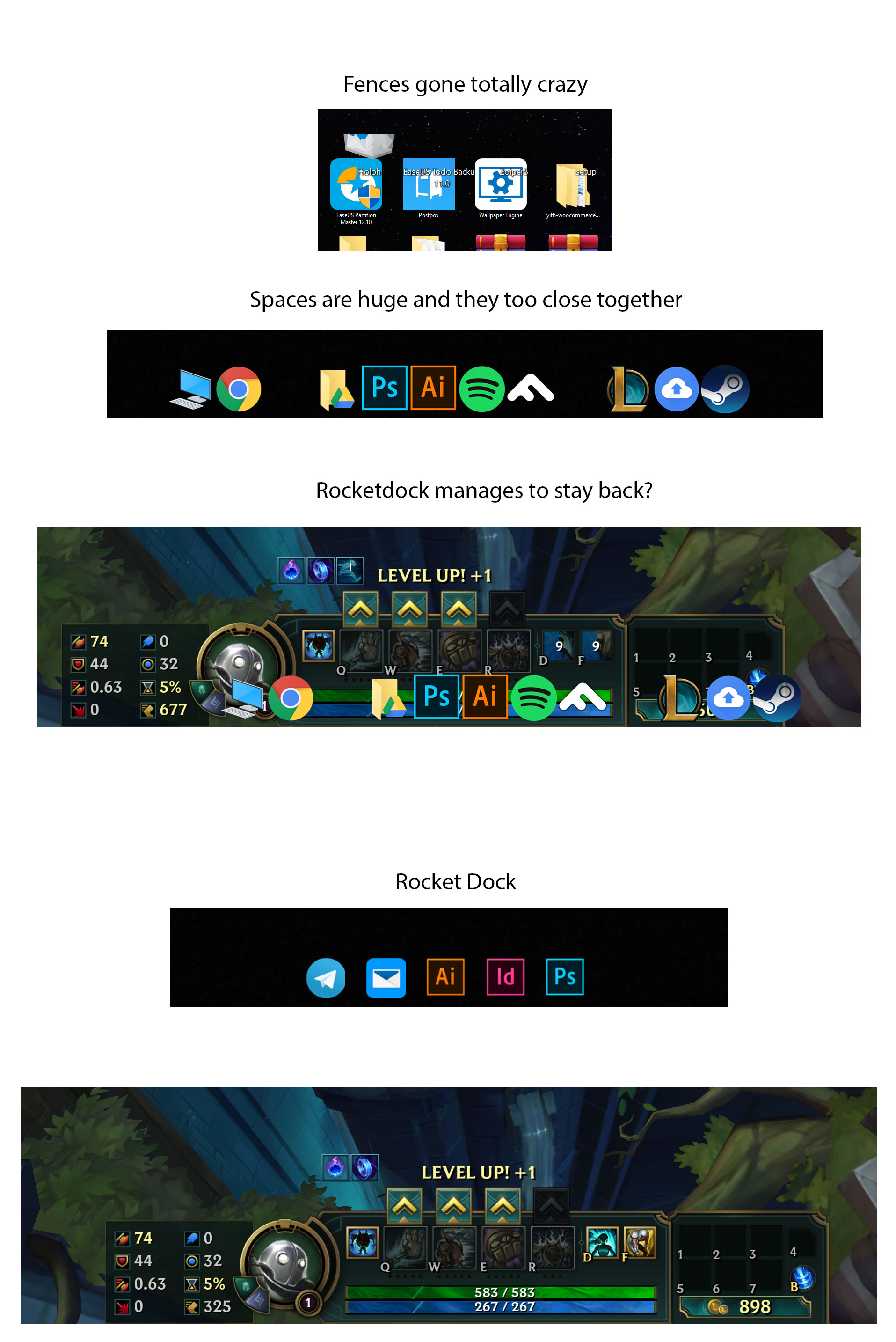
- No option to remove labels (I had to download an invisible font)
- Reduce the huge spaces created by separators - (The space is the same as an icon)
- Even RocketDock will not open in game - seriously WTF
I've come to the conclusion you have no interest in improving it? 2014 was the last update and it's not even 4k ready but I bought it recently - you still sell it??
Fences now is having issues with font size if you have a 1920 and a 4k monitor but doubt you will do any fixs on that either.
Im kicking my self for buying ObjectDock 


 Stardock Forums

