


New Forum Features (BETA)
from  Stardock Forums
Stardock Forums
Have some new features ready for testing on http://forumsbeta.stardock.com
- New Stardock Admin category
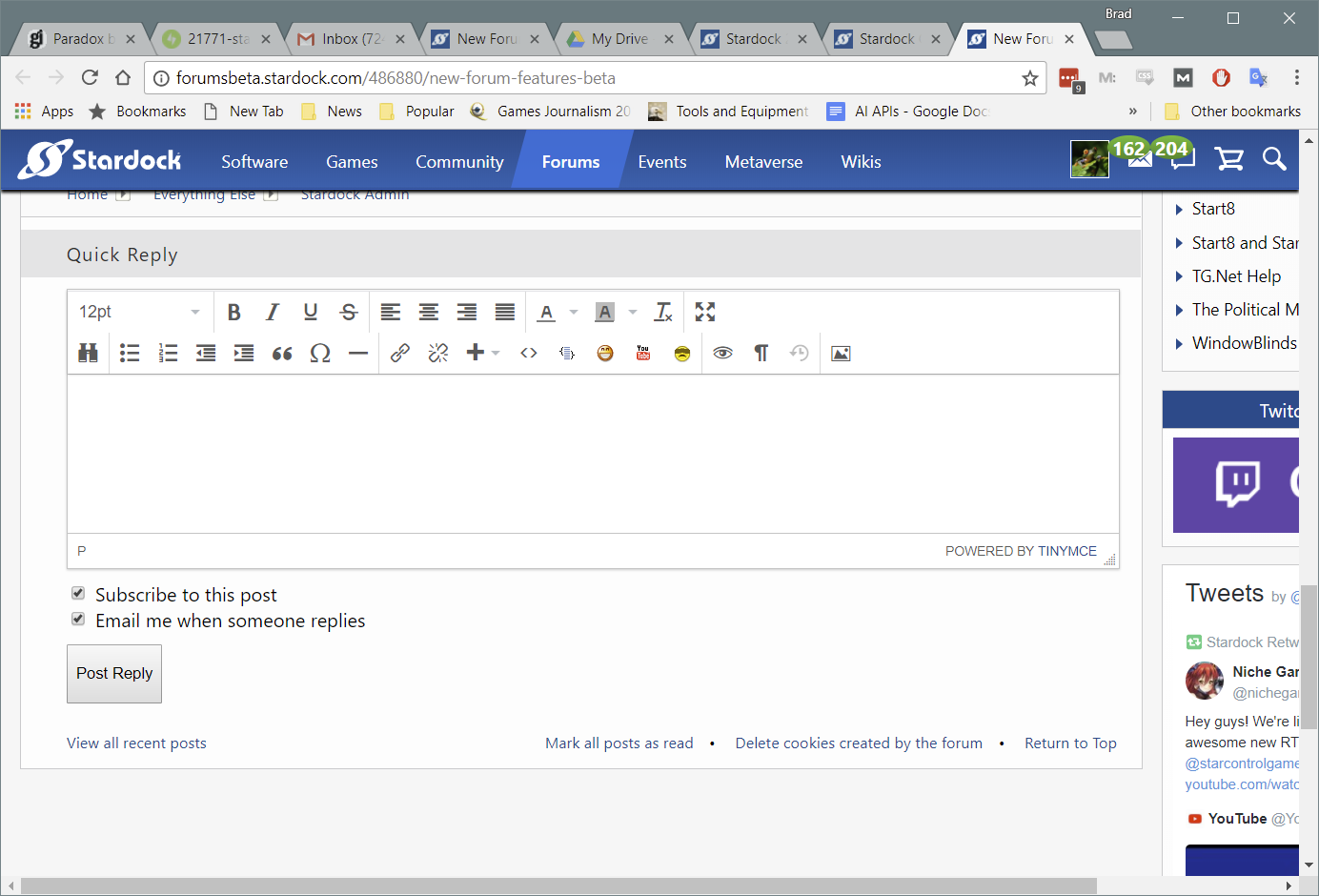
- Upload Images with new posts and replies.
- Autosave
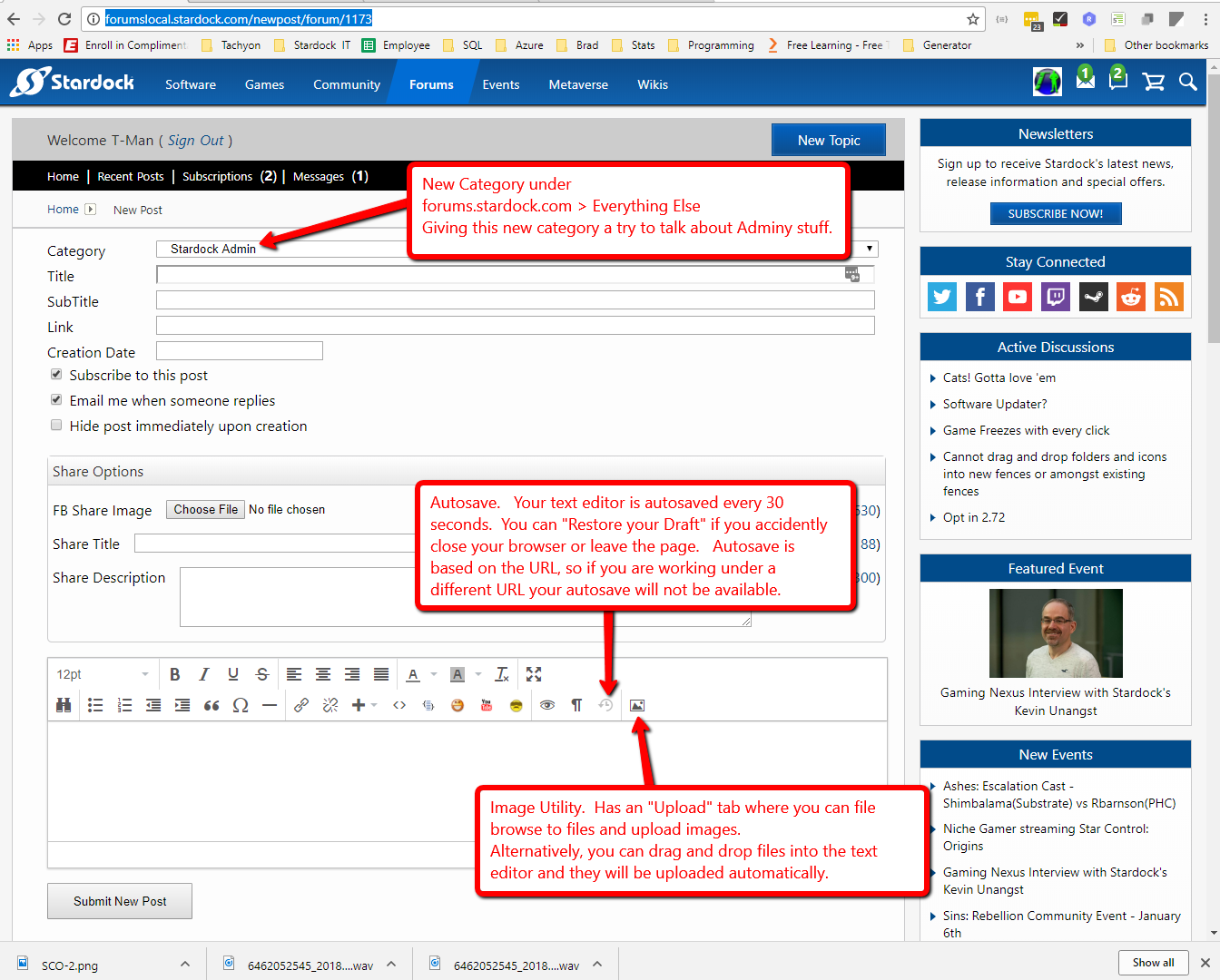
Here are some important notes about the following features.
- Image uploads
- Max file size is 5MB
- Image Resizing: If you resize an image within the text editor, the physical image size will remain the original size and only be adjusted by html/css
- if you resize the image via the Image Editor tool, it will change the physical size of the file.
- Access: Currently only access levels 5 through 9 (Masters on up) will have access to Image Upload features. This may change in the near future.
- Abandoned images. Images are uploaded immediately, if you delete the image from your post before saving your post, it is still uploaded to the server but not assigned to any image. Or never save your post. This is an abandoned image. Currently there is a rule that will only allow you to have 30 abandoned images, this is to help prevent spammers from abusing image upload capabilities. There will be a job to clean up abandoned images but that is still a work in progress.
- Autosave
- Access: Currently access levels 2 and up have access to the AutoSave feature.
- Autosaves every 30 seconds. We can change that to be faster if needed.
- Autosave is based on the URL and Browser. So if you are posting in to Category X where the URL = http://forumsbeta.stardock.com/newpost/forum/{X} and you navigate away and go to a new category Y, http://forumsbeta.stardock.com/newpost/forum/{Y} you will not be able to restore your last draft from category X when on the URL for category Y. You would need to return to the original url to restore your draft. Or if you read the next page of a post that will change the URL. And if you change browsers or computers then the draft will not be available.
If testing goes well I hope to push these changes into production next Tuesday.

 WinCustomize Forums
 Sins Forums
 Stardock.net Forums