
I may have found a Possible windows 10 Fix? or did I break Deskscape?
from  Stardock Forums
Stardock Forums
Apparently I may have accidently found a fix for win10 users
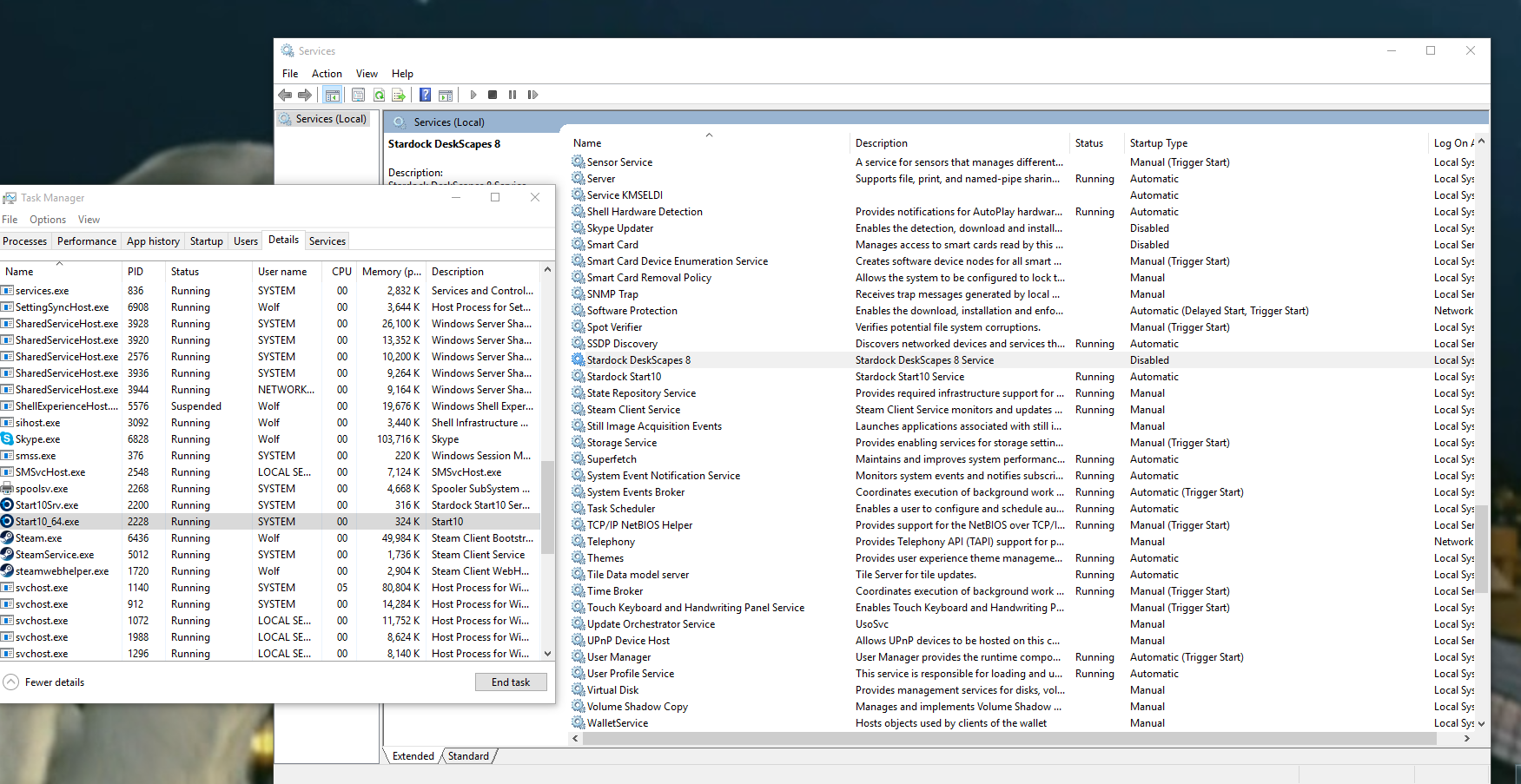
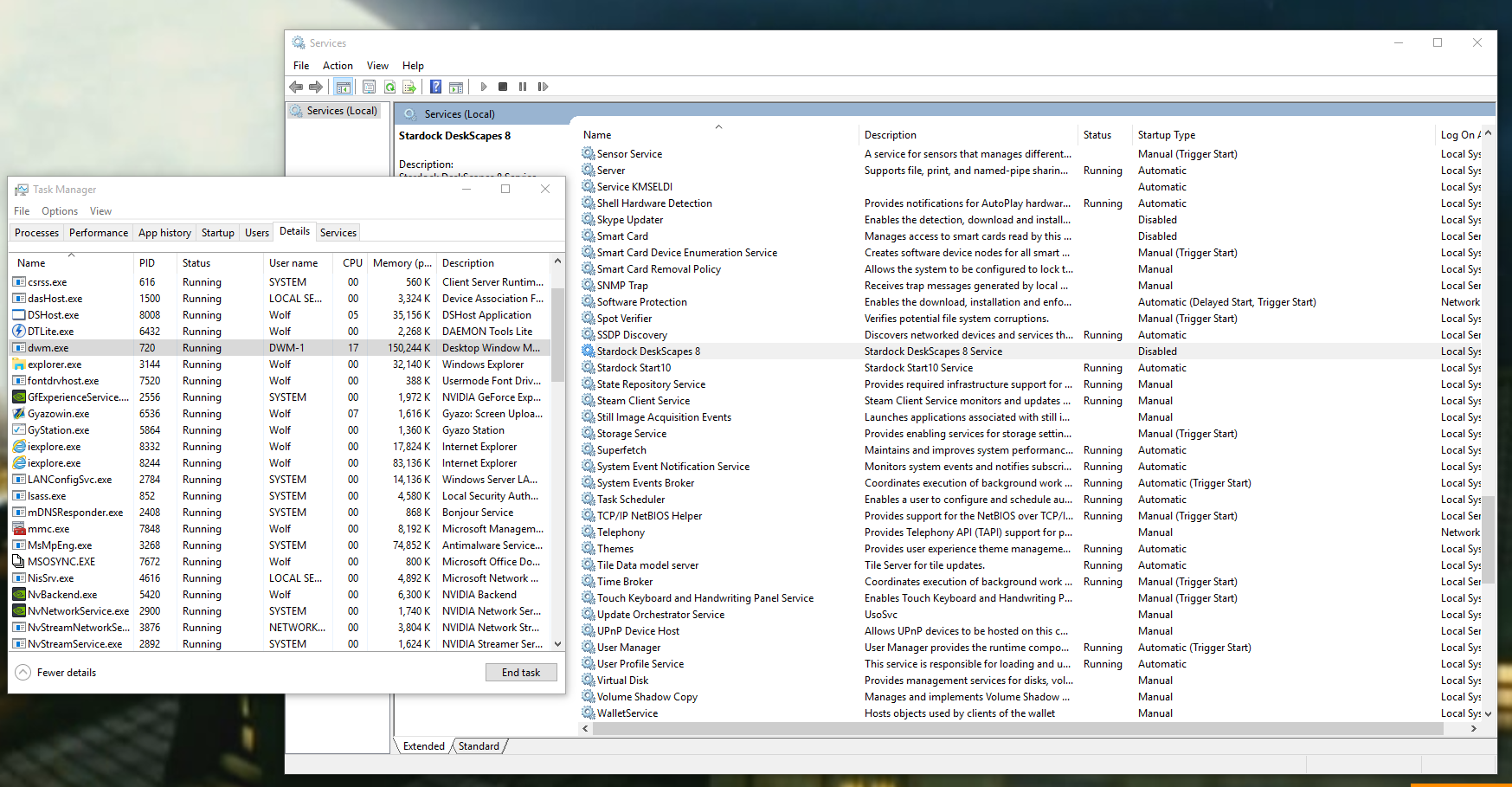
I was under the impression when a users goes into "Services" and disables
DeskScapes8
C:\Program Files (x86)\Stardock\DeskScapes8\ds8srv.exe
that it would keep Deskscapes from loading when windows loads?
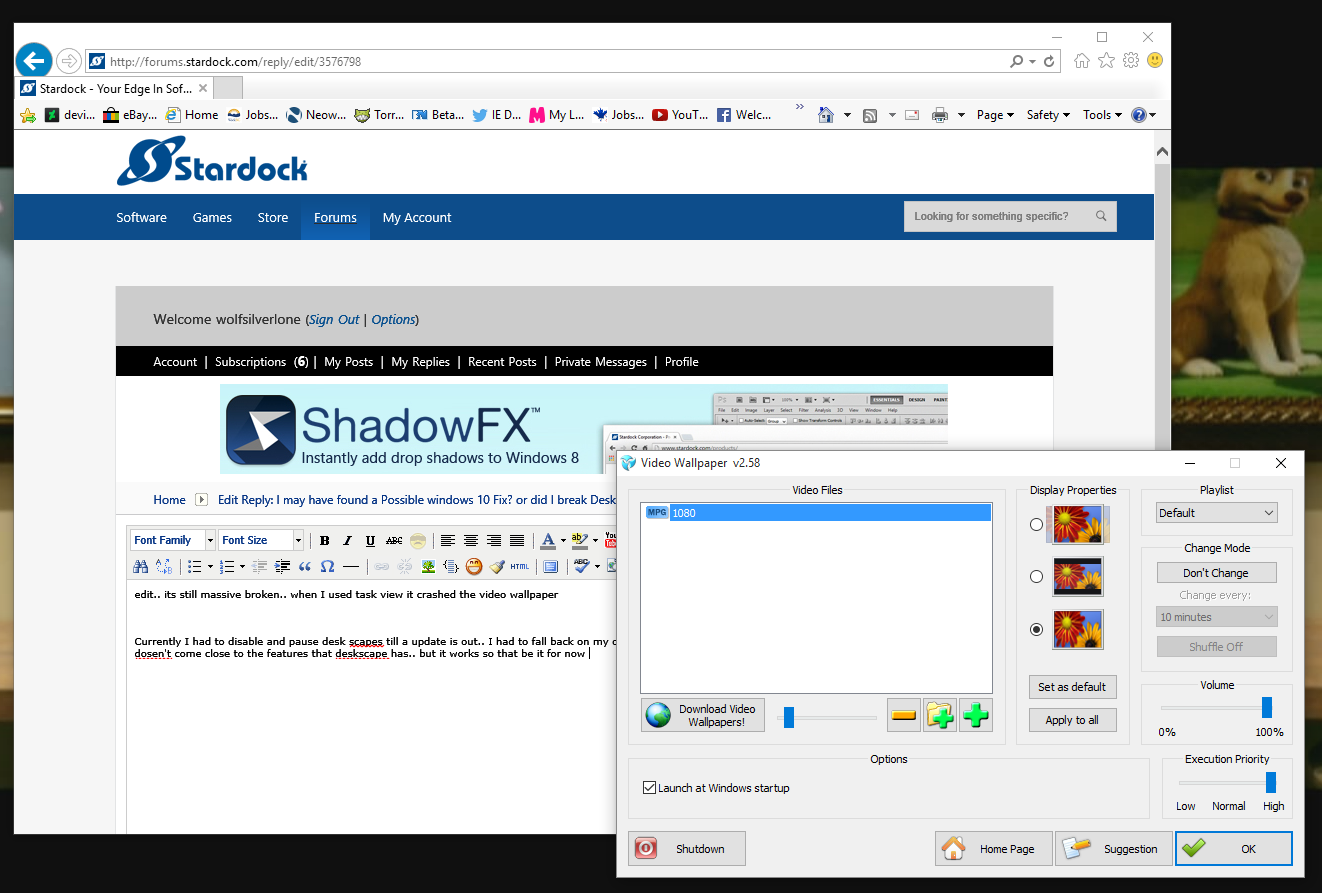
apparently for me on windows 10 the deskscape.exe dose not load but it still loads DShost.exe which then plays the background with NO issues... so Im a bit confused because with
DeskScapes8
C:\Program Files (x86)\Stardock\DeskScapes8\ds8srv.exe
when enabled and to load when windows 10 dose it completely fails, crashes and dose other weired stuff but disabled, it still plays the background with no issues..? super confused
as seen here

 WinCustomize Forums