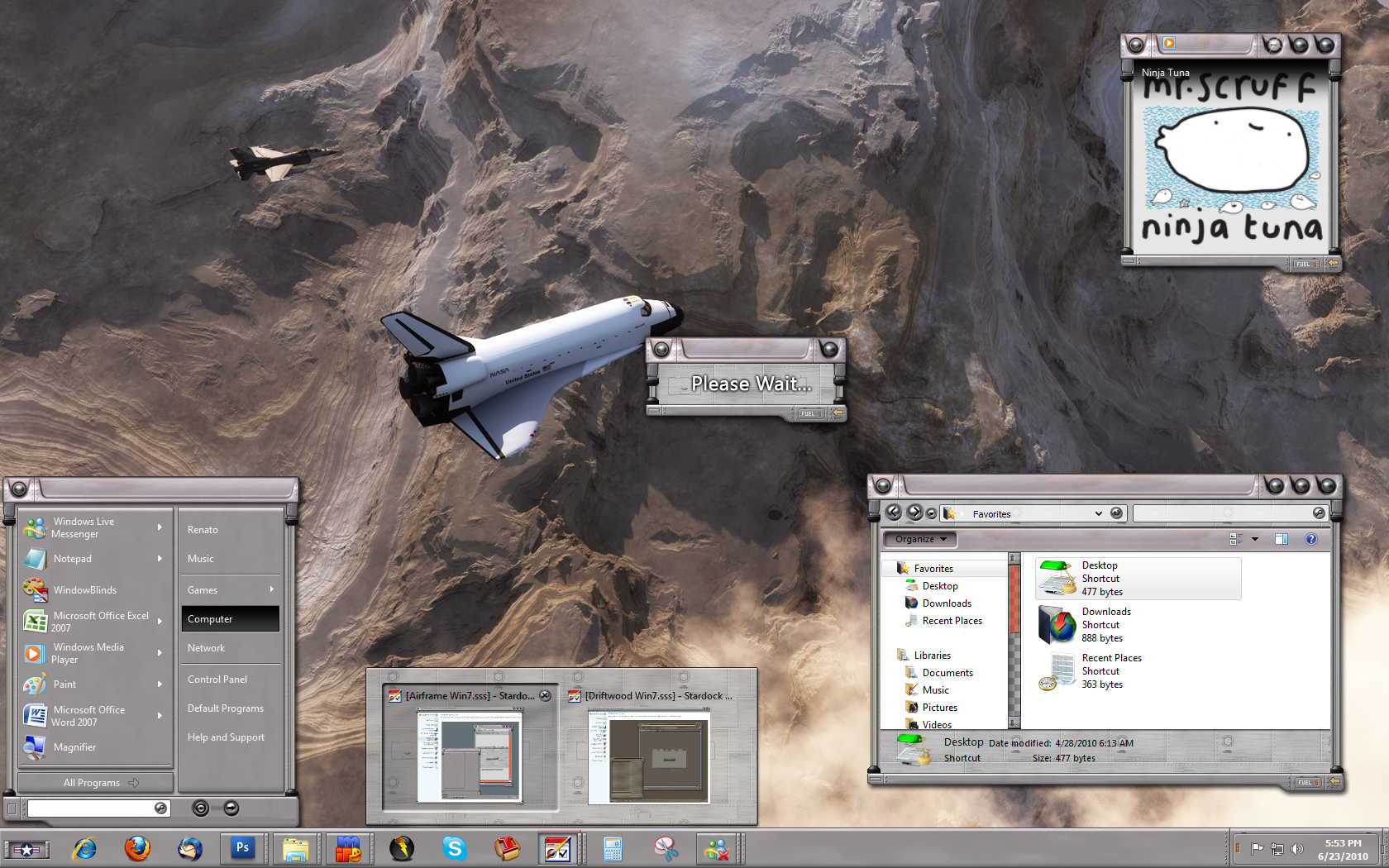
Sabertooth skin problem

Hi, i'm using a trial version of WB7 and have an idea to buy it soon. But there is a big problem for me, it looks like this:

Have anyone any ideas about this???

PS. Plase don't sudgest me using another skin! I love WB7 bacause of sabertooth skin ONLY!

i tested this skin on another computer and there was the same bug (((

Sorry 4 my English... i'm Russian.

My info:

Your computer has a Windows Experience Index base score of 3.3
Your Windows Graphics Experience score is 3.3

WindowBlinds version : WindowBlinds 7.1 (build 273 - Windows 7 Edition) - Shareware - 64 bit OS

WindowBlinds is installed correctly on this PC
(Универсальный монитор не PnP) 1 is attached to RADEON X600/X550 Series
(Универсальный монитор не PnP) 2 is attached to RADEON X600/X550 Series

Wblind.dll      2010/06/07 15:59:ll
Wblind64.dll      2010/06/07 15:59:27
Wbsrv.dll      2010/06/07 15:59:43
SevenConfig.exe      2010/06/07 15:59:27
Wbload.exe      2010/02/01 19:23:18
Wbhelp.dll      2009/06/04 16:14:07
Tray.dll           2009/10/23 20:12:19
Wbload.dll           2010/06/07 15:59:25
Screen.exe      2010/06/07 15:59:42

3,611 views 9 replies
Reply #1 Top

It's possibly a problem with the application's compatibility with Windowblinds. Are you saying that this is an issue with only the sabertooth skin, or do other skins give you the same problem?

Reply #2 Top

skin: Sabertooth - list is Bad (but HAS a shadow under pluin window and has NO undesirable frame around window)

skin: Arsenic - list is Bad (but HAS a shadow under pluin window and HAS an undesirable frame around window)

--------------------------------------

skin: xpLeo_Rev - list is Ok  (but has NO shadow under pluin window and HAS an undesirable frame around window)

skin: Mac OS X Tiger - list is Ok (but has NO shadow under pluin window and HAS an undesirable frame around window)

skin: Mac OS X Panther - list Ok (but has NO shadow under pluin window and HAS an undesirable frame around window)

skin: Leopard Glass - list is Ok (but has NO shadow under pluin window and HAS an undesirable frame around window)

Reply #3 Top

How about any of the other skins that are included with Windowblinds?

Reply #4 Top

For example: the list in skin Aero Metals is Ok. and shadow is present too. but i dont like any other skins exept Sabertooth (((

Reply #5 Top

Aero metals isn't a WB skin per se. It's aero (default Vista/Win7) with a texture applied.


Try all the skins to test. I'm trying to find out if it's skin specific or if Windowblinds doesn't play well with the application you are using.

Reply #8 Top

I had experienced this same problem with Sabertooth. The problem rendered the skin completely unusable to me, as the most prominent part of the problem was with menus in InDesign, which I use all the time.

I did notice, however, that the other day, I applied Sabertooth just to see, and the problem was not there anymore. I don't know if there was an update to WB or to the skin that fixed it, or if it was a fluke on my computer.

Reply #9 Top

I noticed that Sabertooth was updated in WB v7.1 - i had a litle problem with skining TotalComadrer when i used WB v7.0, but now (in WB v7,1) it is solved.

As for InDesign CS4 and Photoshop CS4 - i hadn't seen any bugs with skining their menus and other interface elements whith WB v7.1

And one more correction i noticed using skin sabertooth in WB 7.1 in comparison with WB 7.0:  in elder version a window-resizing cursor appeared a bit out of the window frame. Now it appears exectly on its right plase.

What do u think, if Stardock can see this messadge and repair Sapertooth:D , or they never look over this forum?:(