object dock freezes / hangs for 15- 30 seconds and then starts working for a little bit then freezes again

new installation on windows 11

I am revisiting object dock and just installed it on my windows 11 machine.  I have really found a good way to use it but it keeps freezing for 15-30 seconds over and over again.    I want to use it but it is frustrating right now.

Running ObjectDock v3.01
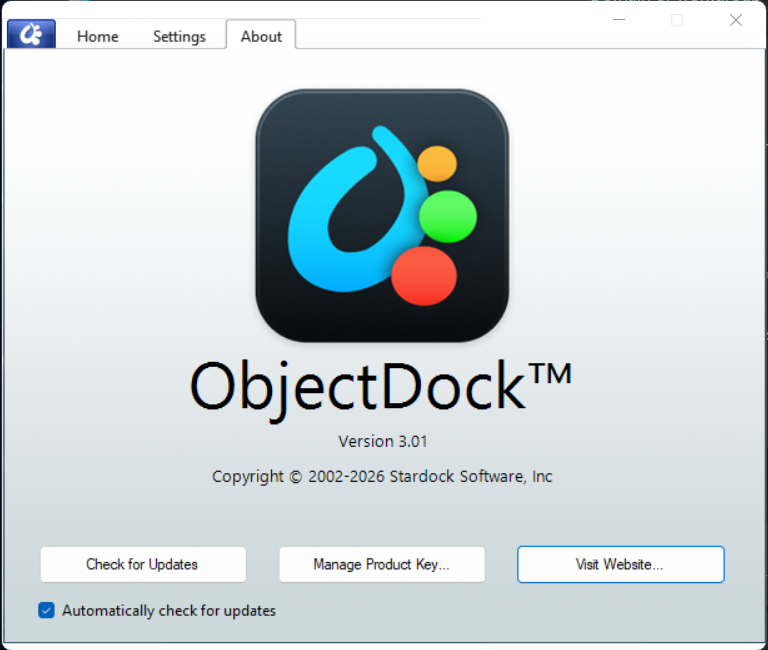
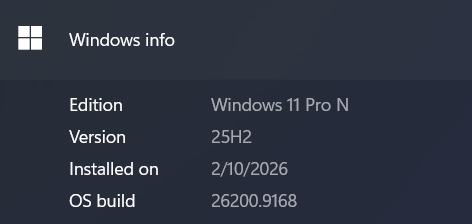
This is on Windows 11:
I am using both the Quicklaunch Dock and the Tabbed Dock.
They both freeze / unfreeze together.

I dont have any other screen/windows modification software running except for:
-- Fences v6.52
-- Start 11 v2.74

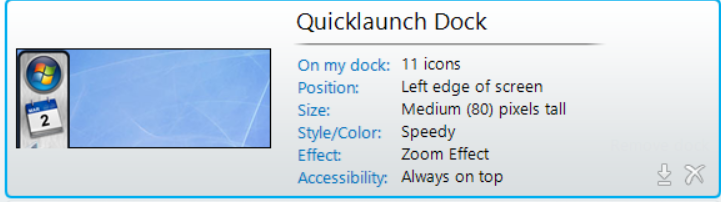
Setting for Quicklaunch Dock:
Settings for Tabbed Dock:
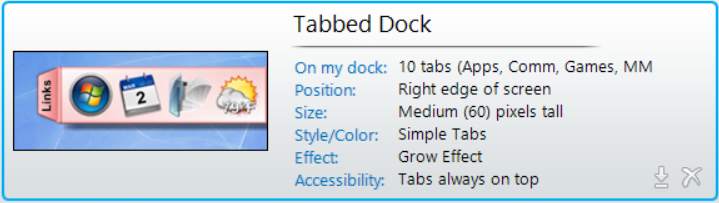

Once these freezes stop, I will be so happy with my setup.  Please Help.
Thanks,
Richard 

3,255 views 9 replies
Reply #1 Top

Hello,

Sorry to hear you are having issues. First, please try, uninstall Start11, reboot immediately (important), download latest version available in your account product download page: https://store.stardock.com/myaccount/products. Install it, reboot immediately again. Retest it and report back.

Thank you,

Basj,

Stardock Community  Assistant.

Reply #2 Top

Thank you Basj for responding.
I am removing Start11, full uninstall including settings and rebooting.

I might try running for a few hours without Start11 and see if I notice any freezes with object dock.
Then reinstall Start 11.

I will report my findings in the next day.

Thanks,
Richard 

+1 Loading…
Reply #3 Top

Hello,
I ran my computer a couple of days without Start11 and it seemed to improve the response with Object Dock.
I still had problems when I first unlocked my computer in the morning for about 15 minutes and then Object Dock worked pretty well after that.   I had some hiccups (1 second pauses) but overall it worked well except for when I was first getting logged into my computer in the morning.

I installed Start 11 yesterday and I did have a couple of freezes with Object Dock right away.   

This morning as I logged in I had a couple of freezes.   Then using it through out the day, seems to be pretty stable maybe a hiccup or two.

So I guess at this point, it is running much better.  In the morning when I am first logging back into my computer and trying to start up programs is when I notice object dock freezing now.

-- Richard

Reply #4 Top

Perhaps something went wrong with ObjectDock itself, would like to suggest, Please try, uninstall ObjectDock, reboot immediately (important), download latest version available in your account product download page: https://store.stardock.com/myaccount/products. Install it, reboot immediately again. Retest it and report back.

Thank you,

Basj,

Stardock Community  Assistant

Reply #5 Top

Hi Basj,
I'll probably hold off reinstalling.  It took quite a while to get the tabbed docks and quicklaunch dock setup.
I dont see where you can backup your configuration.

If it starts hanging again continuously I will try that.   But for now it mostly works.

-- Richard

Reply #6 Top

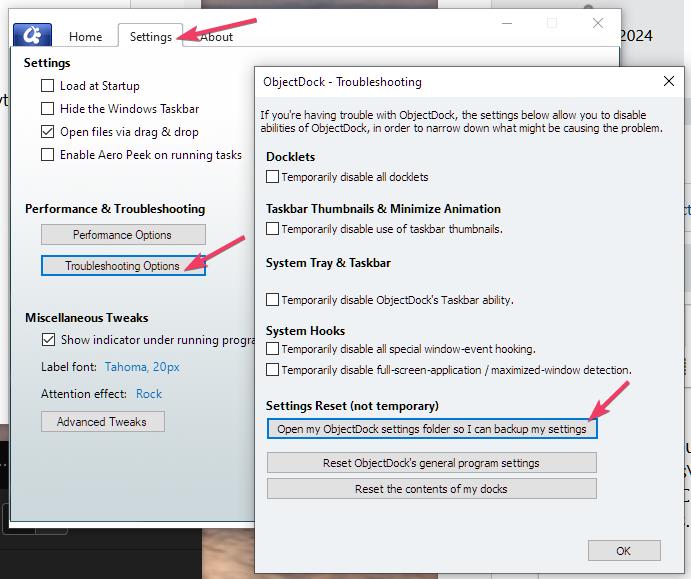
To backup you ObjectDock setting, try saving this folder.

Thank you,

Basj,

Stardock Community  Assistant

Reply #7 Top

Hi sirrich this isn't much of a suggestion, but for diagnosis – could you try renaming the file "Dock64.exe" in the Object Dock program directory, reboot, and see if that helps?

We're wondering if the issue is coming from there.

Reply #8 Top


I looked in:
C:\Program Files (x86)\Stardock\ObjectDock

and even searched my entire drive but there is no Dock64.exe file

Reply #9 Top

Got it, ok.

I don't know that we have great ideas for this, but best guess might be too that it could be related to the running indicators, which can be turned off in the advanced settings. The change will have full effect on reboot, as specific pieces don't load when it is not enabled.

Not ideal, but, another thing for testing.

Mainly the guess might be, what app is being interacted with when this occurs. Sorry for the inconvenience