Creating space between icons

Looking for a way to create small groups, or bundles of apps

Hello!
It´s my first post here, please be kind if I'm doing something wong :)

I'd like to inquire about the possibility of adding a "separator" feature to the start menu. 
I'm using Windows10 style start menu and like to arrange my icons kind of cathegorically. However, they end up bunching together automatically, unless I create groups, which isn't an ideal way to accomplish what I'm looking to do. 
I was wondering if there is a way, or if a feature request could be made to add a separator, or an option to "unbunch" the icons, so we can make our own groupings in the start menu?
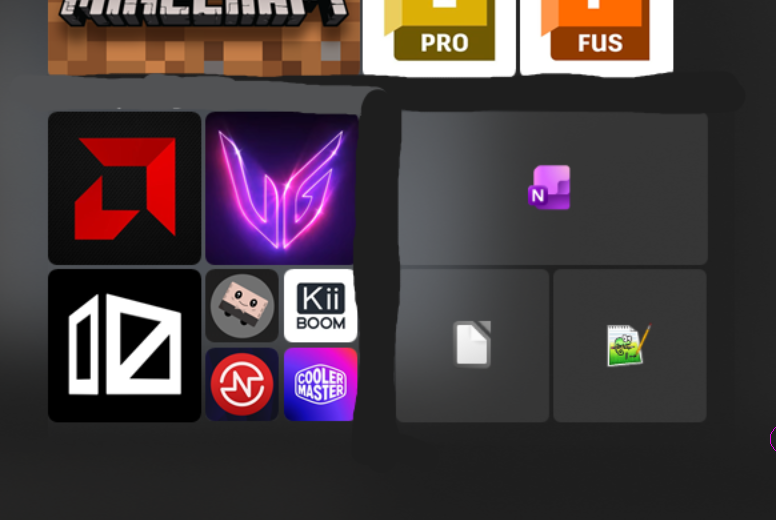
I've added a screenshot of how it looks now, and also a poor photoshop job of what I'm looking to accomplish.

Thanks!!
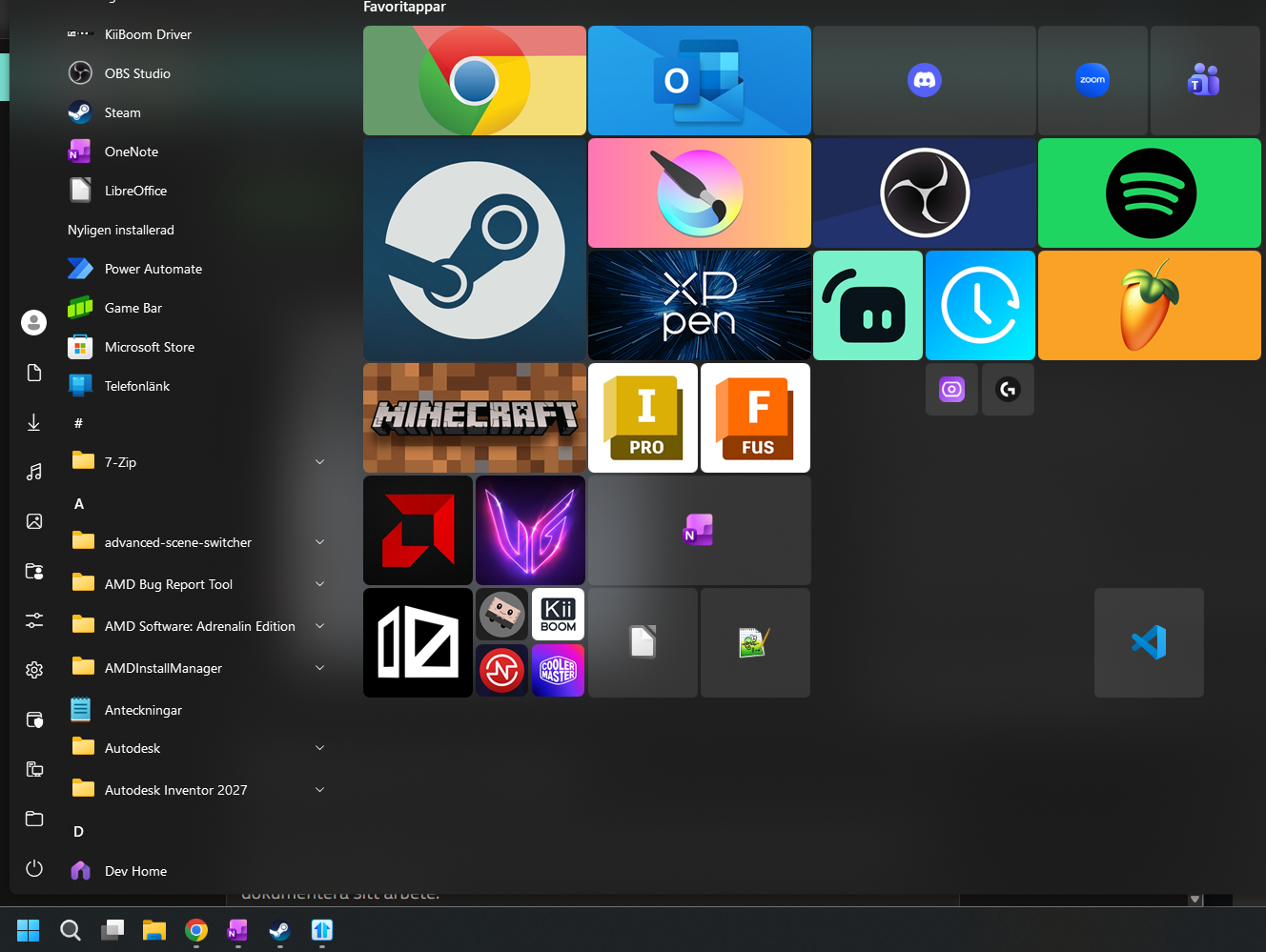
 

Stock

Normal start menu


Separated "groups", this is the desired effect.


99 views 8 replies
Reply #1 Top

Hello,

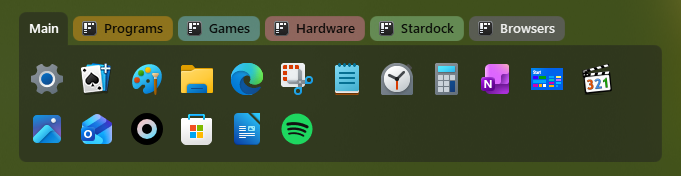
Sorry to hear you are having issues. But, have you tried using tabs instead?

Thank you,

Basj,

Stardock Community  Assistant.

Reply #2 Top

Hi Basj!

Sure, tabs are a way of organizing icons, but I'm specifically looking for a way to separate icons into groups while having all of them visible in in a single window, if that makes sense.
Is there a way to make icons not stick together while using the start menu style like the one in the picture I attached?

Reply #3 Top

From what I know, there is no option available at this time. Perhaps someone who know more on Start11 can share some tips on how to organize those icons to what you wish for.

Thank you,

Basj,

Stardock Community  Assistant

Reply #4 Top

Thank you for your engagement!
I've noticed on some other threads that you sometimes forward feature requests to the developer team, would that be too much to ask at this time? Something along the lines of grid snapping icons as an optional feature in the next update would be amazing :)

Thanks!

Reply #5 Top

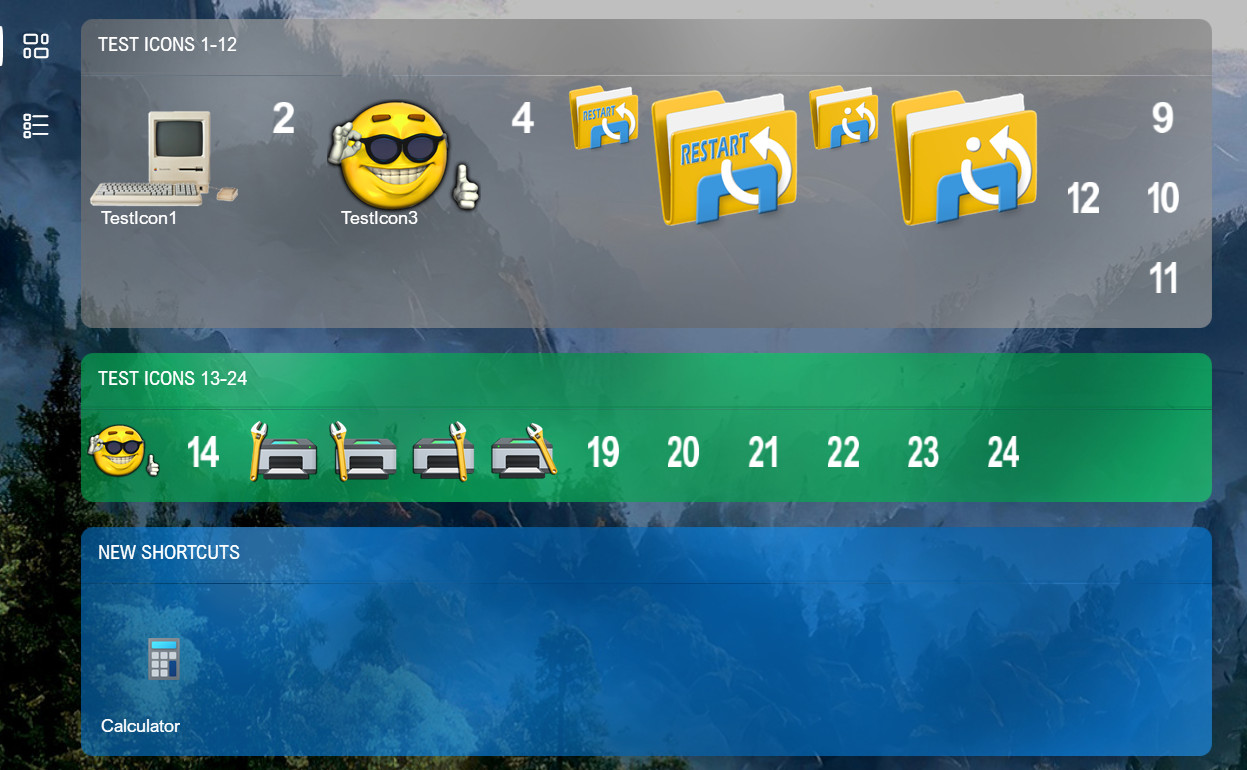
You can create a group with just one tab. I think you can accomplish what you are trying to do this way. You can color the groups any way you like, or use a color to match your start menu background to make it appear like you have in your image.

Reply #6 Top

Is there a way to resize each tab individually instead of the width applying globally to all tabs?

Reply #7 Top

You can adjust the vertical height for each group individually, but the horizontal width is a global setting for the entire menu.

Reply #8 Top

I see! It would be great to be able to resize them horizontally as well individually, I hope this feature gets added in the future! :)