Start11 v2.73 Start Button Issue

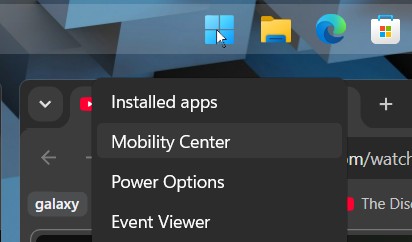
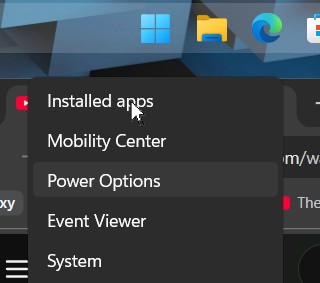
When i place the mouse pointer over the start button and click the right button to open the context menu there is a displacement between the option selected in menu and the position of the pointer itself.


186 views 3 replies
Reply #1 Top

Hello,

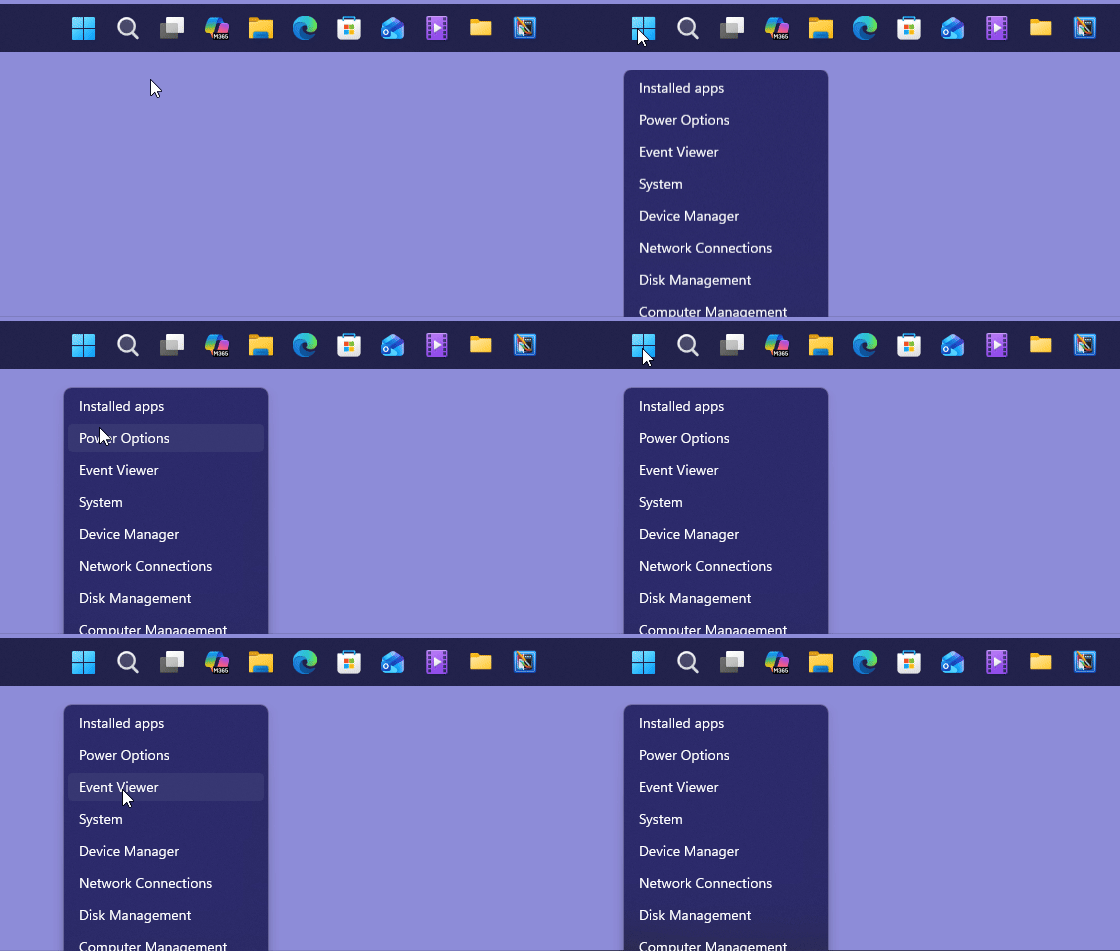
Sorry to hear you are having issues. But, I can't reproduce your issue on my system. Refer my short screengrab below.

Moving forward, please try, uninstall Start11, reboot immediately (important), download latest version available in your account product download page: https://store.stardock.com/myaccount/products. Install it, reboot immediately again. Retest it and report back.

If the issue still appear, need to know more information.

  1. Your Windows 11 full version and OS Build number. Use Winver.exe to get these numbers.
  2. Do you have any other application running that change or add something into your taskbar or you OS Shell etc?

Thank you,

Basj,

Stardock Community  Assistant.

Reply #2 Top

Greetings!!

I am using a brand new pc, and the latest version of Start11

1. 

Edition Windows 11 Pro

Version 25H2

Installed on ‎23/‎07/‎2026

OS build 26200.8894

Experience Windows Feature Experience Pack 1000.26100.334.0

2. 

PowerToys version 0.100.2


thank you!

Reply #3 Top

Have you tried the full cycle of uninstall → reboot → redownload → reinstallreboot again" yet? It’s advisable to go through these steps even on a brand‑new PC. Quite often, something goes wrong during the initial install — and skipping the reboot after installation is one of the most common causes. That reboot step is especially important because it ensures all components are properly registered before you retest.

Thank you,

Basj,

Stardock Community Assistant