Taskbar problem

No classic taskbar

I have Windowblinds 11 V11.07 on windows 11 23H2.

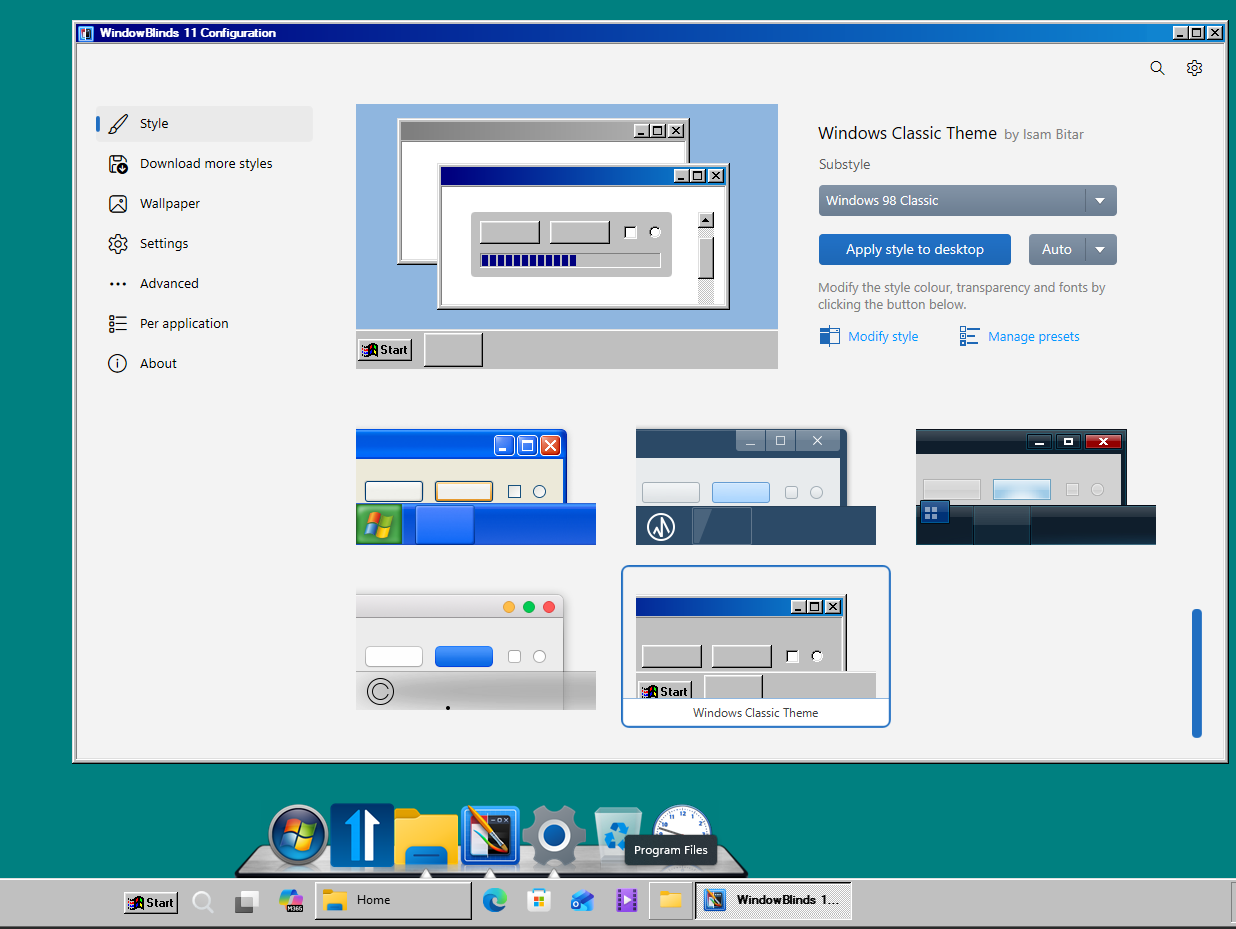
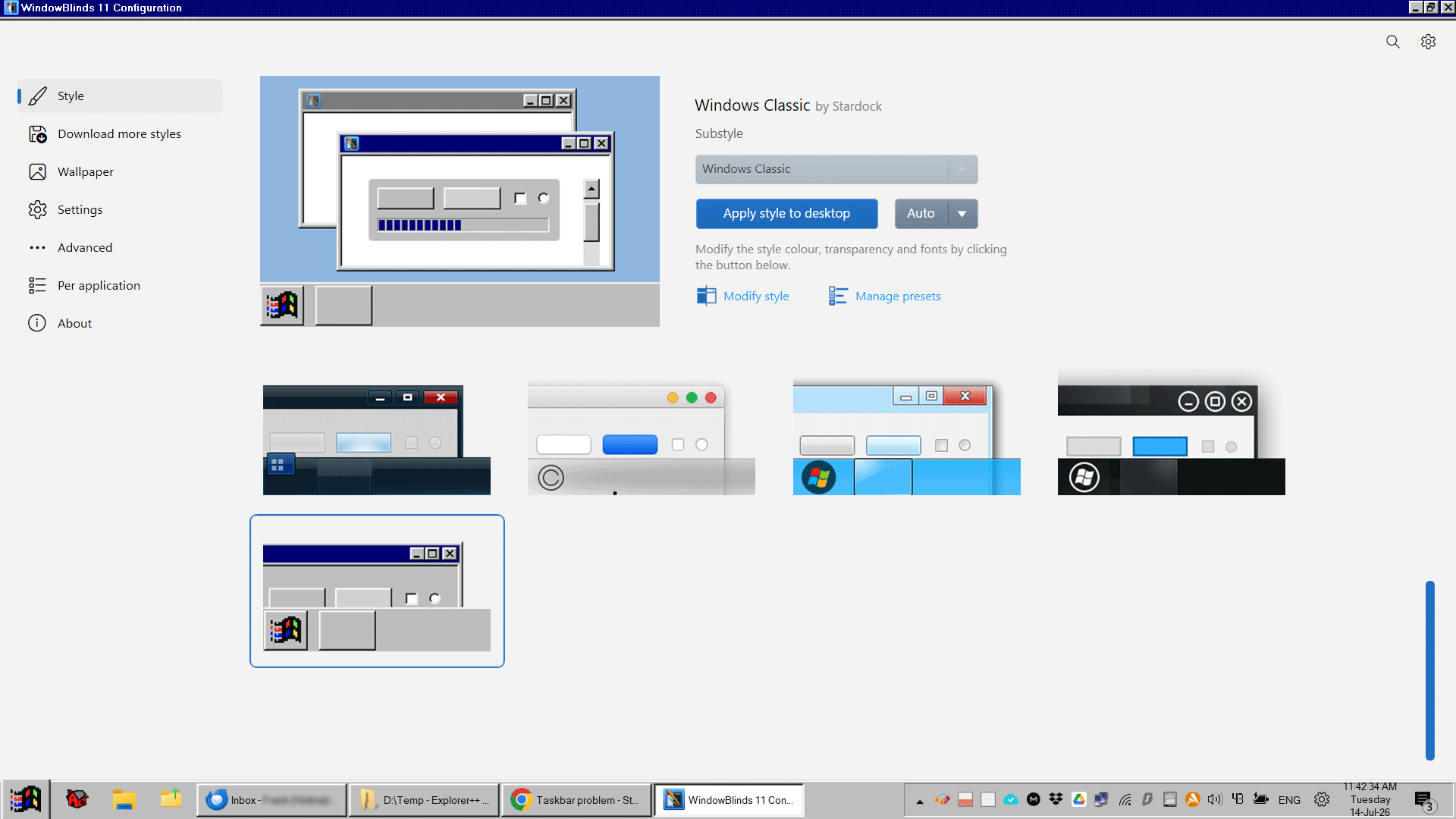
On theme setting of Windowblinds 11, the taskbar shown is clearly a classic taskbar. However, on my 3 computers the taskbars don't change from the Windows 11 taskbars with Windowblinds 1 running.

I decided to install explorerPatcher and open-shell to bring back the classic taskbar. I would prefer that Windowblinds 11 did that, since the theme diagram shows that.

Am I missing some setting?

 

55 views 6 replies
Reply #1 Top

Hello,

Sorry to hear you are having issues. Need to know few more details on your issue.

  1. Which Windowblinds theme you're referring to?
  2. Do you have Start11 installed in your system?
  3. Post screenshots on what you get on your system.

Thank you,

Basj,

Stardock Community  Assistant.

Reply #2 Top

I am referring to the Windows Classic theme.

I do not have Start11 installed. I thought that was a separate purchase and I thought that was just the start menu. I have open-shell for that as I have used that for years now.

I cant post a screenshot as I have explorerpatcher installed that has a sort of windows classic taskbar.


Reply #3 Top

Please post a link for me to download "Windows Classic theme" and test it out. 

Also, for Windows 11, you will need to have Start11 Enhance taskbar turn on for the Taskbar buttons get properly skins

Added note: Do know that, from what I understand, Windowblinds don't work well together with Shell replacement such as OpenShell and ExplorerPatcher.

Thank you,

Basj,

Stardock Community  Assistant

Reply #5 Top

That's interesting Basj.

As I stated, I have both explorerPatcher and open-shell installed and it looks like below:


Note however, that in another computer that I have the taskbar buttons are flat and don't have the 3D look. The look above is what I have been looking for. I note that your screenshot shows the taskbar centered without a system tray. Maybe that's a setting, I don't know.

Reply #6 Top

The system tray is there, just not captured in my screenshot. Also, as mentioned I have Start11v2 on my system with Start11 Enhance taskbar turn on and I am using different WindowBlinds theme than yours. No ExplorerPatcher or OpenShell needed.

Thank you,

Basj,

Stardock Community  Assistant