ObjectDock freezes for several seconds after closing a Windows 11 application
from  Stardock Forums
Stardock Forums
Hello,
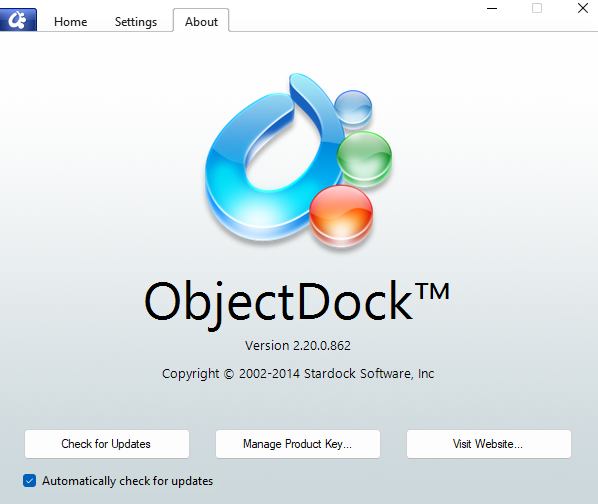
I have recently started experiencing an issue with ObjectDock on Windows 11.
Whenever I close a program, such as Blender or any other Windows application, ObjectDock becomes unresponsive for several seconds. During that time, I cannot open the dock at the top of the screen by moving my mouse over it and making it slide down.
This is very frustrating because I sometimes click several times while waiting for the dock to respond. Then, when it suddenly opens at a seemingly random moment, one of those clicks may accidentally launch an application if the mouse pointer happens to be positioned over one of the icons.
Is there any known solution to prevent ObjectDock from temporarily freezing after closing an application?
Thank you.