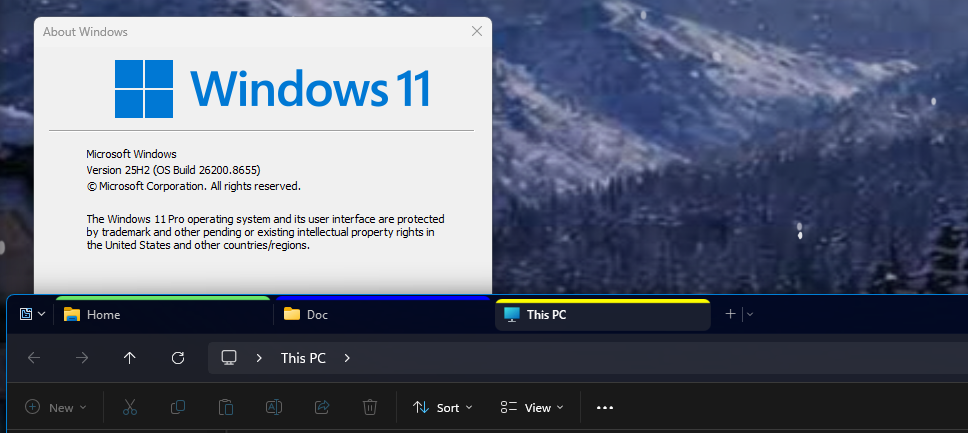
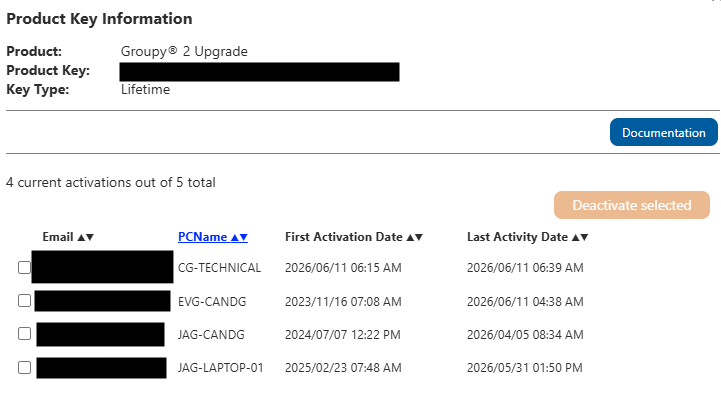
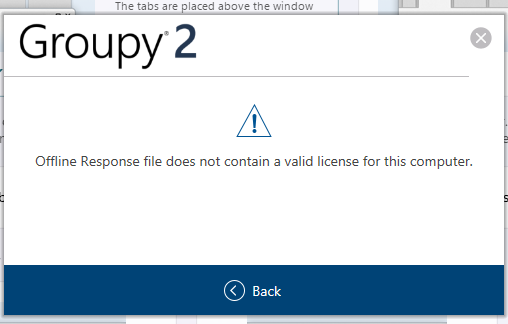
1, when I save a mix of folders and (eg) an excel document, then open the saved group, all the saved folders open (from the correct locations on my hard drive) as does the excel document, BUT they’re not grouped – all randomly opened on my two screens.
2. when I save a group with folders only, then open the saved group, only 1 x folder opens and that’s windows explorer, which opens at the root directory, not at the location of any of my saved folders. What’s happening with the other folders in that group I have no idea – it’s like Groupy 2 has forgotten them.
End of C&G's quote
If you have saved the Groupy group properly, it should open in a Group not separately. Please copy and paste the .groupy file here: It should be something like this. You should be able to open .groupy file with notepad.exe
[Group]
GroupCount=3
GroupLeft=1936
GroupTop=758
GroupRight=3455
GroupBottom=1758
GroupMax=0
LiveIndex=2
Locked=0
[GroupyEntry1]
OwnerProcess=C:\Windows\explorer.exe
APPID=Microsoft.Windows.Explorer
NewTabName=
RunElevated=0
SavedColour=6875243
Target=@FAAfQA4xdPi3ttxHvIS55rOPWQM=
MatchingClass=CabinetWClass
[GroupyEntry2]
OwnerProcess=C:\Windows\explorer.exe
APPID=Microsoft.Windows.Explorer
NewTabName=
RunElevated=0
SavedColour=16711680
Target="D:\Doc"
MatchingClass=CabinetWClass
[GroupyEntry3]
OwnerProcess=C:\Windows\explorer.exe
APPID=Microsoft.Windows.Explorer
NewTabName=
RunElevated=0
SavedColour=65535
Target=@FAAfUOBP0CDqOmkQotgIACswMJ0=
MatchingClass=CabinetWClass
Note: Your saved Groupy files should be in here: C:\Users\XXXX\AppData\Roaming\Groupy (XXXX=Your username)
3. when I modify a group (eg adding another file or folder to the group) the “save” command is greyed out and unavailable, whereas the “save as” function is working ok.
End of C&G's quote
I can't reproduce this one. Please post a video showing us this issue, so we can try to reproduce it properly.
Thank you,
Basj,
Stardock Community Assistant

 Stardock Forums