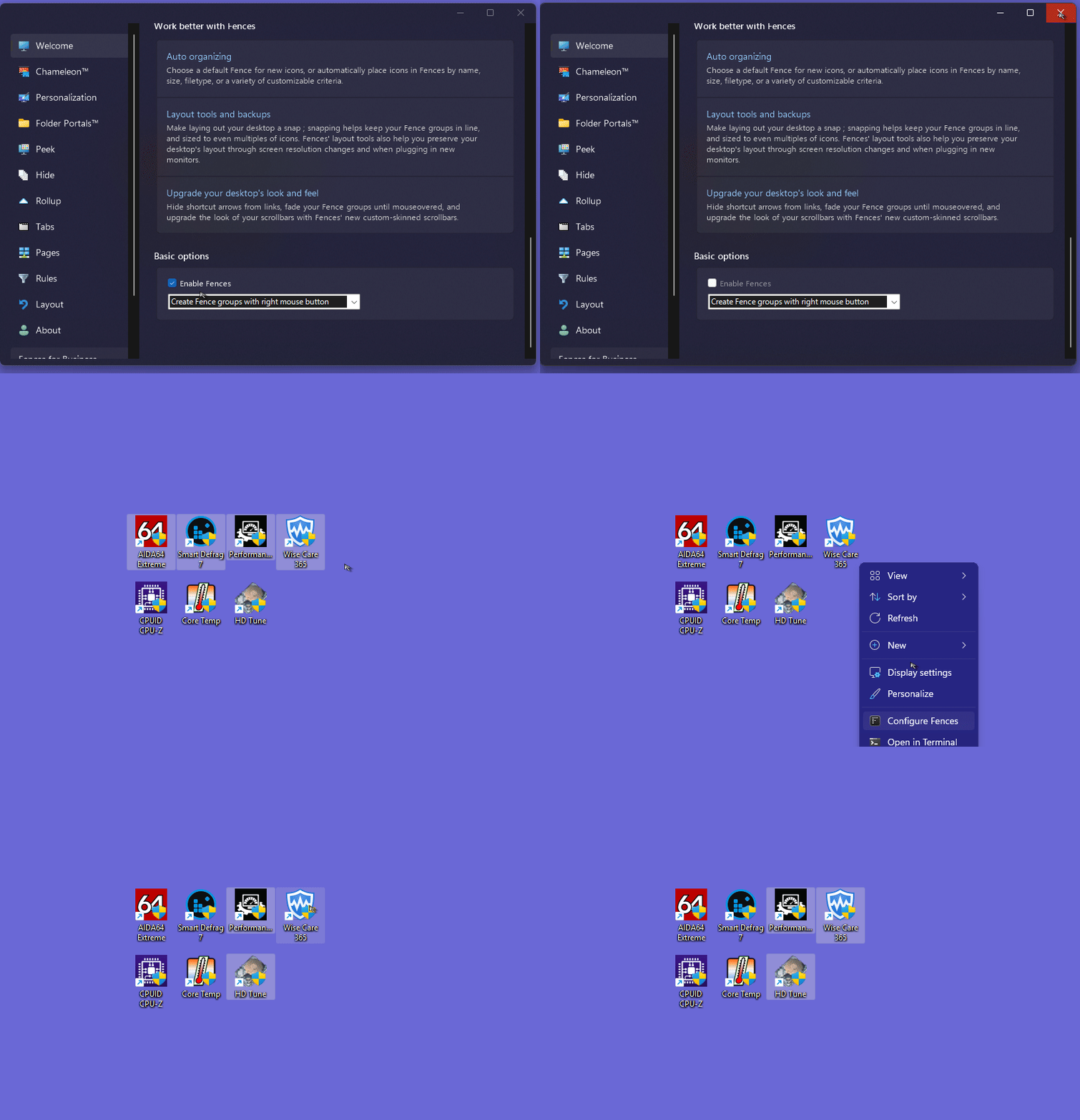
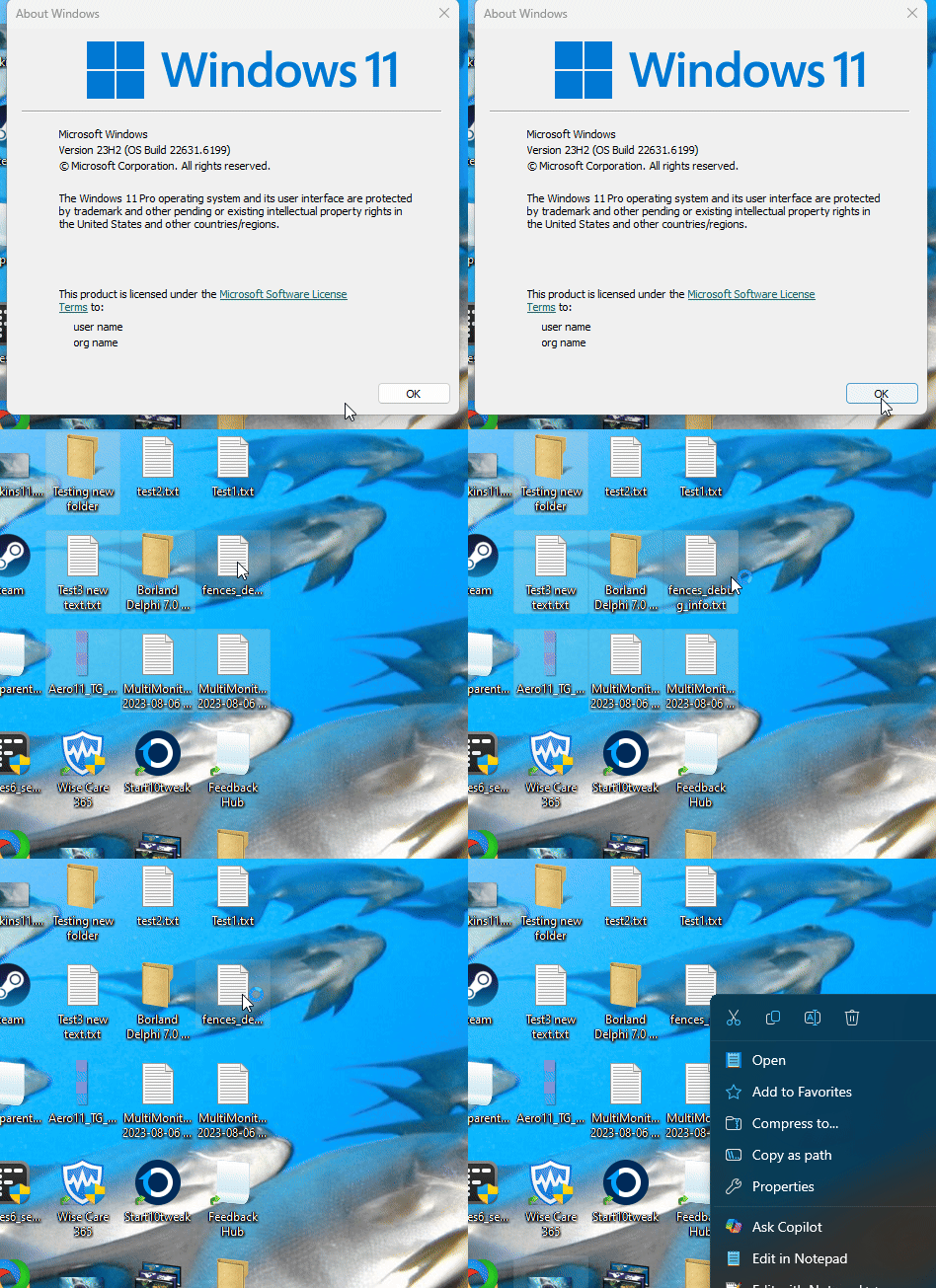
Fences 6 - After Updating to Fences 6.46: Fences flicker and the icons within Fences are not visible (Possible Refresh rate/gsync issue)
 Stardock Forums
Hello,
Earlier this week I updated to Fences 6.46 and have been experiencing the following issues:
* Icons no longer appear within Fences (I can tell that the icons are "there" - I can hold to drag and drop icons while in the fence. When I release the mouse button, the icon disappears again. Examples linked below).
* Fence animations and titles flicker
I am running:
Windows 11 Pro, 25H2, Build 26200.8457, Windows Feature Experience Pack 1000.26100.304.0
Object Desktop Manager 4.07, (4.7.9510.27166, Build Date 2026/01/14 02:41:21)
Nvidia GPU, driver version 596.49
100hz refresh rate monitor, Gsync enabled (in Windowed and Fullscreen mode)
Flickering issue occurs with:
Any and all Fences and Portals
Missing Icons issue occurs with:
All fences (Icons appear as normal in Portals)
Troubleshooting so far:
Power cycle / restart
Restore Fences Layout backups (before and after reinstalling fences/drivers)
Uninstall / Reinstall Fences
Uninstall / Reinstall Graphics Drivers
Disabled/re-enabled fences animations, rollup behaviors
Disabled other 3rd party apps (I use PowerToys, Wallpaper engine. They both worked fine with Fences before updating to 6.46. Turning these apps off and uninstalling them did not help the situation).
**Swapped Monitor: On a 60hz refresh rate monitor, no VRR/G-sync, both issues went away.**
Based on the above, I believe that the issue is likely framerate or Gsync related.
I want to emphasize that the settings and monitor were fine before the update. I really don't want to have to limit my refresh options to maintain compatibility, nor is changing out the monitor permanently a solution. I would revert to a previous version of Fences to verify that the problem wasn't caused by a Windows or Nvidia update, but Fences doesn't appear to have that option and rolling back Windows isn't an option. I could only uninstall Nvidia drivers, and nothing worked correctly without them.
EDIT - I could not attach the video files. Please see visual examples here: https://imgur.com/a/dOXlPL0