Hello and thanks for posting.
Quoting michaelaford,
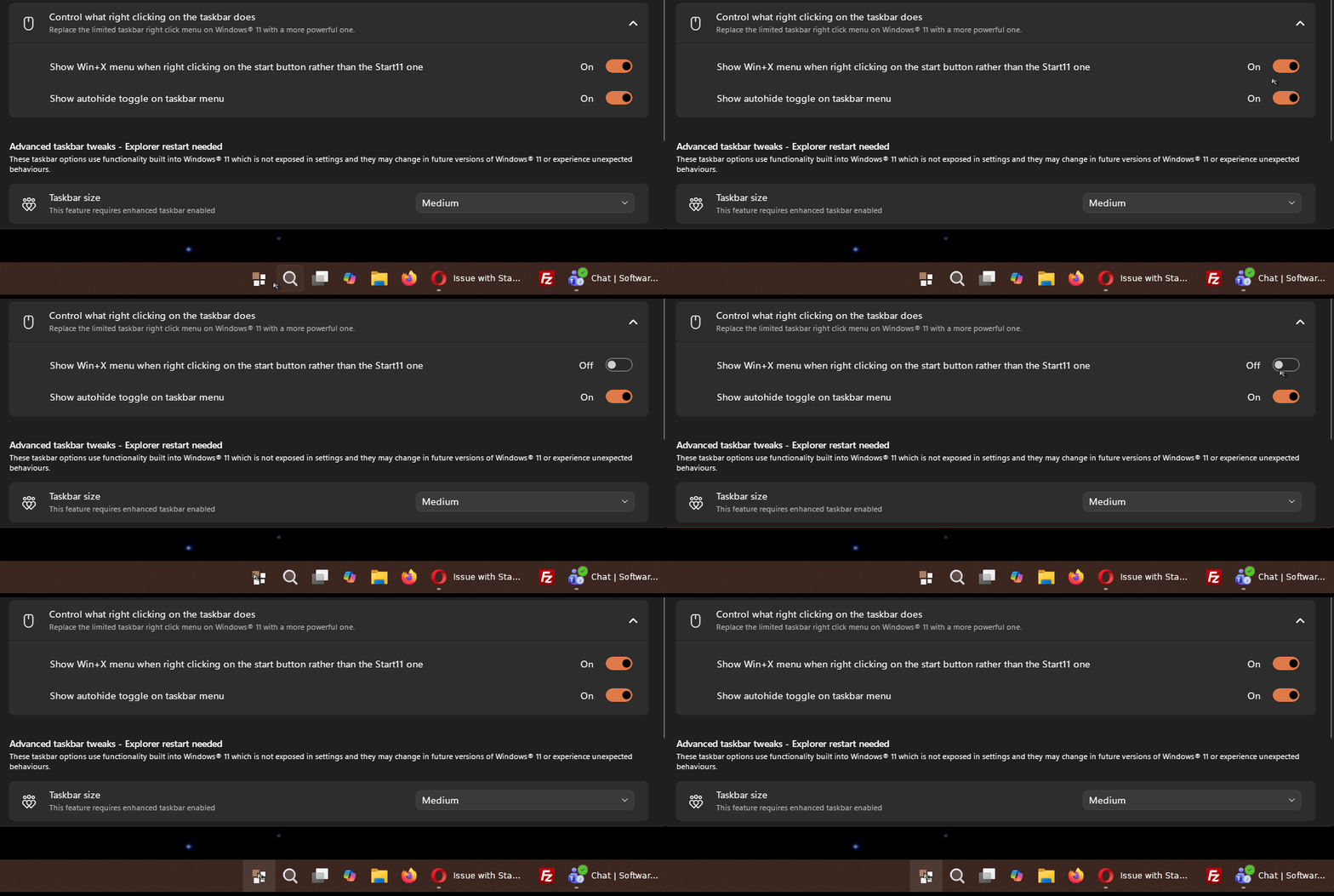
When Start11 is active and the Show Win+X menu when right clicking on the start button rather than the Start11 one is toggled to the On position, right clicking on the Start button does nothing. If I toggle the option Off, the Start11 right click menu appears. Taskbar is set to bottom, left aligned. This worked correctly until updating to v2.7. Currently on Start11 v2.71. Windows version is Windows 11 Pro Insider Preview - 25H2, build 26300.8493.
End of michaelaford's quote
I haven't been able to reproduce this in testing. If possible, could you try installing the current Beta version of Start11v2 on a Windows Sandbox?
https://support.stardock.com/space/SHC/1416855562/Testing+Start+in+Sandbox
Details on how to get the latest Beta for Start11v2 can be found here:
https://forums.stardock.com/541641/start11-v2-72-beta-feedback/page/1
With a fresh install of the Beta on a Windows Sandbox (without changing settings), please check if the problem reoccurs. This could be highly useful information to help isolate necessary conditions.
If it does not reproduce on the Sandbox, you can then backup and transfer your settings to that fresh installation on the Sandbox, from the backup tab of the app:
https://support.stardock.com/space/SHC/1995702300/Start11+v2+UI:+Settings+backup
Please also let us know if restoring that backup on the Sandbox makes the issue occur. If it does, we should be able to investigate further into which specific settings may be problematic.
Best regards,
Adam McGuinness
Stardock Support Specialist

 Stardock Forums