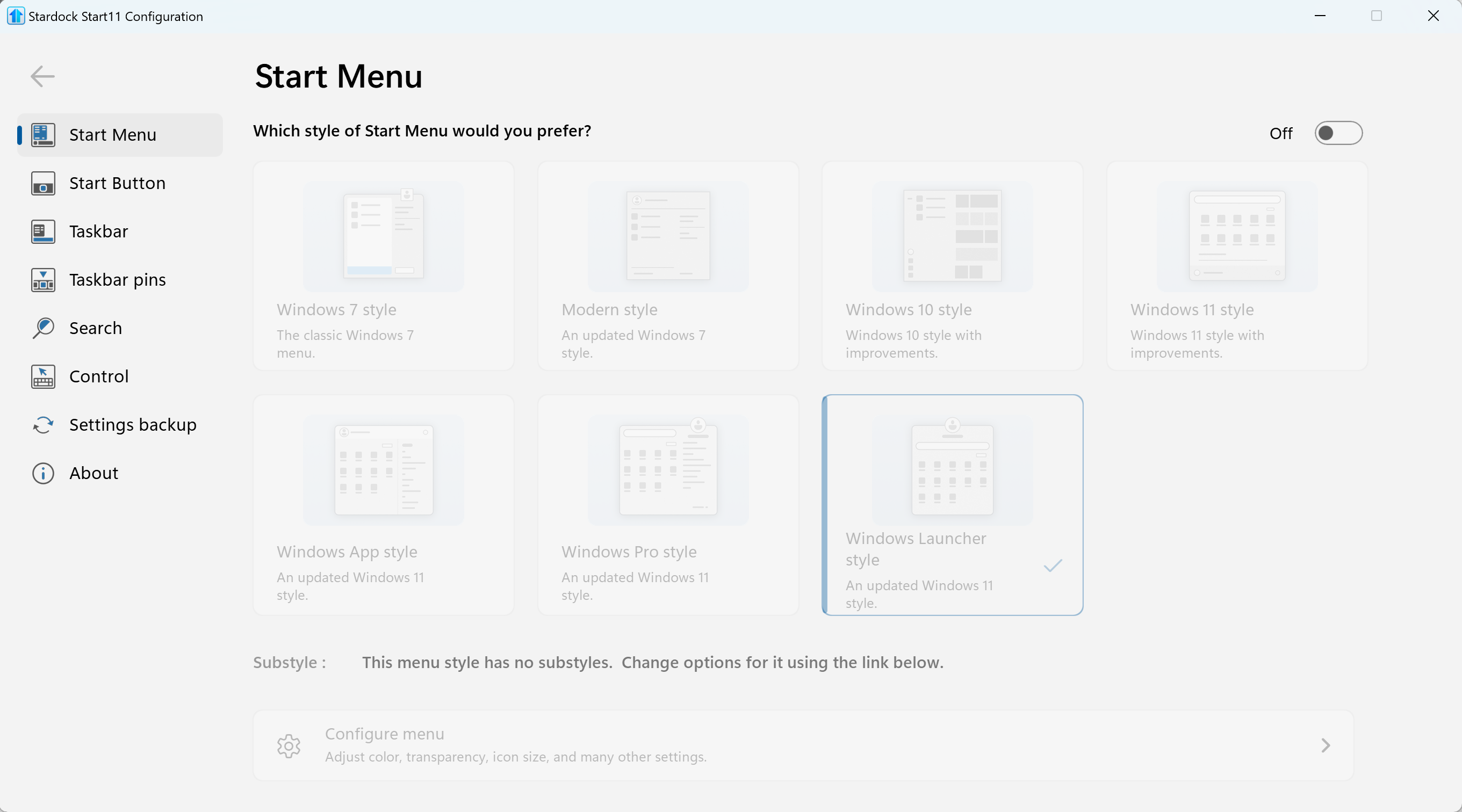
Broken Start menu
from  Stardock Forums
Stardock Forums
Clicking the start menu icon or pressing the Windows key on the keyboard fails to open the Start menu. This does not happen immediately when logging in to Windows. It seemingly occurs randomly after a couple days of usage. Restarting the PC or restarting Explorer fixes the issue for a while, but it recurs and requires restarting Explorer each time to fix.
Steps to reproduce
Install Start11 v2.7 on Windows 11 with a PC that has dual 4K monitors. Orient the taskbar vertically on the left side of the primary monitor. Use the PC for at least a couple days and observe that at some point the Start menu ceases to function.