"Fenced" icons now invisible (Start 11 conflict)
After a reboot, all of my "Fenced" icons are invisible. I turned on logging and uploaded the requested logs to the dropbox folder last week. I would attach a screenshot, but I cannot figure out how.
Hello,
Sorry to hear you are having issues. Please try, uninstall Fences, reboot immediately (important), download latest version available in your account product download page: https://store.stardock.com/myaccount/products. Install it, reboot immediately again. Retest it and report back.
If the issue still appear, we need more information.
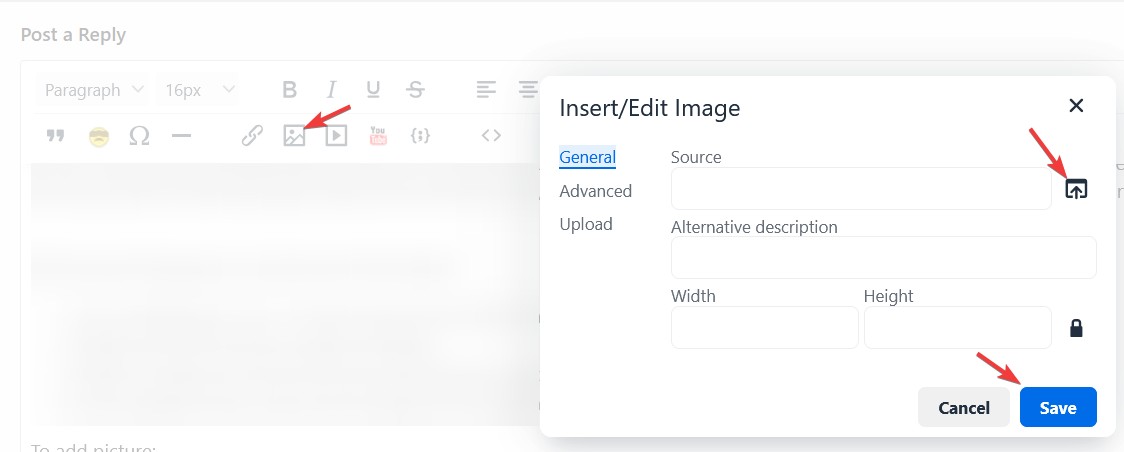
To add picture: 
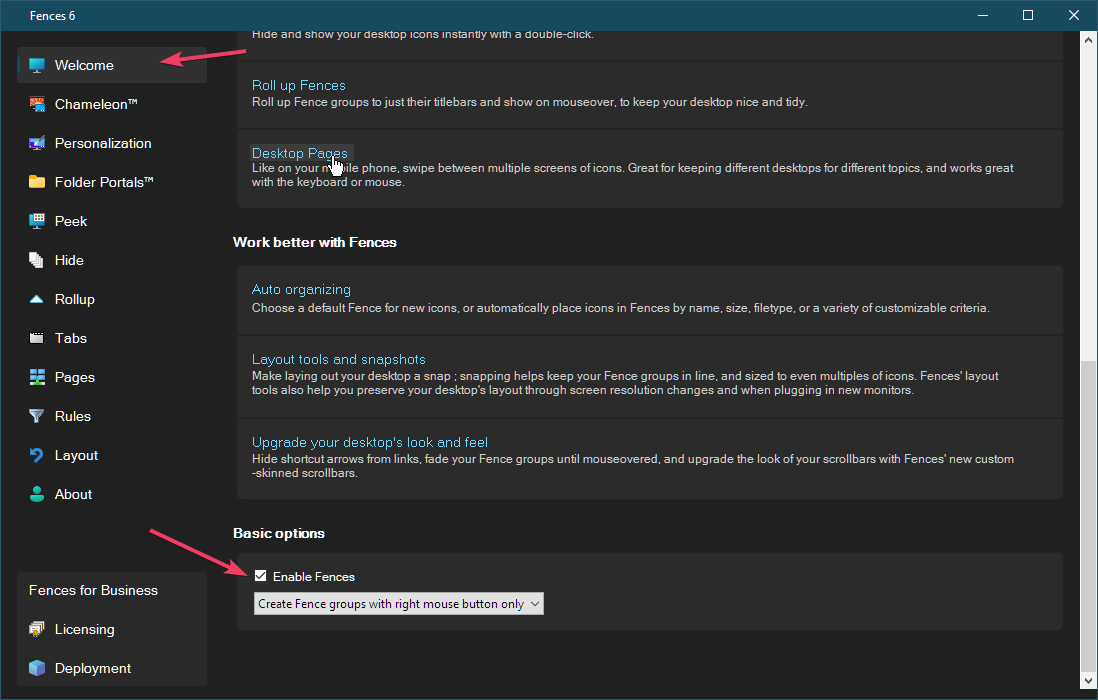
To temporary disable Fences use this button.

Thank you,
Basj,
Stardock Community Assistant.
Fences: 6.46
1. I have tried 3 different browsers; I do not have the icon you show to upload images: Screenshot
2. The Fences Version is 6.46.
3. The Windows version: Screenshot
4. What I am seeing: Screenshot
If you disable Fences, does the icons appear on your desktop?
Thank you,
Basj,
Stardock Community Assistant
Nope.
So, perhaps, it has nothing to do with Fences. Something else is causing the desktop icons to disappear on your system. Would like to suggest to try Clean Boot refer here for steps: https://support.stardock.com/space/SHC/1332445272/Fences+Clean+Boot. Do note that Clean boot need to be done with care. Try that and report back.
Thank you,
Basj,
Stardock Community Assistant
I was wrong. If I disable Fences, all of my desktop icons appear (they are just appearing on my 2nd monitor and I could not see the desktop because I had a full-screen window covering the desktop). So, if I disable Fences, my desktop icons appear on the desktop. If I re-enable Fences, they disappear from the desktop and are invisible in Fences. I know they are invisible, because if I hover over where an icon should be, I get a tooltip displaying the name of the program.
Please try the clean boot steps I mentioned above, there is still possibilities where some other 3rd party software interfering in Fences operation. Try it and report back.
Thank you,
Basj,
Stardock Community Assistant
I have a same problem.
When I turn off Start11/taskbar extension, icons are visible.
I have a same problem.
When I turn off Start11/taskbar extension, icons are visible.
Hello,
Sorry to hear you are having issues. But, how are your issue same as OP? He is having issue with Fences, while you're on Start11? Please elaborate.
Thank you,
Basj,
Stardock Community Assistant
My problem is Fence6 problem.
After posting, I tried various settings and noticed that
When fences is in 1st display(HDMI) in dual display, icon is invisible.
Moving fences to 2nd display(D-Port), icons become visible.
Nope, He's right. I just disabled Start 11 taskbar extension and all my icons came back.
Interesting, while I can't reproduce that. I have forwarded your problem/question/discovery to Stardock Support Team for their assistance. Please keep an eye on this thread for any updates. We appreciate your feedback and patience. Thank you.
Basj,
Stardock Community Assistant
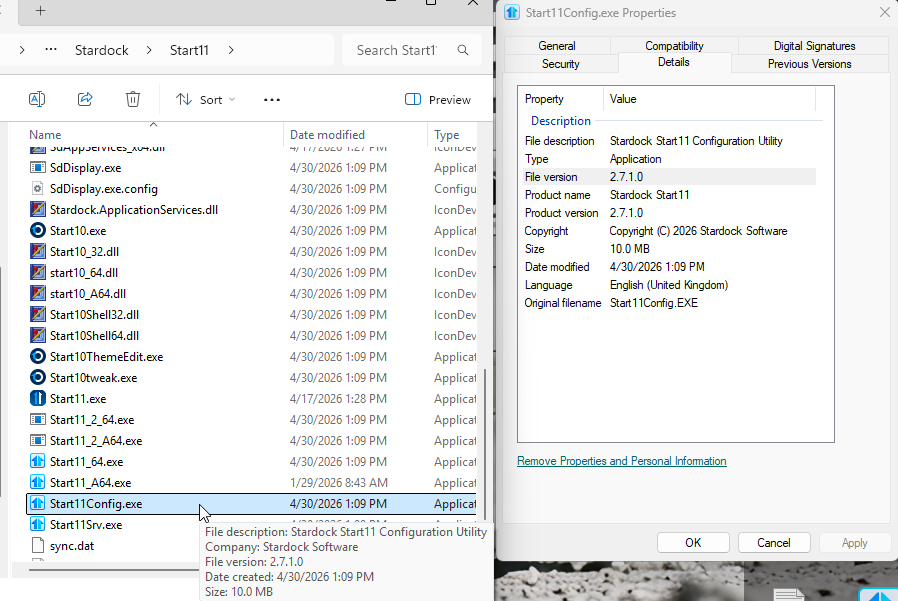
What build of Start11 do you have installed?
2.71
me, too
Start11 v2_2.7.03 is no problem.
Please share your system hardware.
Same issues. Installed the updates for Start 11v2 yesterday and Fences 6. Start 11 is 2.71 and Fences is 6.46. I tried uninstalling and reinstalling fences with reboots, didn't help. Operating system is Win 11 Pro 25H2, all updated. Video Card is Nvidia T1000, CPU is a Ryzen 7 5800x. The fences keep flickering in addition to not showing what is in the fence. If you click on it blindly, it will open whatever you clicked on.
Intel(R) Core(TM) i7-10700K CPU @ 3.80GHz (3.79 GHz)
NVIDIA GeForce RTX 3080 (10 GB)
Welcome Guest! Please take the time to register with us.