A question and a few minor bugs

Translated from French with Deepl

Hello, 

A few things : 


First : 


I would like to be able to lock the location of my tabs so that I don't move them by mistake. I think this was possible in the past, but I can no longer find this option in the Fences 6 settings.


Secondly : 

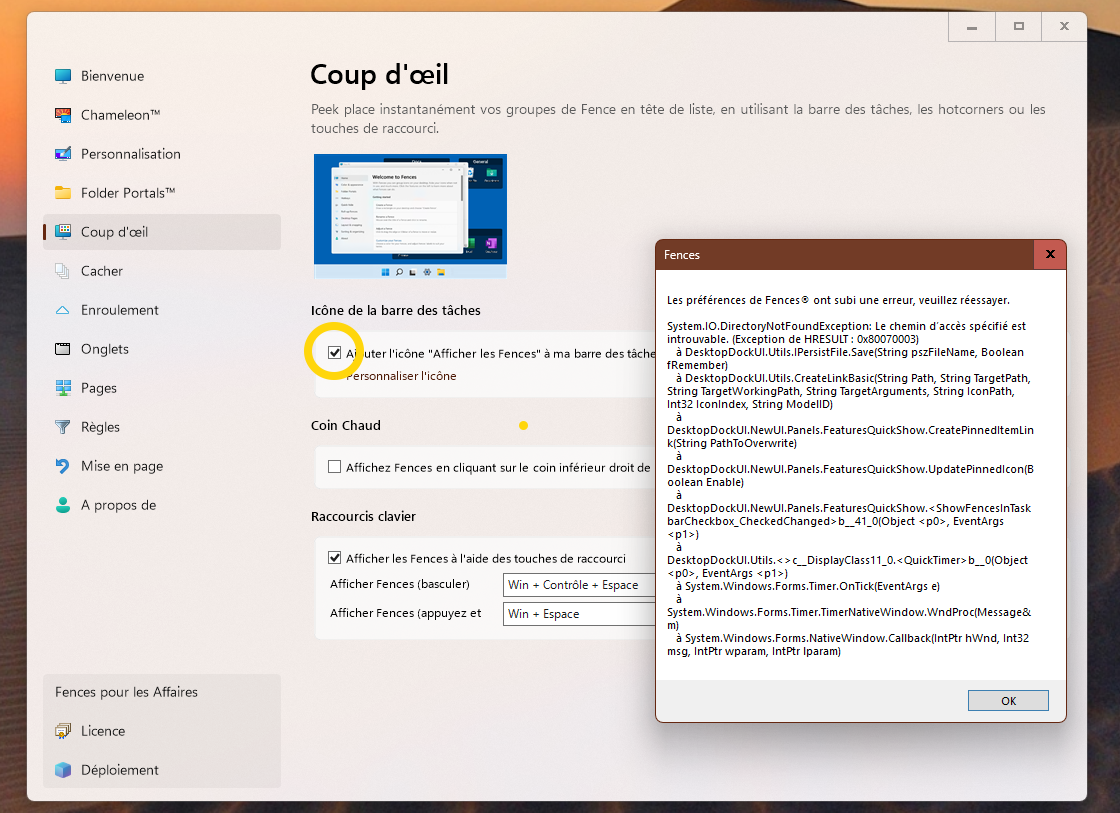
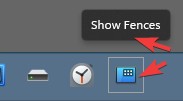
I'm having trouble activating the ‘Show Fences on my taskbar’ button: 


Thirdly : 

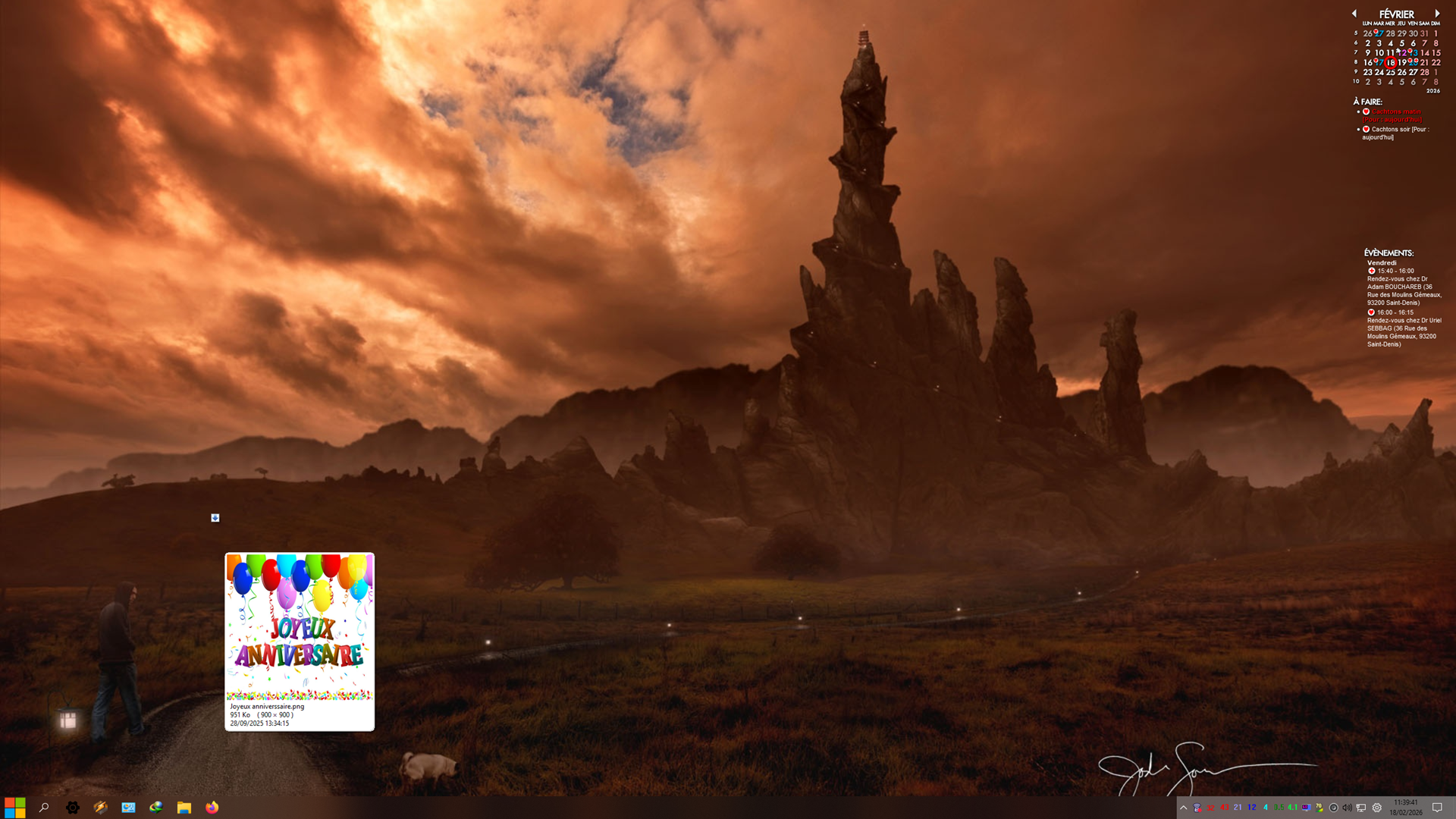
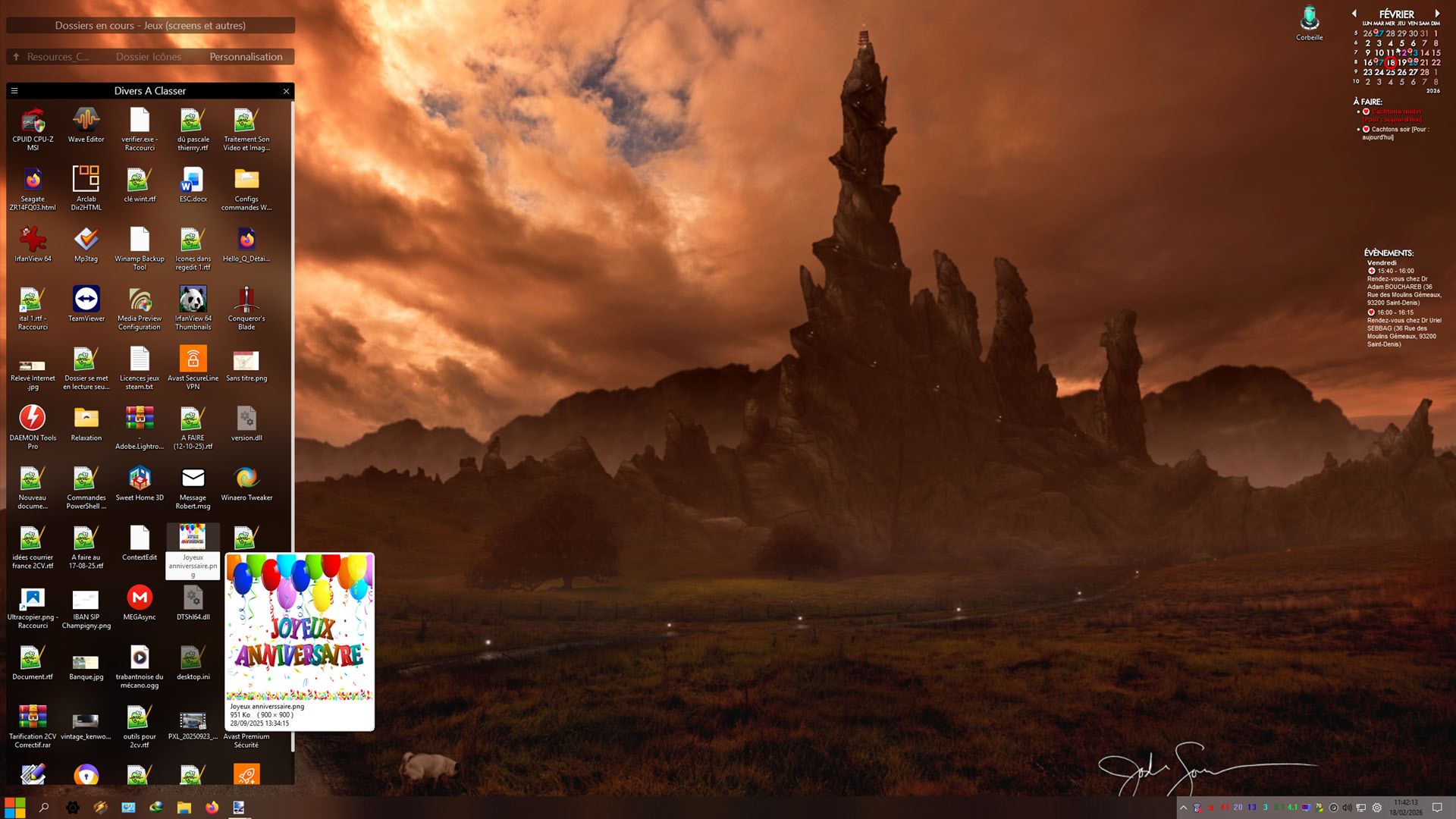
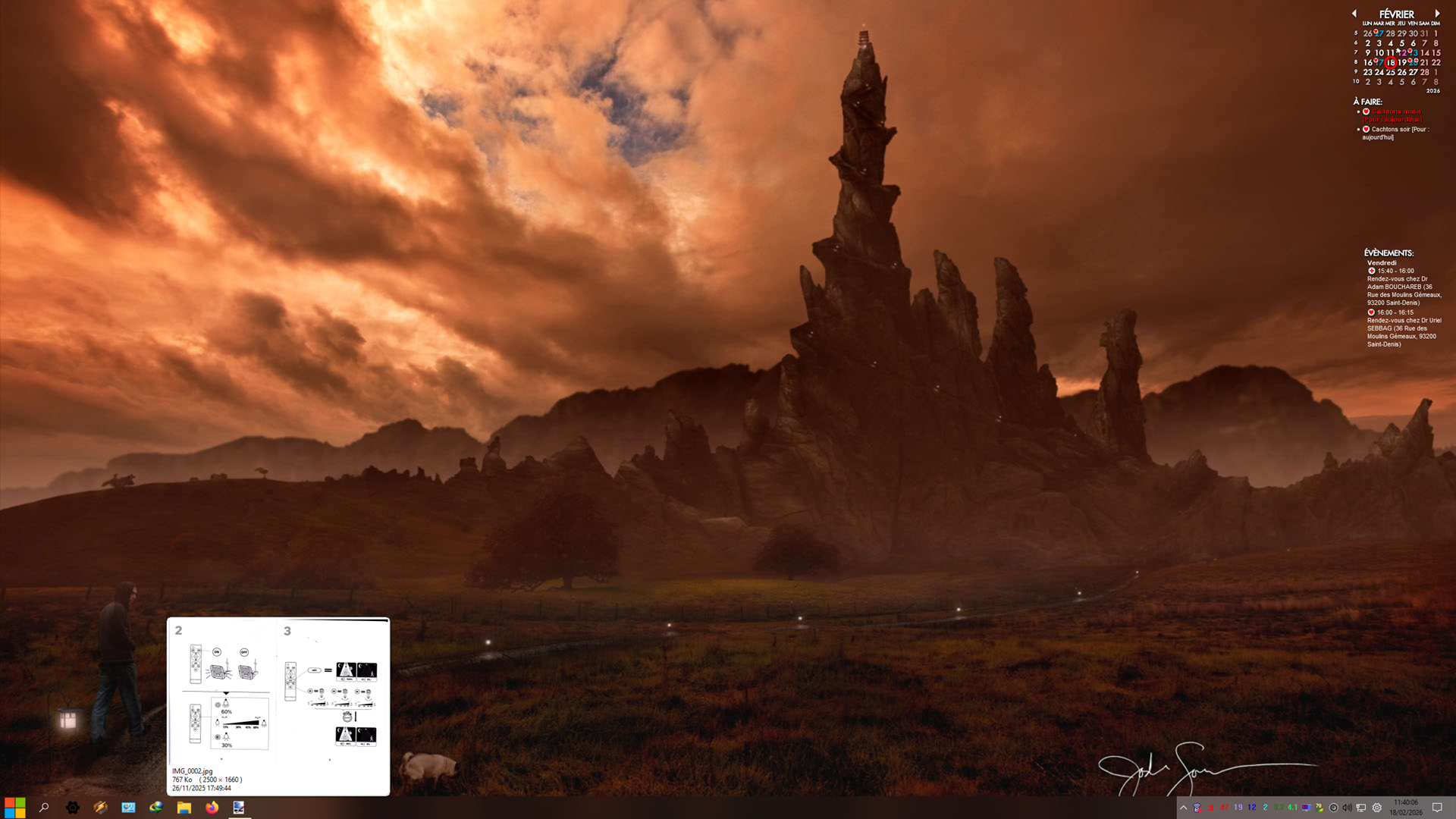
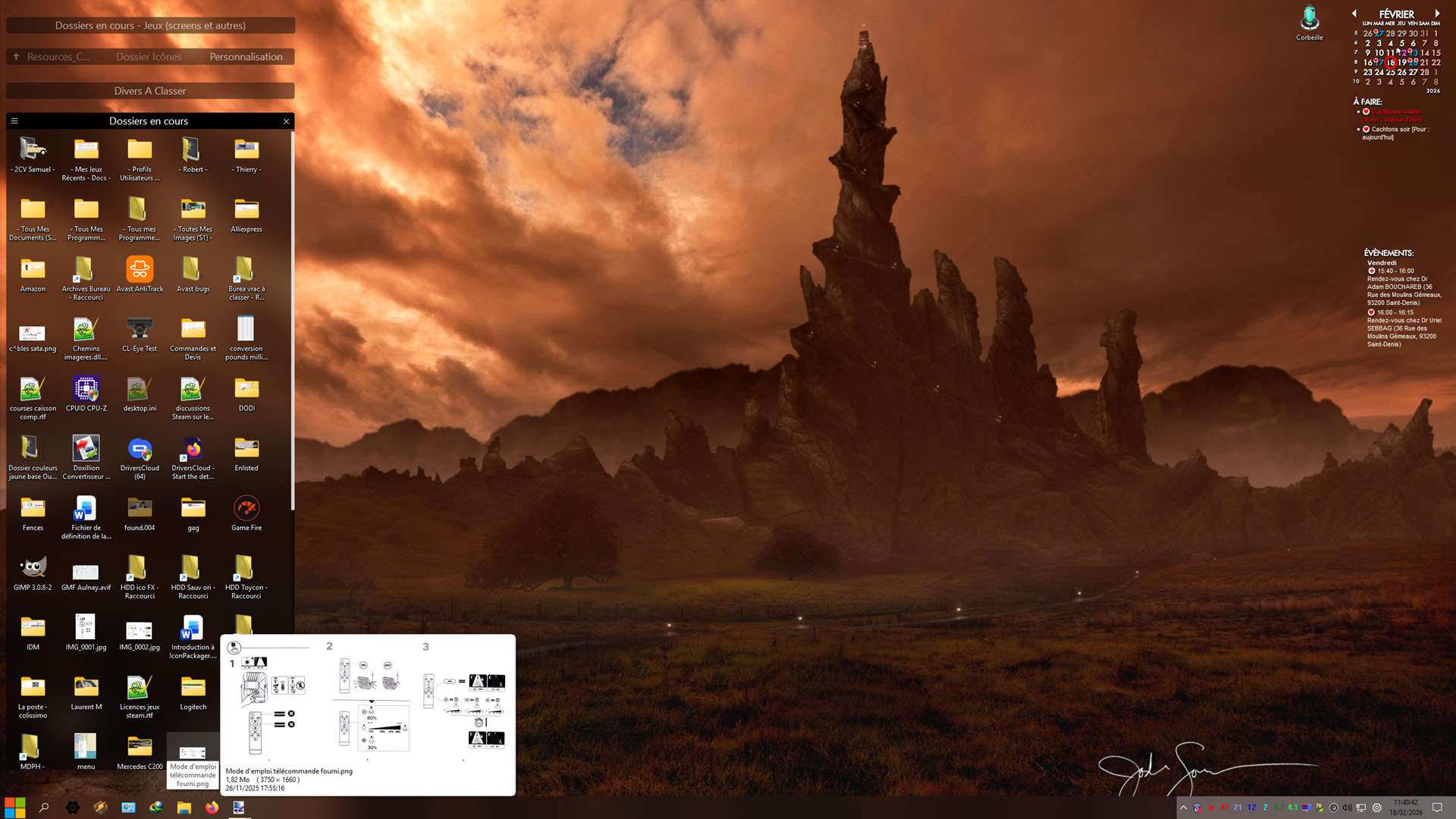
To report the presence of artefacts when the mouse cursor hovers over icons hidden in rolled-up windows. 

Example :

Artefact : 
Rolled-up window :

Another example : 

Artefact :
Rolled-up window:
Do you have any solutions to these minor issues? 


Thank you in advance.
742 views 3 replies
Reply #1 Top

Hello,
Sorry to hear you are having issues.

1. Use this guide to enable lock Fences option in context menu: https://support.stardock.com/space/SHC/1621360668/Show+%22Lock+Fences%22+in+Fences+5+and+6 

2. When you "Tick" (turn on that option), don't you see "Show Fences" icons on your taskbar? Refer to my small screenshot below.

Not sure about that error popup, does the error popup everytime you turn on that option?

3. Artifacts on screens, perhaps something in your system is conflicting with Fences. Try Cleanboot and see which of it is causing the issue. Refer here for Clean boot steps: https://support.stardock.com/space/SHC/1332445272/Fences+Clean+Boot. Do note that Clean boot need to be done with some care. Try it and report back. 

Thank you,
Basj,
Stardock Community Assistant.

Reply #2 Top

Hello, 

Phew, I found the forum I used to post on. 

Phew, because while searching this forum, I found two others, of the same name, with the Stardock logo, but which don’t really have the same content. 

So to answer you, very late: 

1. I finally figured out how to lock the gates, no more problems on that end. 

2. The error pop-up appears every time I try to put the icon on the task bar.

3. Having been more than busy in recent months, I haven’t yet tested the problem with a secure startup of Windows. I will get back to you as soon as I know more. 

Thank you very much for your response, Basj. 


Translated via Reverso.com


Bonjour, 

Ouf, j'ai retrouvé le forum sur lequel j'ai l'habitude de poster. 

Ouf, parce qu'en recherchant ce forum, j'en ai trouvé deux autres, du même nom, au logo de Stardock, mais qui n'ont pas vraiment le même contenu. 

Alors pour vous répondre, avec beaucoup de retard: 

1. j'ai fini par trouver comment verrouiller les fences, plus de problème de ce côté. 

2. La pop-up d'erreur s'affiche à chaque fois que je cherche à mettre l'icône sur la barre des taches.

3. ayant été plus qu'occupé ces derniers mois, je n'ai pas encore testé le problème avec un démarrage sécurisé de Windows. Je reviendrais vers vous dès que j'en saurais plus. 

Merci beaucoup pour votre réponse, Basj. 

Reply #3 Top

Great, glad to hear that. And, yes, report back if you still have issue.

Thank you,

Basj,

Stardock Community  Assistant
