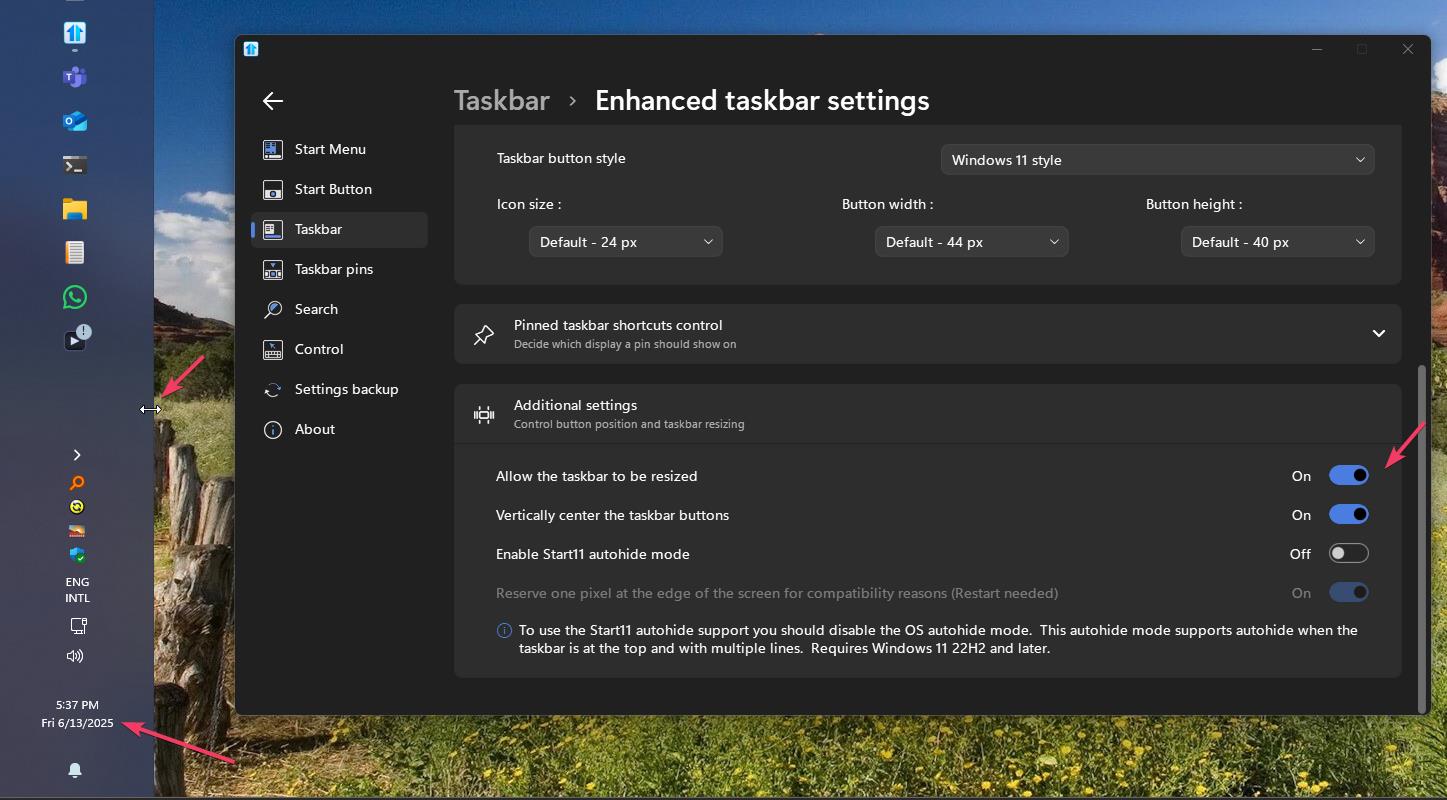
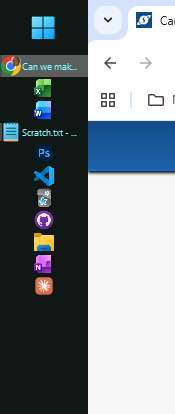
Can we make vertical taskbars wider?
from  Stardock Forums
Stardock Forums
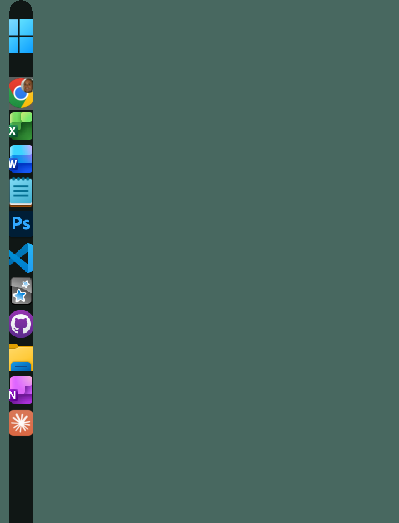
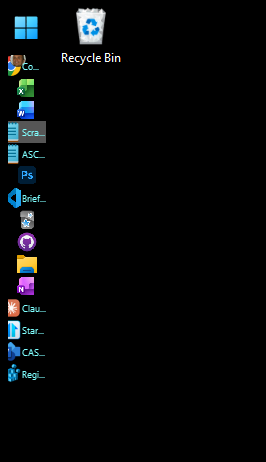
I've selected the 'extra large' option and made my buttons and icons small, but I still see just a few letters of each open file name. I'd really like a wider taskbar so I can read much more of the file names for when I have several different files open in the same app, such as multiple text files. In Windows 10 we could drag it to whatever width we wanted, reconfiguring it to the task at hand. Ideally, it would be nice to get that level of functionality back, but at least the ability to control the width through a setting would be very helpful.
Moved to Start Menu Products area