Fences 6 won't start, Windows 11
from  Stardock Forums
Stardock Forums
Hi.
I've been using Fences 3 for several years without problems.
But after updating to Windows 11, i was facing issues with Fences 3. Therefor i bought Fences 6 instead.
But i can't make it work.
I have been following theese steps:
- Uninstall all versions of Fences on my PC
- During uninstall i cheked the "Remove settings"
- Reboot PC
- Go to C:\ProgramData\Stardock and deleted any 'Fences' directory
- Reboot PC
- Installed Fences 6.
- After installation, fences opens asking if i would use the default settings, or creating my own. I have tried both options.
Even though it seems that uninstall and install went as expected, i cant make fences work.
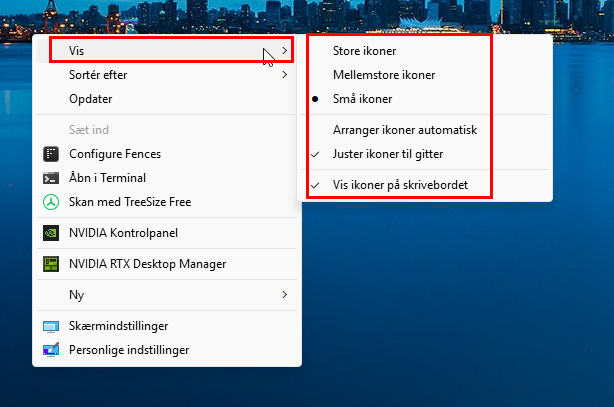
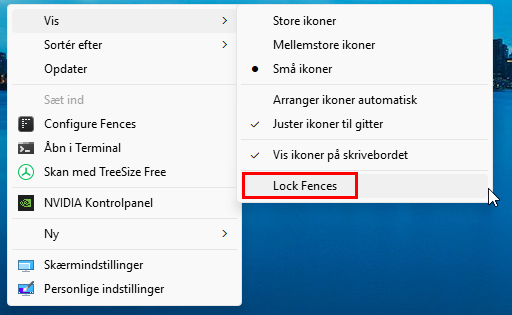
When i try creating new fences on my desktop, notting happens.
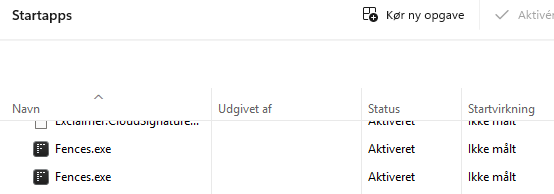
When i try to open the Fences App, nothing happens.
After installing Fences 6, i was expecting get an activation prompt - but i didn't..
Can my issue be activation/license related?
I am running on Windows 11 version 25H2 build 26200.7171
Do you have any suggestions why i cant make Fences work on my PC?
Thanks in advance
Regards
Morten Fuglsang