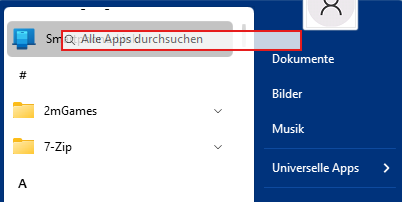
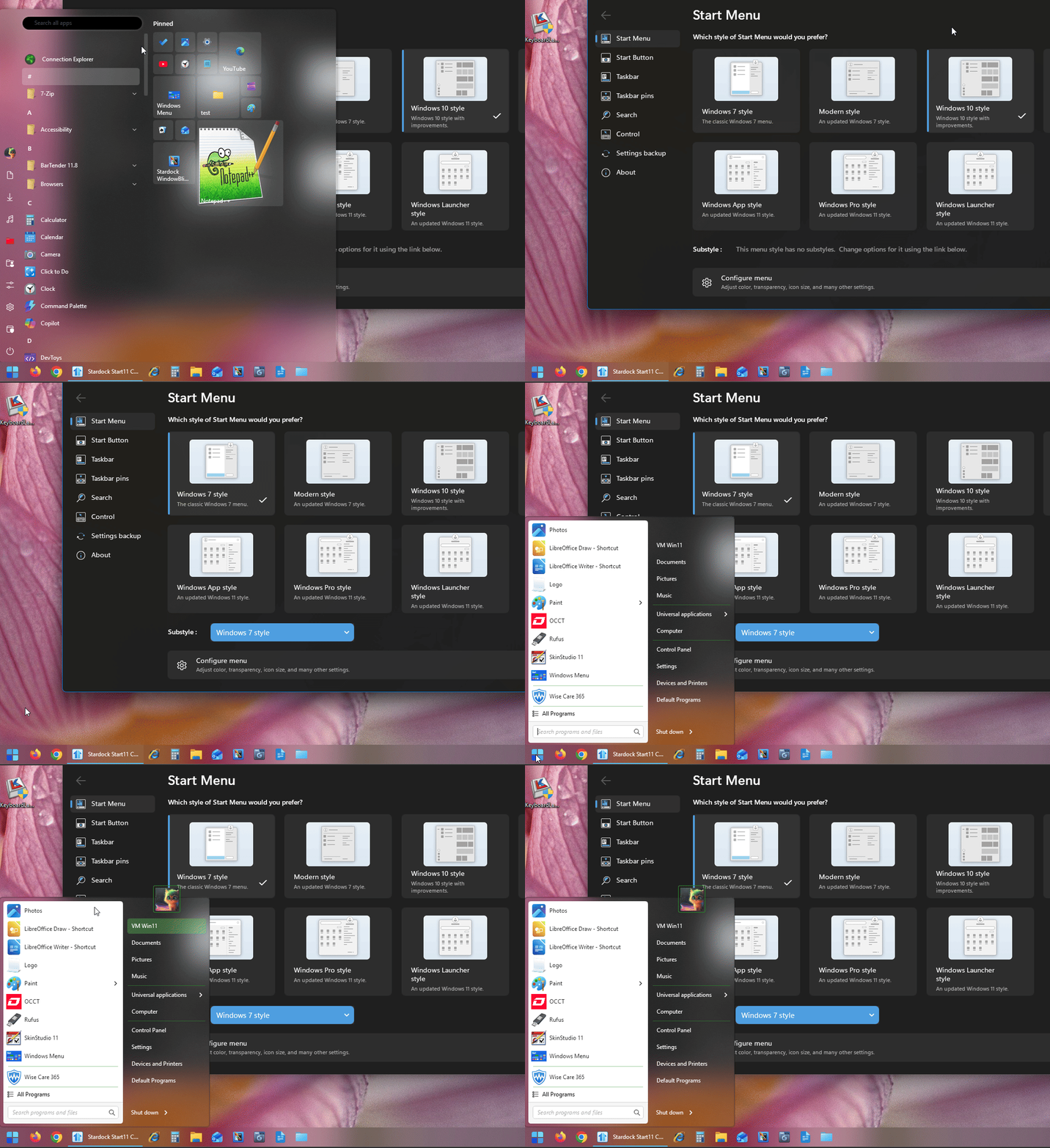
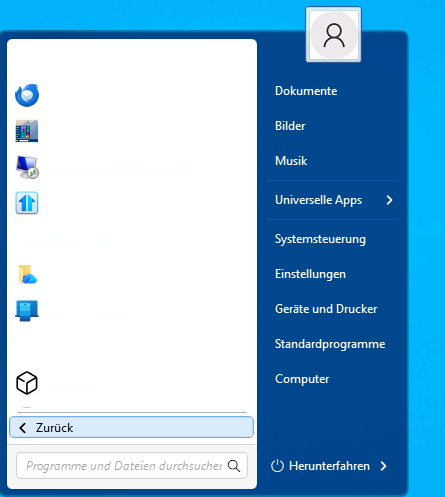
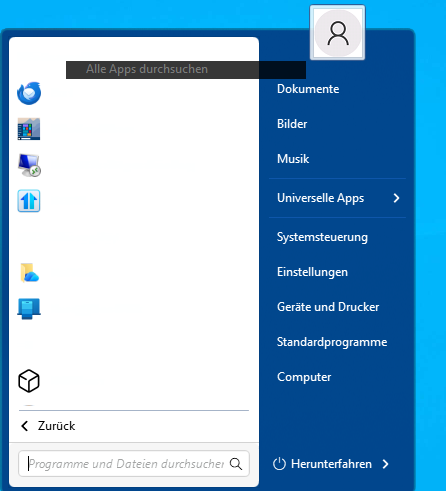
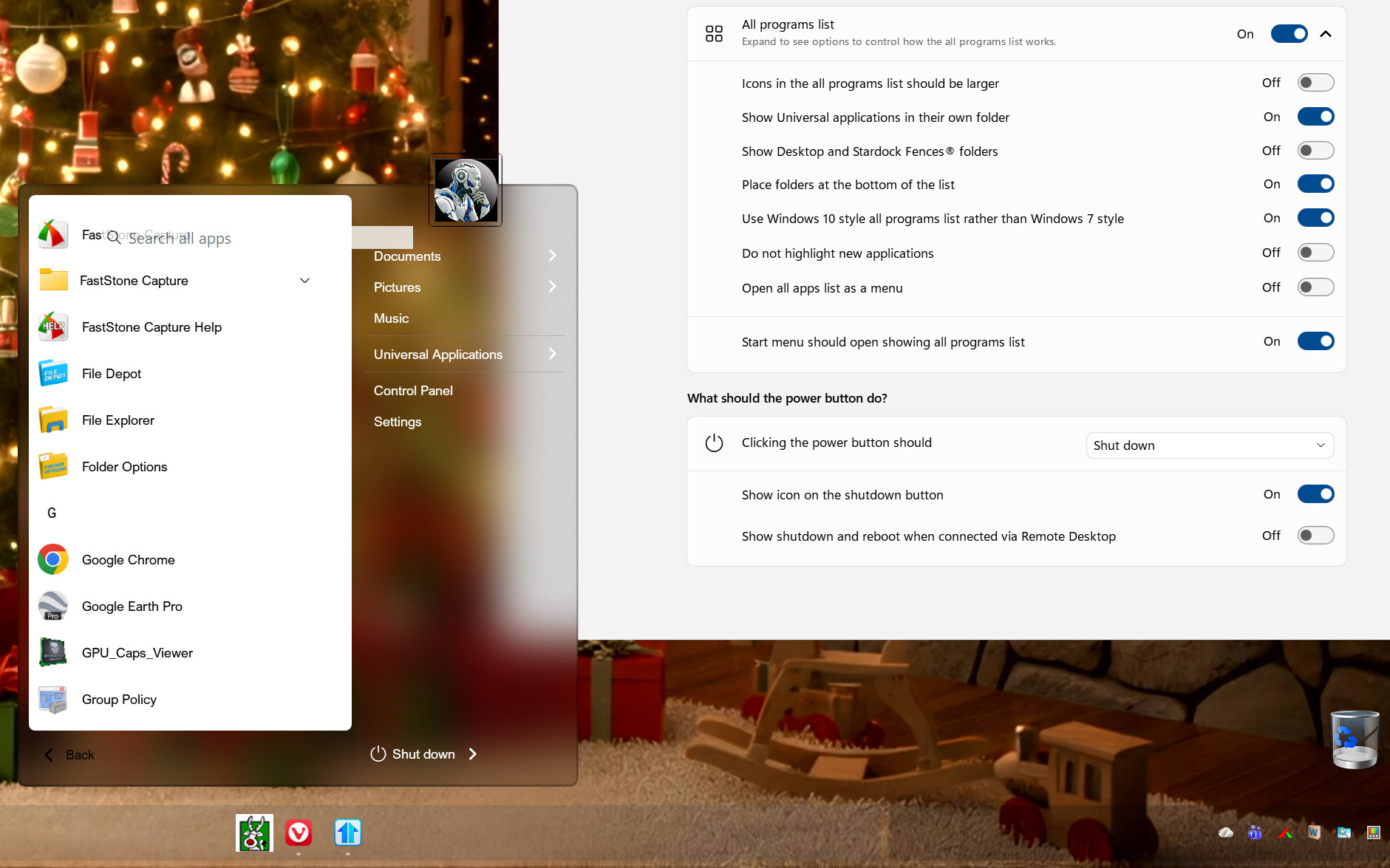
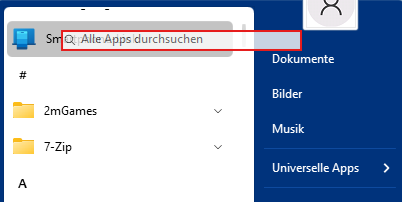
- Resolved issue with all apps search field showing incorrectly in some menu styles
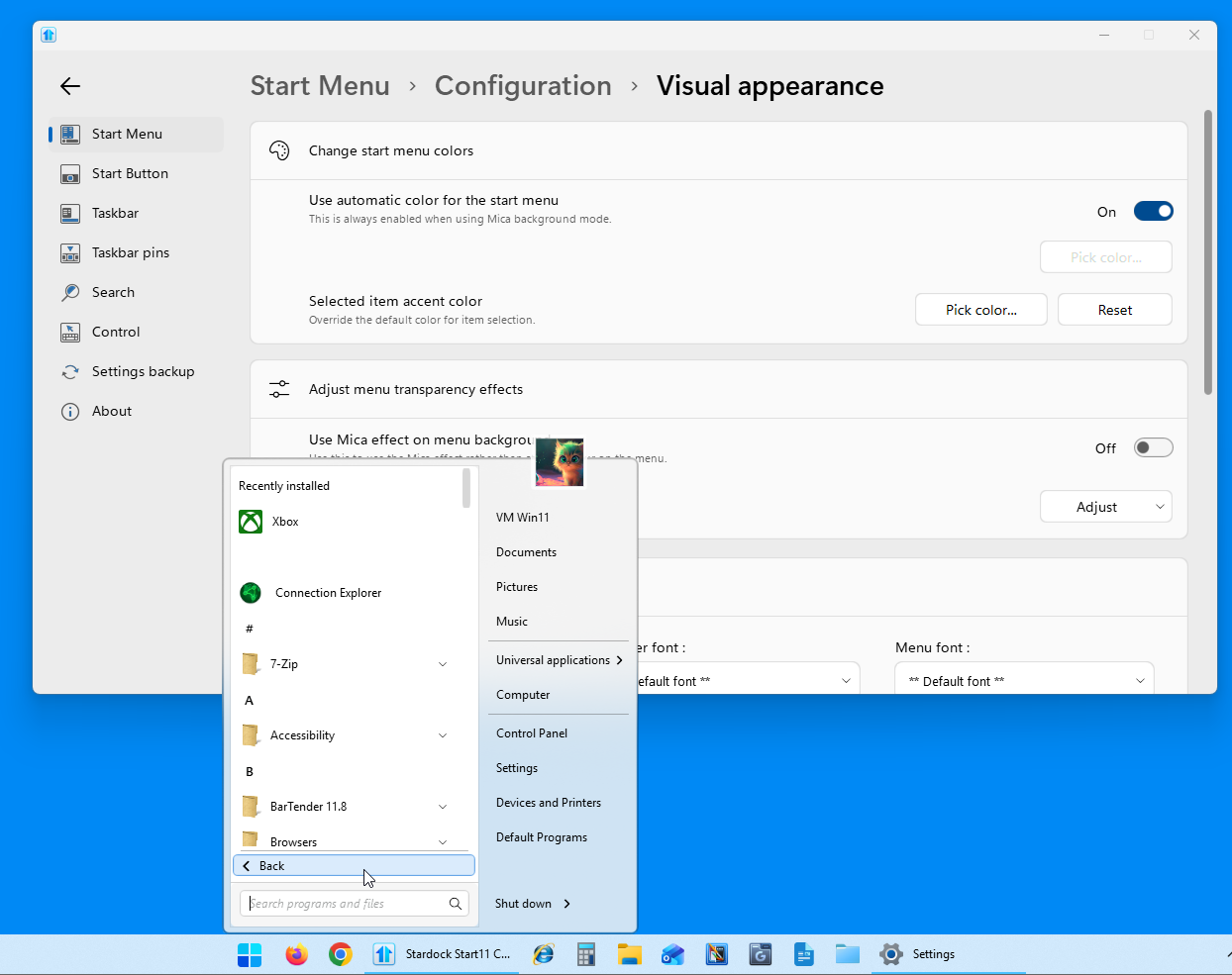
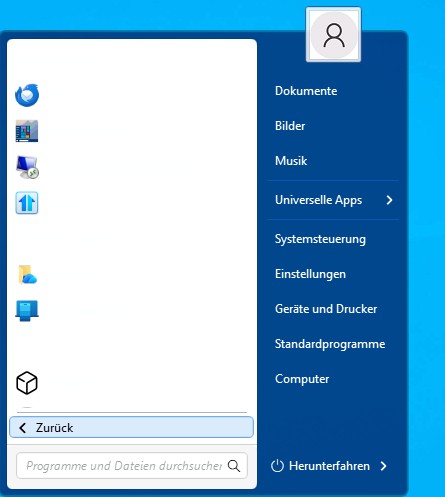
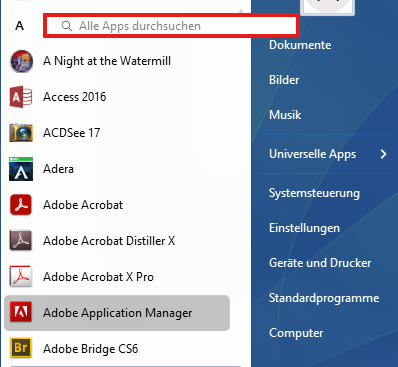
Unfortunately, the “Enable all apps searching” feature still causes problems with many start menu styles. It should be possible to switch between the different styles without having to restart Explorer.
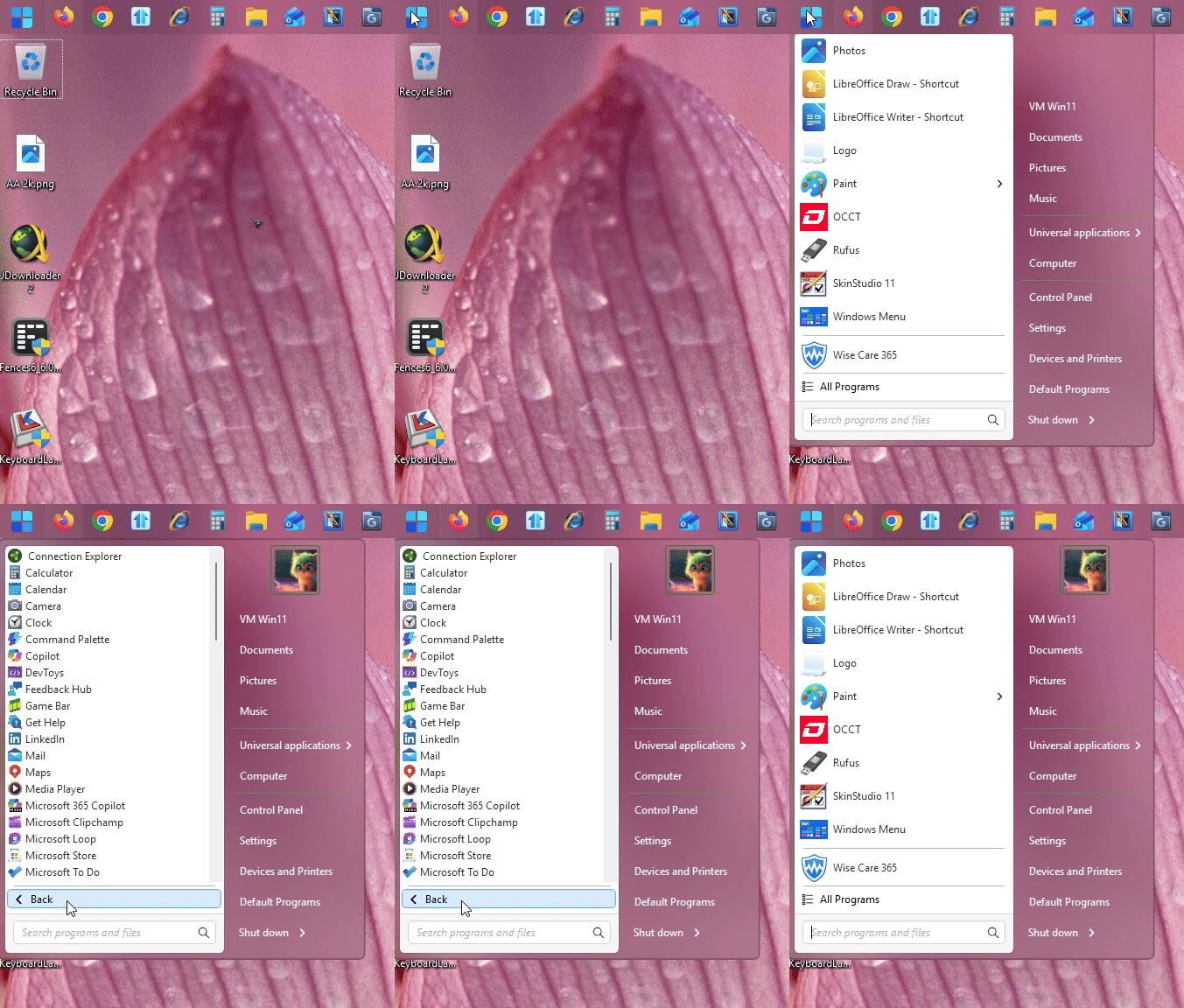
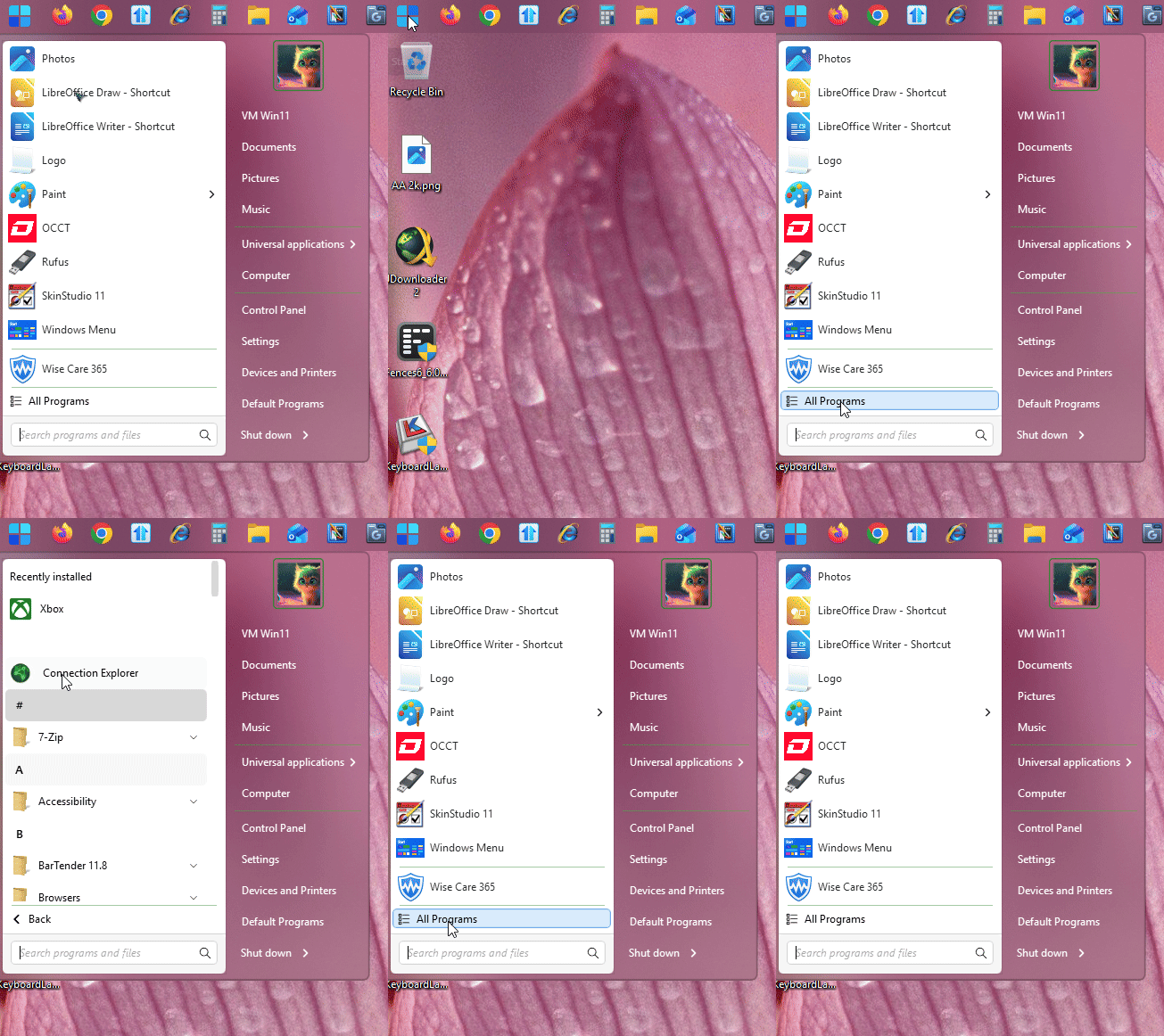
The Windows 7 style and Modern style do not normally have app searching, so you might be able to solve the problem by hiding and turning off the “Enable all apps searching” switch.
Modern Style
Windows 7 Style
Windows 11 Style
With the Windows 11 style, another error occurs in this context. When you exit the app search, the app search field remains visible. Similar to the Windows 7 and Modern styles.

Windows 10 Style
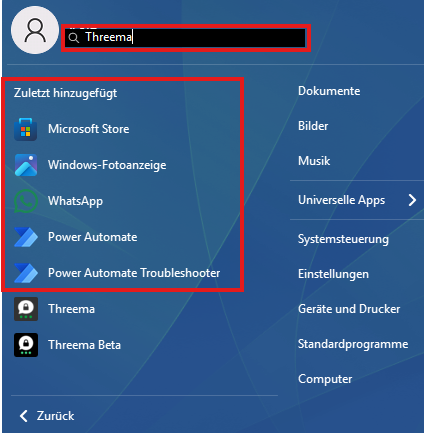
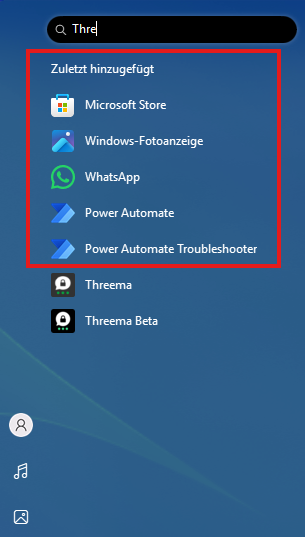
However, there is another problem with the app search. The results always show the most recently added apps. This should not be the case.
My system:
Windows 11 Professional 25H2 Build 26200.7171
Start 11 v2 2.60 Beta

 Stardock Forums