Start 11

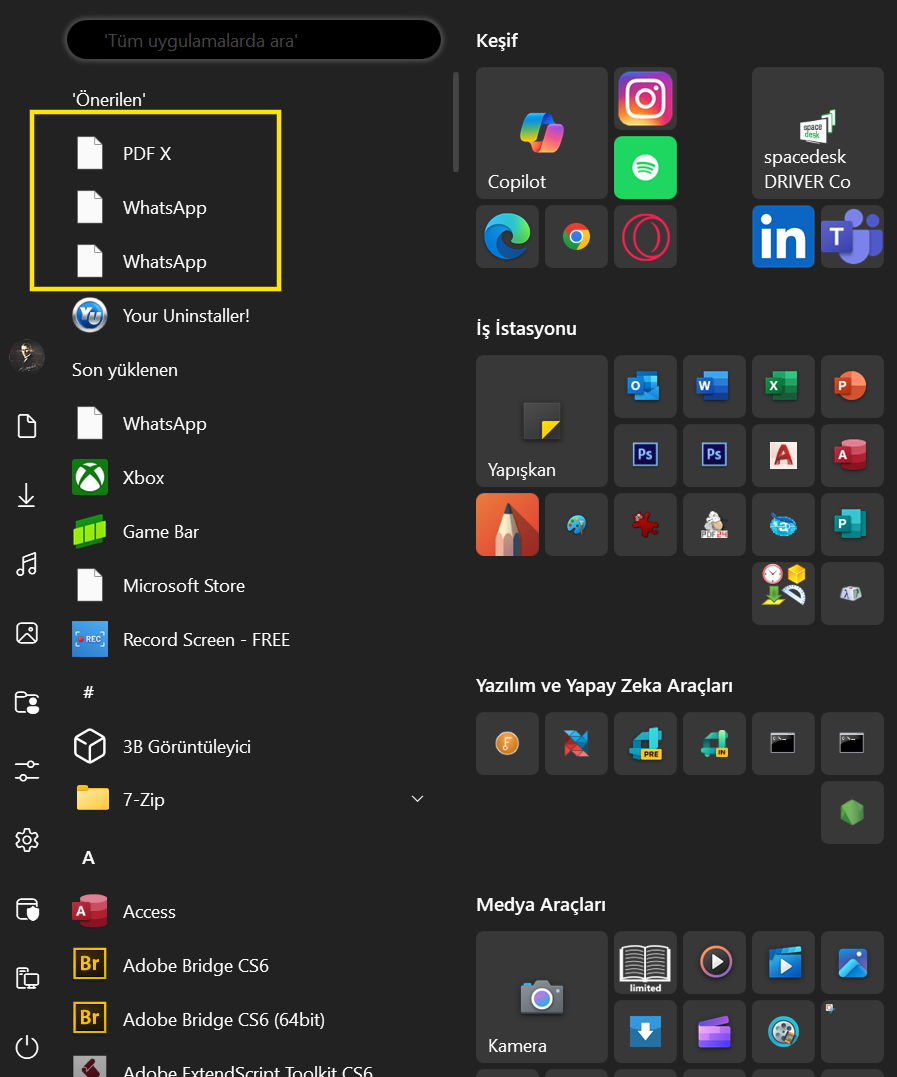
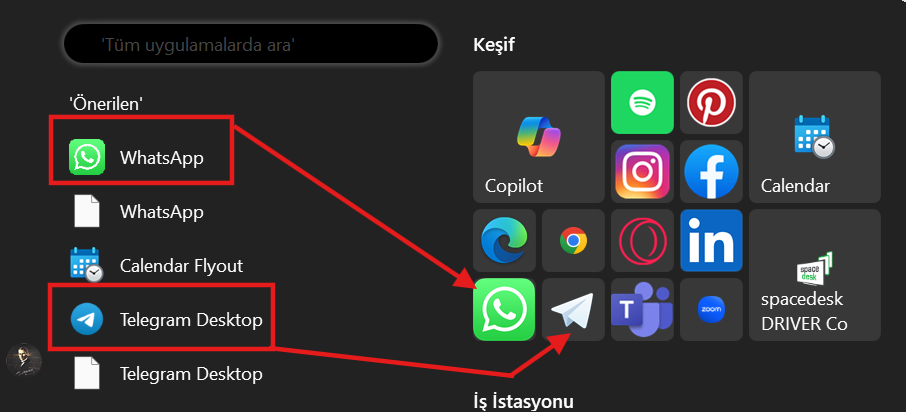
About some microsoft or other apps icon don't work.

Hi,

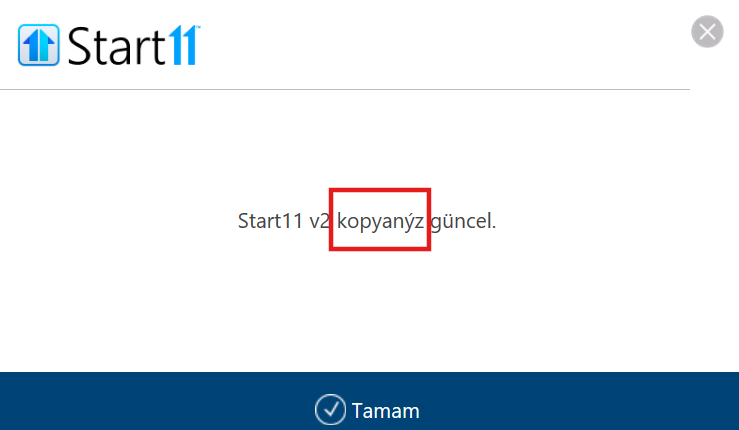
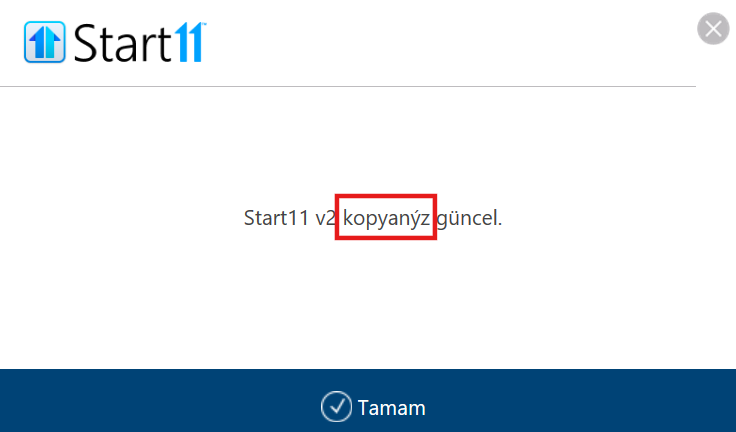
Some of apps icon don't work also some Turkish alphabet character don't appear correctly. Please, fix this isues. Thank you for your support.

Moved to Start Menu Products Area

828 views 5 replies
Reply #1 Top

Hello,
Sorry to hear you are having issues. Please try, uninstall Start11, reboot immediately (important), download latest version available in your account product download page: https://store.stardock.com/myaccount/products. Install it, reboot immediately again. Retest it and report back.

If the issue still appear, need more information.

  1. Windows full version and OS Build number. Please use Winver.exe to get these numbers.
  2. Start11 full version numbers.
  3. Have you tried uninstall and reinstall those applications that have issue with its icons not displayed properly.
  4. Also, as a test try and see if the icons issue also appear on default Windows Start menu.

Thank you,
Basj,
Stardock Community Assistant.

Reply #2 Top

Do the apps with broken icons actually launch ok?

Reply #3 Top

Hi,

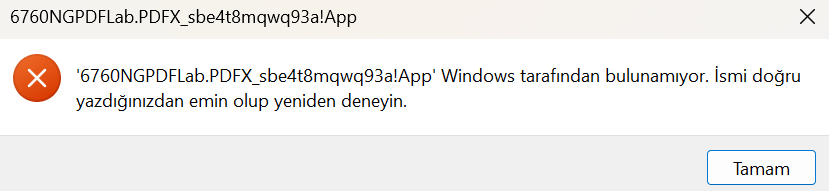
Still same issues going on. I've reinstalled thoes apps but their icons not appear correctly and not works.

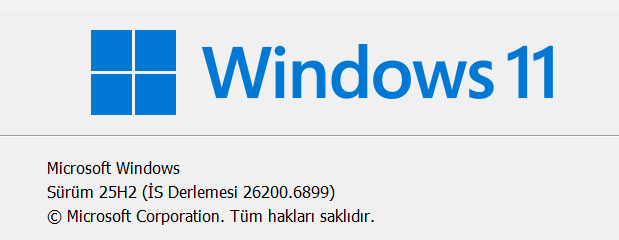
My Windows is Windows 11 Pro 64Bit version 25H2 (IS 26200.6899) 

Start 11 version is 2.55

Reply #4 Top
Quoting basj, reply 1

4. Also, as a test try and see if the icons issue also appear on default Windows Start menu.

End of basj's quote

Anything on this one?

Thank you,

Basj,
Stardock Community Assistant

Reply #5 Top

I've solve this icon's issue. I've chose broken icon from suggested menus and I've send it on the desktop as a shortcut then I've insided to the shortcut sub menu and changed to the icons picture. When the icon's sign changed correctly, from Shortscut's right menu, I've added it in the Start11's on it. It works correctly but I've still coundn't solve this language issue. Please, solve it.