v2.51 Pinned Websites Limit (?)

Limit appears to be 51

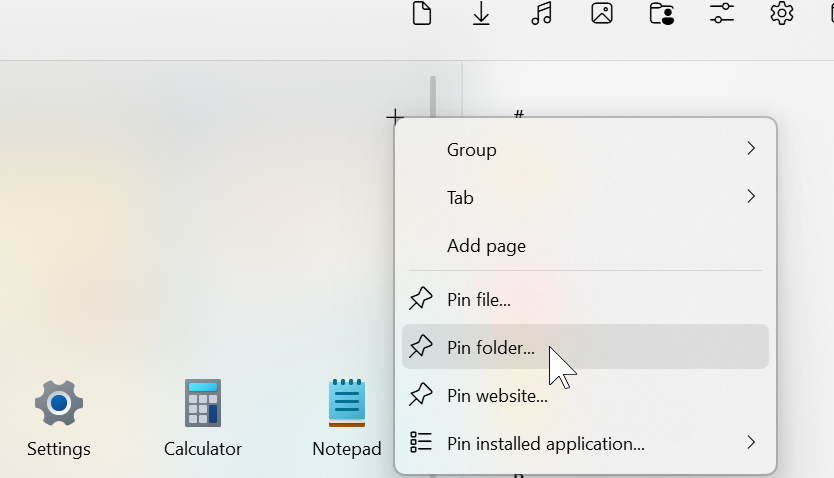
I've been setting the Start11 up and was pinning all my projects via Edge's Pin To Start. 51 links pinned with no issues, with every new one appearing at the bottom of the menu, although slower and slower (at times having to wait for 20s+ for it to appear). And then it stopped appearing at all. I know the new pinned links are there, as the native start menu does show them, however Start11 does not. I can add new links via right button -> New -> Pin website, but that just adds unnecessary additional steps to the process. Is this a bug or a limitation with some clear reasoning behind it?

1,320 views 7 replies
Reply #1 Top

Hello,
Sorry to hear you are having issues. I believe there is no limits. But, to be sure, need to know more on your system.

  1. Windows 10 or 11? Also, need its full version and OS Build number. Please use Winver.exe to get those number.
  2. Which Start11 style you're using?
  3. Post screenshot or video to show us, it easier to understand.

Thank you
Basj,
Stardock Community Assistant.

Reply #2 Top

Hi. Thank you for getting back to me on this.

  1.  Windows 11 Pro, 24H2, 26100.3775
  2.  Windows App style
  3.  Unable to record a video and screenshot would not provide any context, so here here are the steps to reproduce it:
    1. Open any website on Edge browser
    2. Click on 3 dots in the top right corner to expand settings menu
    3. Expand 'More Tools' and click on 'Pin to start'
    4. Confirm the action in the popup
    5. Open Start11 menu and the newly pinned website appears as the last icon there
    6. Repeat steps 1-5 51 times (odd number, so potentially different for others). When you reach 30+, a notable delay in the new pinned website appearing within the menu will be observed. Once you pin 51 websites, further entries will no longer appear within the menu. However, opening native Windows 11 menu will display the newly pinned entries.
    7. *** this is a new development. After reaching 51 entries I had pinned further 20 manually, by right clicking within the open menu, choosing 'New' and 'Pin website'. For the sake of this guide I've just pinned another entry following steps 1-5, and now clicking on native Windows Menu icon (which previously would open the native menu) no longer does anything. So it seems that there is some sort of issue with handling a large number of pinned websites.

Please let me know if you need any further information.

Reply #3 Top

Hello,
I have forwarded your problem/question to Stardock Support Team for their assistance. Please keep an eye on this thread for any updates. We appreciate your feedback and patience.

Basj,
Stardock Community Assistant

Reply #4 Top

Quoting simondau, reply 2

Repeat steps 1-5 51 times (odd number, so potentially different for others). When you reach 30+
End of simondau's quote

You are wanting to pin 50+ items to the Start menu?

Sean Drohan
Stardock Product Lifecycle Manager

Reply #5 Top

Quoting sdRohan, reply 4


Quoting simondau,

Repeat steps 1-5 51 times (odd number, so potentially different for others). When you reach 30+


You are wanting to pin 50+ items to the Start menu?

Sean Drohan
Stardock Product Lifecycle Manager

End of sdRohan's quote

The menu can be split into sections with tabs, and one of those tabs I'd like to reserve for all the projects (localhost website instances). The menu also has useful feature of displaying only small icons, which compliments my case as each project has its own unique favicon, making 50+ icons take reasonably little space, yet offering excellent quick access functionality. I've been successfully using such an arrangement with the native W10 menu and pinned sites on my old machine, and can't see going away with it now.

Reply #6 Top

Quoting simondau, reply 5

The menu can be split into sections with tabs, and one of those tabs I'd like to reserve for all the projects (localhost website instances). The menu also has useful feature of displaying only small icons, which compliments my case as each project has its own unique favicon, making 50+ icons take reasonably little space, yet offering excellent quick access functionality. I've been successfully using such an arrangement with the native W10 menu and pinned sites on my old machine, and can't see going away with it now.
End of simondau's quote

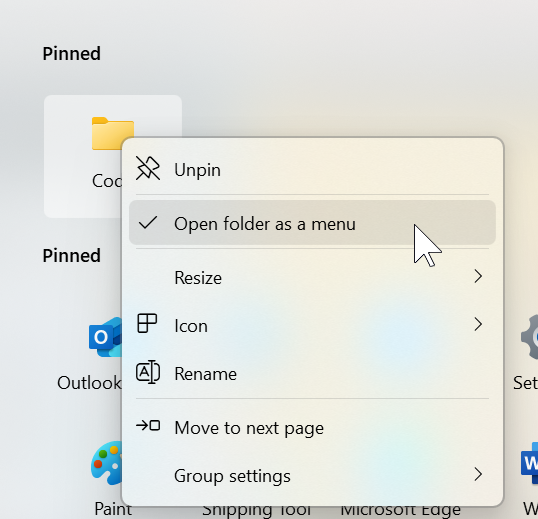
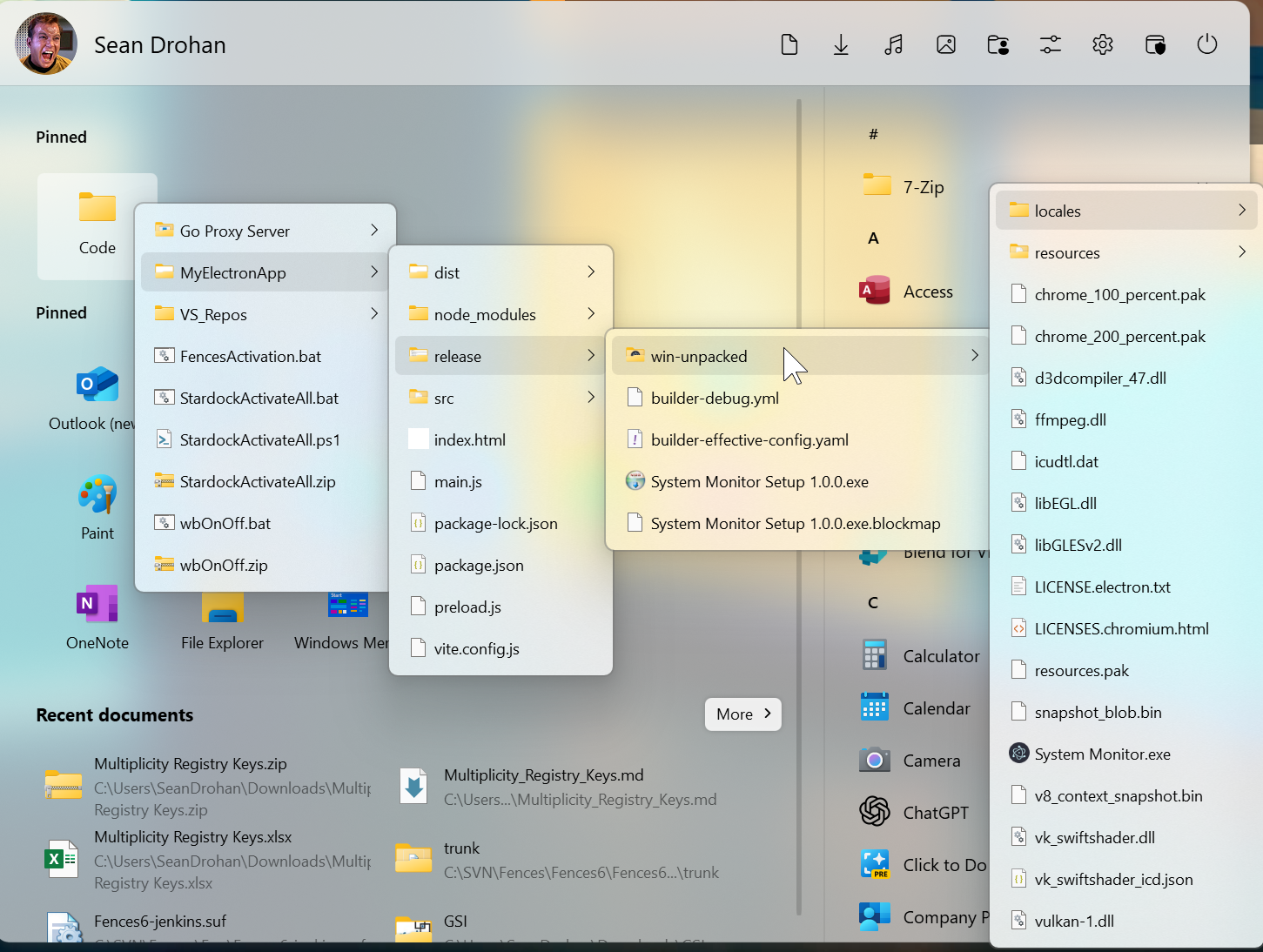
From this description, I wonder if pinning a folder and having it menu-driven would be helpful to you

With this, the folder (which could be on a network location or even OneDrive) holds the data, not the Start menu.

Sean Drohan
Stardock Product Lifecycle Manager

Reply #7 Top

Thank you for the suggestion, but having it as a pinned folder introduces an unnecessary extra step that takes me away from the menu itself, undermining the very idea of such a brilliantly designed software.

Just to reiterate, I am still able to pin new project links manually, which is a workaround that I'm intending to employ from now on unless the reported bug is fixed and I can once again pin them directly from the browser.