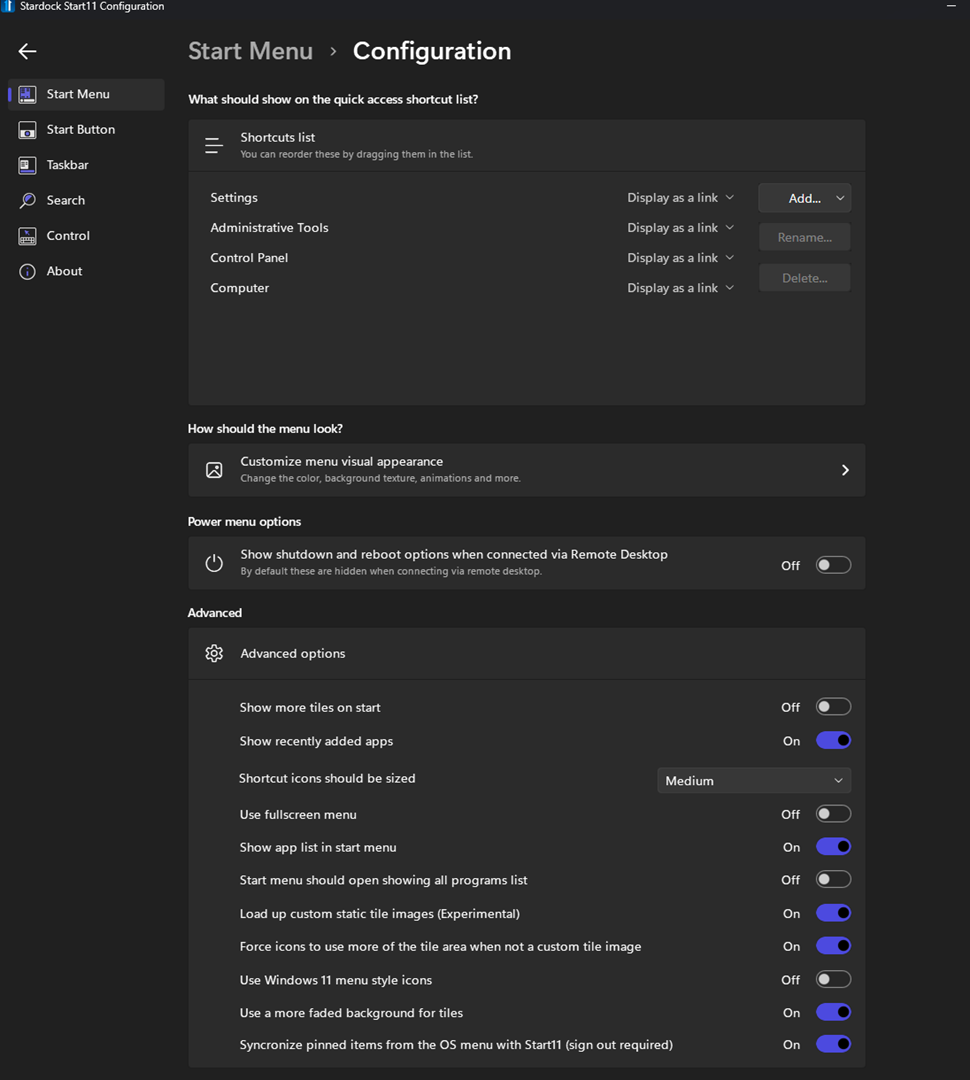
I've tried that a few times. I've done it on fresh installs of windows 11 at least 3 times, and the problem eventually happens.
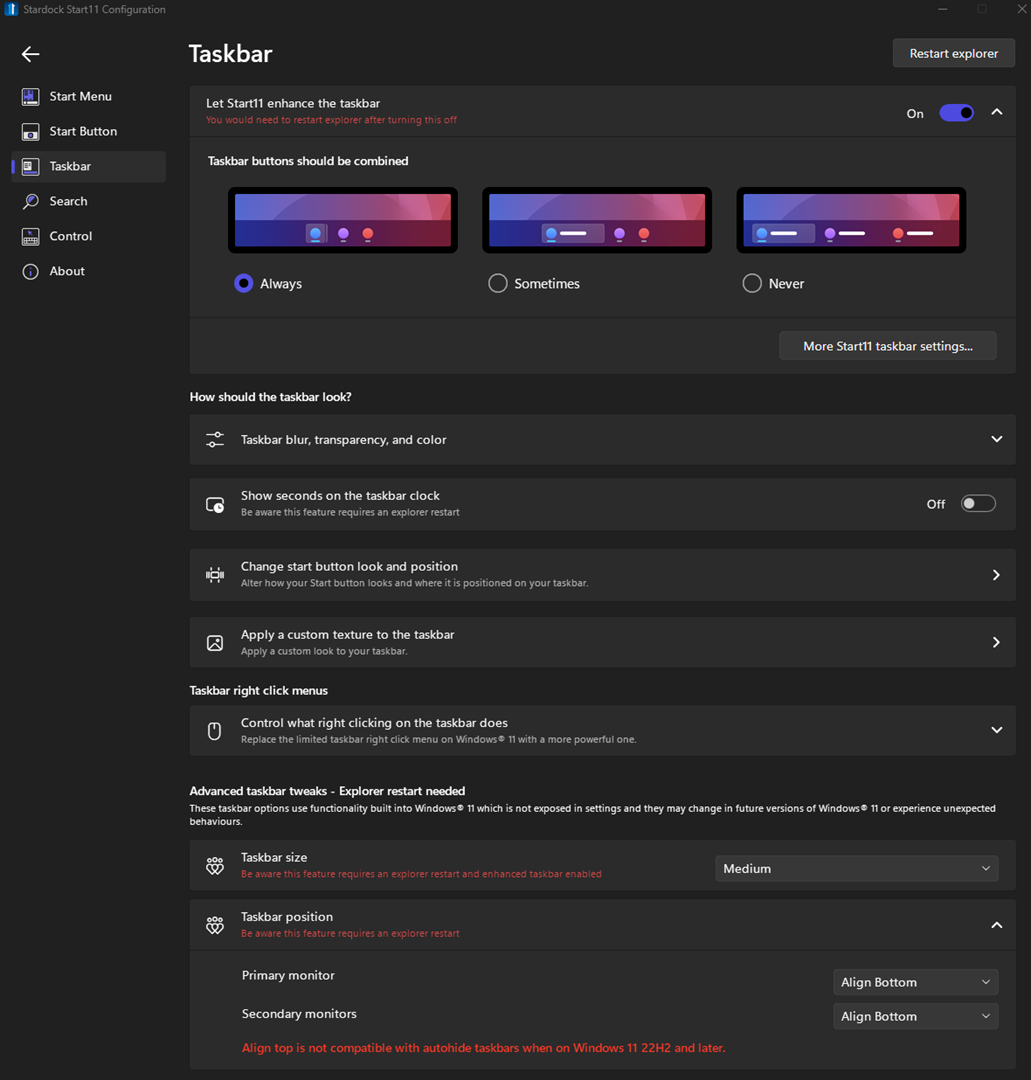
An easy way for me to replicate the problem was to have a dual-monitor setup and to mess around and activate/deactivate the following settings a few times:
- "Let Start11 enhance the taskbar."
- Use a custom start button image
-restart explorer
After a few times, my taskbar buttons are no longer combined. It will sometimes reactivate the custom start button when it was previously disabled after restarting the explorer. But I will see a double start menu after 2-3 toggles. Typically, when this problem arises and a reboot does not resolve it, I deactivate the enhanced taskbar, restart the explorer, restart the PC, reactivate the enhanced taskbar, and reboot again; this procedure usually resolves the issue of the double start menu for some time. It's just frustrating that this problem has been happening for a few months now.
As for my single monitor setup, the problem is rare, but restating the PC usually resolves the issue for me


 Stardock Forums