Adding PC shortcut to Taskbar

Unable to Add

Hi, 

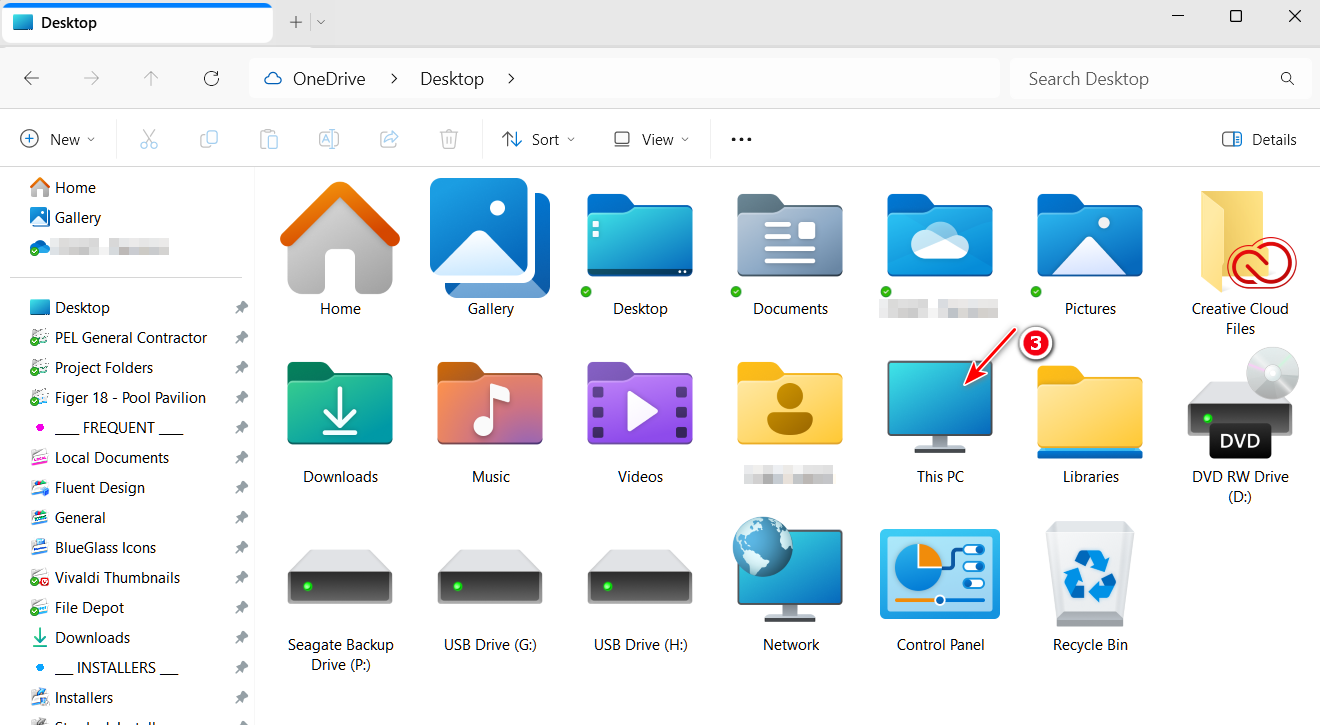
I had to reinstall Windows. Trying to add the PC shortcut to taskbar so I can access my drives quicker but not letting me. Could do it in the last build. Has this functionality be taken away? Robert. 

1,920 views 6 replies
Reply #1 Top

Reply #2 Top

Thanks but doesn't work for the Icon I was talking about, This PC. Works with other Icons. 

Doesn't work for C: drive or any other drive.

Doesn't work for File Explorer either. 

Reply #4 Top

Hello,
Sorry to hear you are having issues. Need more details.

  1. What is your current Windows version And which OS Build number you have in your system. You can use Winver.exe to get there numbers.
  2. What is your previous Windows version that you was capable to pin folder to taskbar? Was it Windows 10 previously?
  3. Start11 version you currently installed in your system. And, which Start11 version you have previously?

Thank you,
Basj,
Stardock Community Assistant.

Reply #5 Top

This should be addressed in the next Start11 update as it isn't allowing virtual locations correctly.

Reply #6 Top

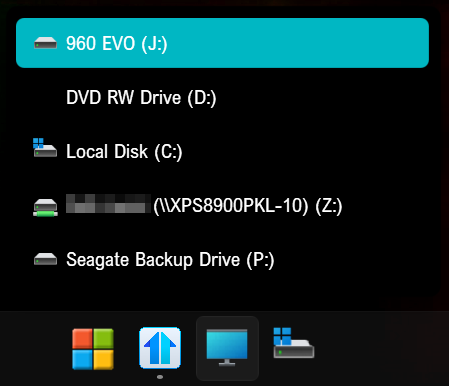
I'm running 23H2-22631.4890 and Start11v2-2.5.2.1, and I am able too pin "This PC", however it only displays the drives.

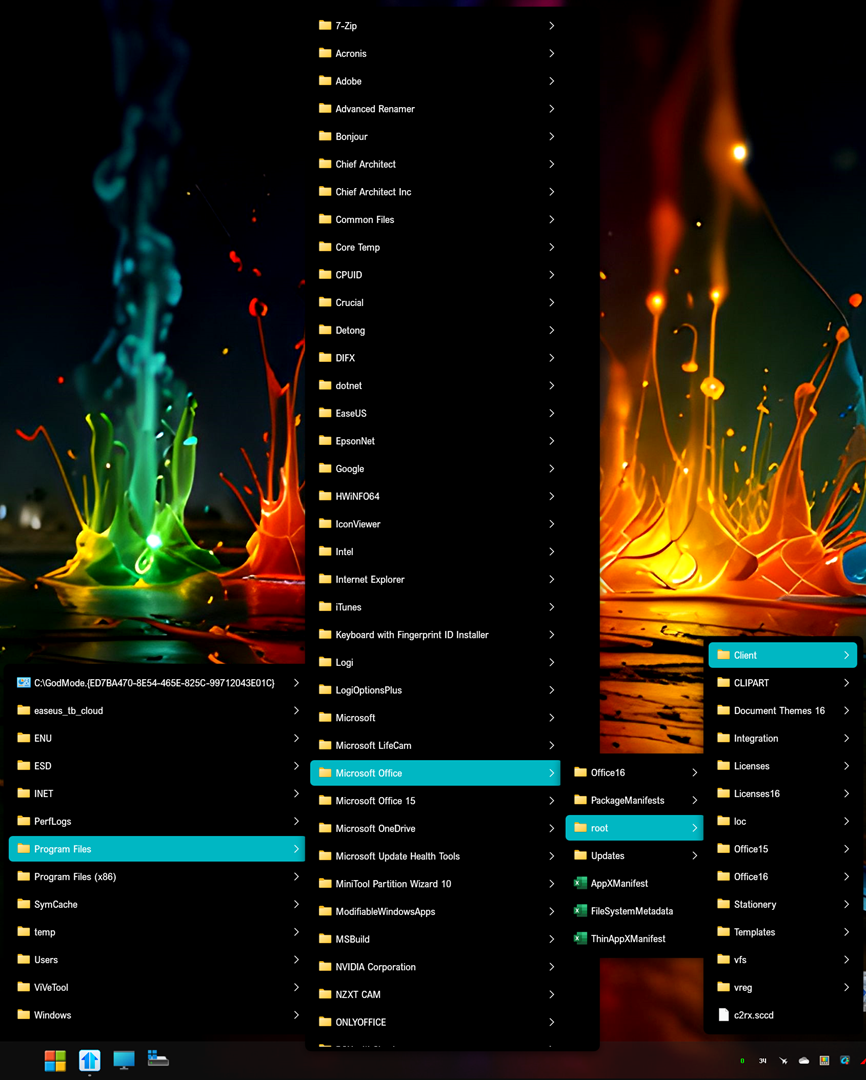
If I pin the individual drives, my C: drive in the pic below, I can get to anything on the drive.