Start 11 Bug

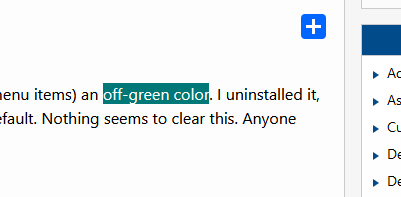
Start11 has made some of my apps highlight color (selected text and hover menu items) an off-green color. I uninstalled it, rebooted and even reset Windows 10 and 11 color/theme settings back to default. Nothing seems to clear this. Anyone else have this issue and if so, how do I fix it?
2,003 views 12 replies
Reply #1 Top

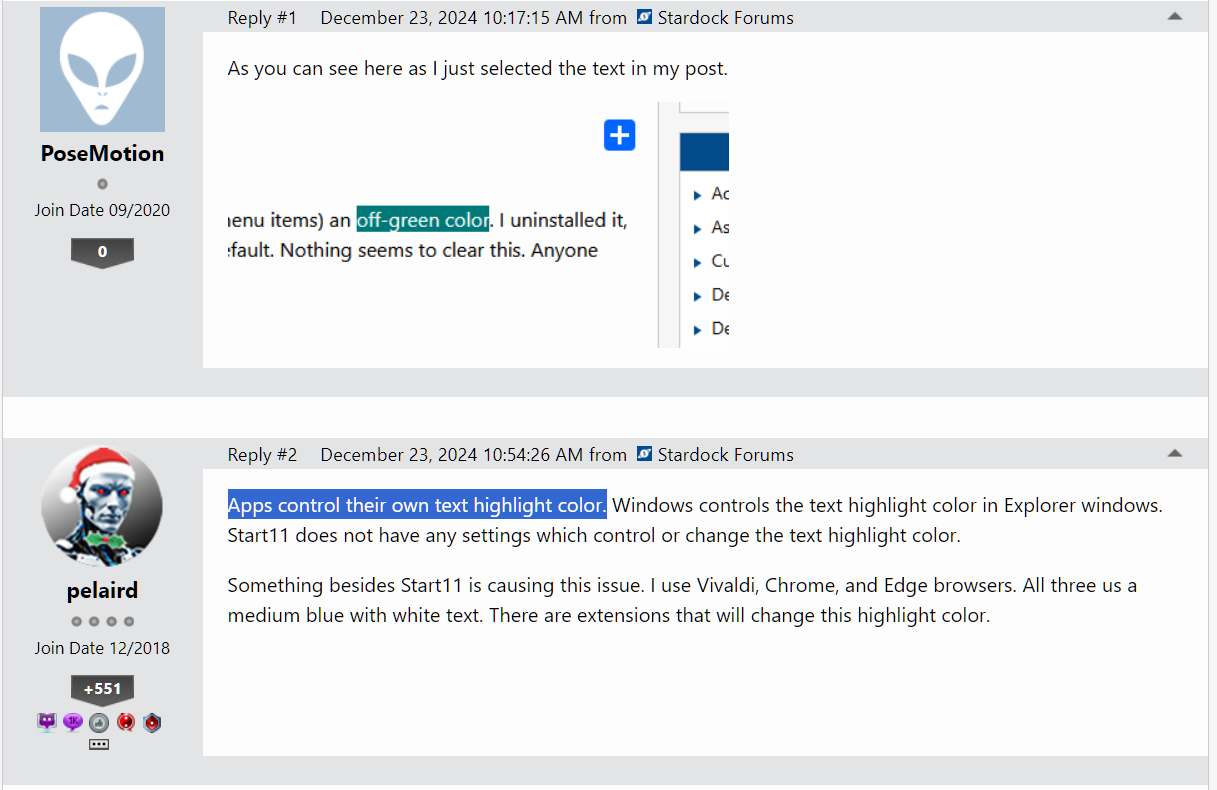
As you can see here as I just selected the text in my post.

Start 11 Bug

Reply #2 Top

Apps control their own text highlight color. Windows controls the text highlight color in Explorer windows. Start11 does not have any settings which control or change the text highlight color.

Something besides Start11 is causing this issue. I use Vivaldi, Chrome, and Edge browsers. All three us a medium blue with white text. There are extensions that will change this highlight color.

Reply #3 Top

It didn't start until I used Start 11. Just purchased. Only thing new I started using recently. Funny thing is, on my Windows 11 PC, it is now back to the blue highlight. Not sure what I did to do that. Windows 10 is still the off color.

Windows 10 didn't happen until I exported the settings from Start 11 on my Windows 11 PC and imported it in Start 11 on my Windows 10 PC.

Reply #4 Top

Quoting PoseMotion, reply 3

Not sure what I did to do that. Windows 10 is still the off color.
End of PoseMotion's quote

Is this highlight color only in your browser, or is it in Explorer windows also?

Reply #5 Top

Explorer windows too. Shows up in my menus on some apps, not all.

Reply #6 Top

Add to my post above.

Windows 10 is back to blue  highlight. May reinstall Start11 and see if it happens again.

Reply #7 Top

I really don't think this has anything to do with Start11. Start11 only controls the highlight color of it's own context menus, and the highlight color of shortcuts when you hover over a shortcut on the Start11 start menu.

Reply #8 Top

This should be nothing to do with Start11.  It cannot change system colours.

There isn't even any setting in the backup files for such a colour other than the ones used for Start11 menus themselves which is purely an internal value.

Are you sure you have not also used say WindowBlinds?  That can change colours.

Reply #9 Top

I did use the trial for Window Blinds a few days to a week ago. I didn't notice it then but maybe that is what happened. Will keep an eye on it.

Reply #10 Top

Just installed Start11 on my Windows 10 PC and it did it again. Not sure why or how.

Reply #11 Top

Please try this, since you did mentioned you have trial Windowblinds, if you have uninstall Windowblinds, sometimes there were reports cases the system not properly return to Windows default system color. What you can do after you have uninstall Windowblinds and rebooted. On Windows 10, right click on desktop-> Personalize->Themes->Select one of those Windows default theme. Click on it should reset Windows 10 system to its default theme, which should also reset your system colors. Try it and see if it resolve your issue.

Thank you,

Basj,
Stardock Community Assistant

Reply #12 Top

Already did that when I uninstalled it days ago. And I didn't notice it until after that. Everything was fine until I installed Start11 again. So I'm not sure what is going on. Thanks though.