Beta Task bar issues

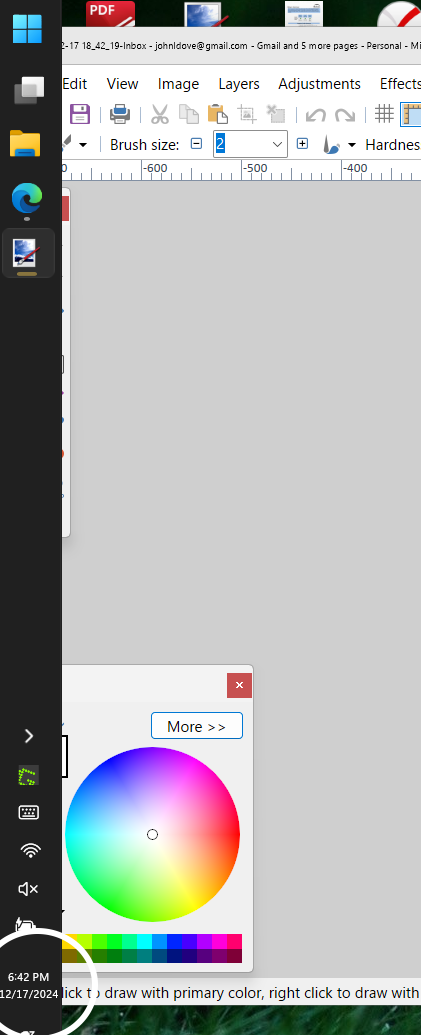
Side Task Bar does not move windows to the right so they are completely visible

Great beta -- I've been hoping for a left side taskbar.

I know it's a beta, so here's some feedback.

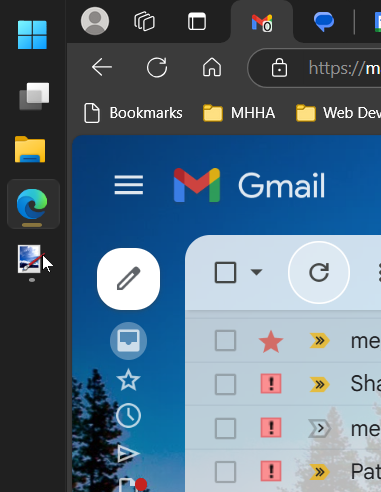
When I open a window, it opens all the way to the left, under the vertical taskbar. I have to move it to the right slightly so I can see the left side.

Again, I'm sure this is in your ToDo list already, but just in case...

Blessings and thanks,

John

1,665 views 9 replies
Reply #2 Top

Hello,
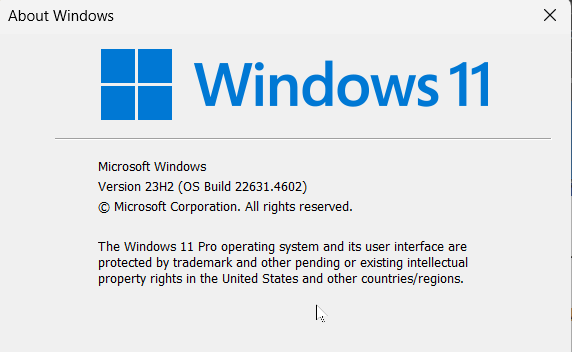
Sorry to hear you are having issues. Need your Windows 11 full version and OS Build number. Please use Winver.exe.

Thank you.
Basj,
Stardock Community Assistant.

Reply #4 Top

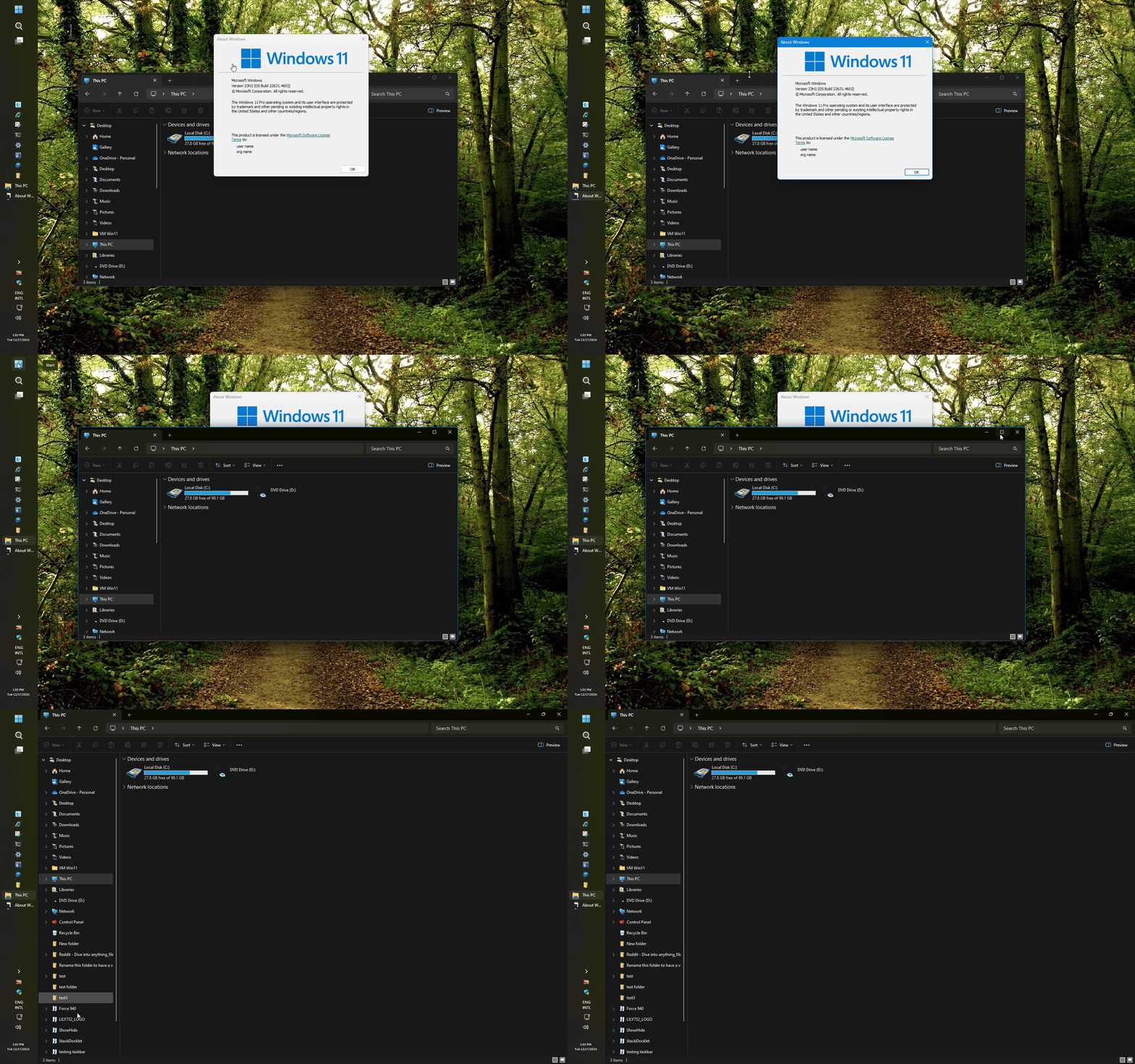
I have the same Windows version, but, I don't see the same issue. Refer short video below.

Please try, uninstall Start11, reboot immediately after the uninstall done, re-download the latest version from your account. Install it, reboot again immediately after the installation is done. Retest and report back.

Thank you,

Basj,
Stardock Community Assistant

Reply #5 Top

Again, the vertical task bar is WONDERFUL!!! Thank you! 

I think I've figured it out. I had windows open when I changed the orientation to the left. Those windows. did not move over.

However, if I closed them and re-opened the windows, they properly situated to the right of the left vertical task bar.

I don't think this is an issue because when you restart windows the next time, all windows will be closed and will open correctly to the right of the vertical left task bar.

I can live with this. 

Thanks for your patience.

Reply #6 Top

Great, glad to hear that.

Thank you,

Basj,
Stardock Community Assistant

Reply #7 Top

First, Start11 is superb. It is what MS should have included from the first Win 11 release. 

Is there a place to provide feedback on the Start11 beta? If this is the place, then:

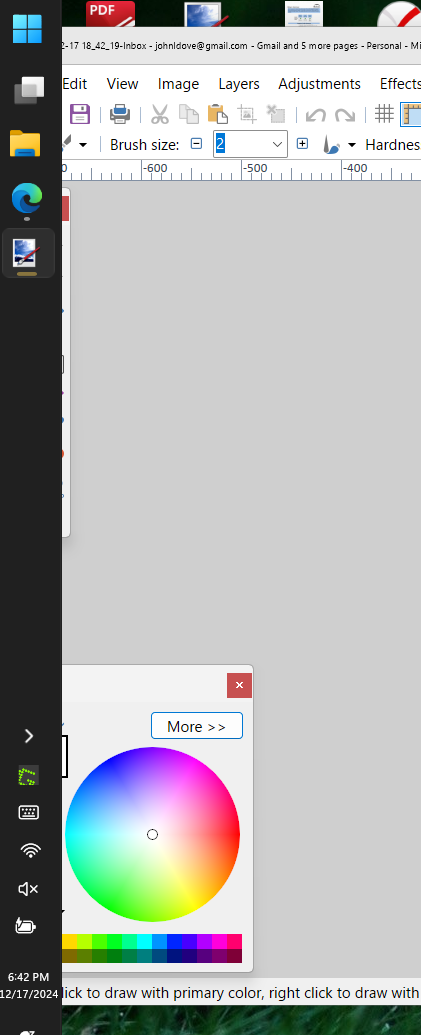
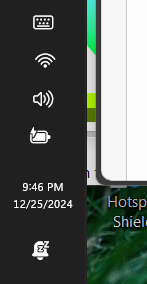
I really like the left vertical positioning. l have stopped using it because the time and date are so small, I can't read them, even if I make the task bar bigger.

Extra Large:

the date and time are so time, my old eyes can't really see them without getting really close.

You may not be able to do anything about it, but that's my feedback.

Blessings and thanks,

John

Reply #8 Top

The taskbar clock font is under Windows control, what you can do is to try increase the Windows Display scale factor to increase that font size.

Thank you,

Basj,
Stardock Community Assistant