Start11 Pinned Taskbar Icons Disappear
 Stardock Forums
Problem:
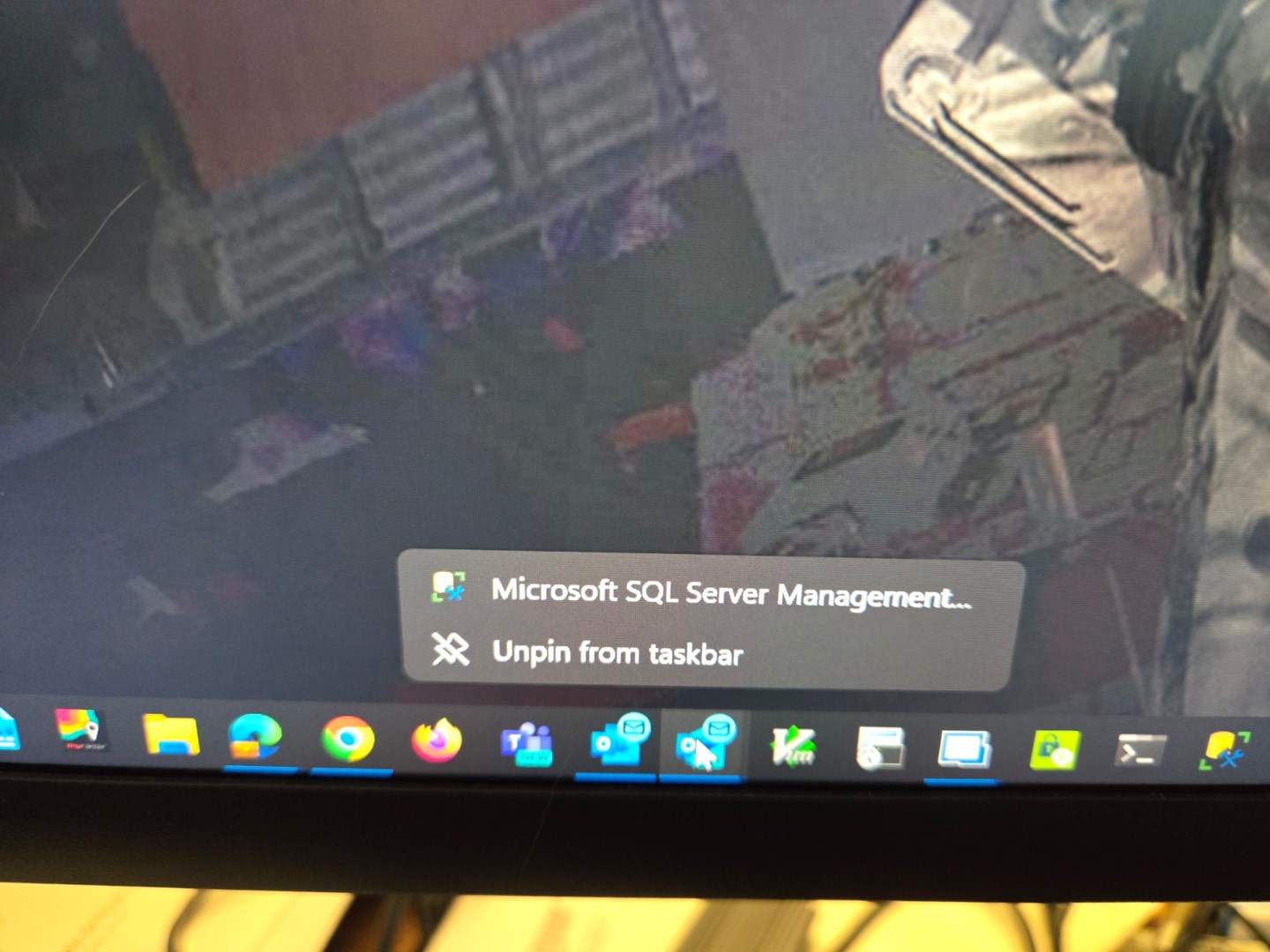
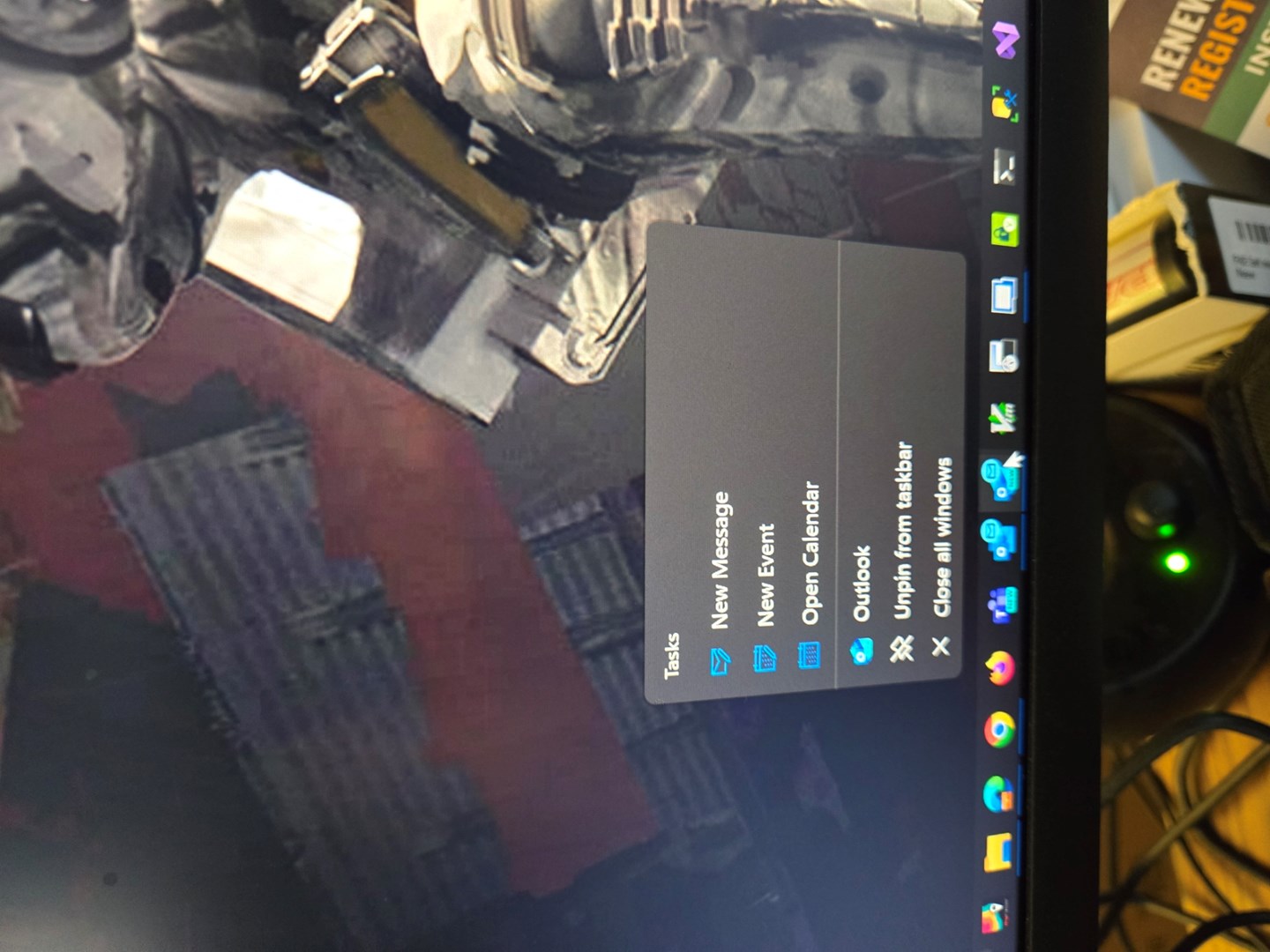
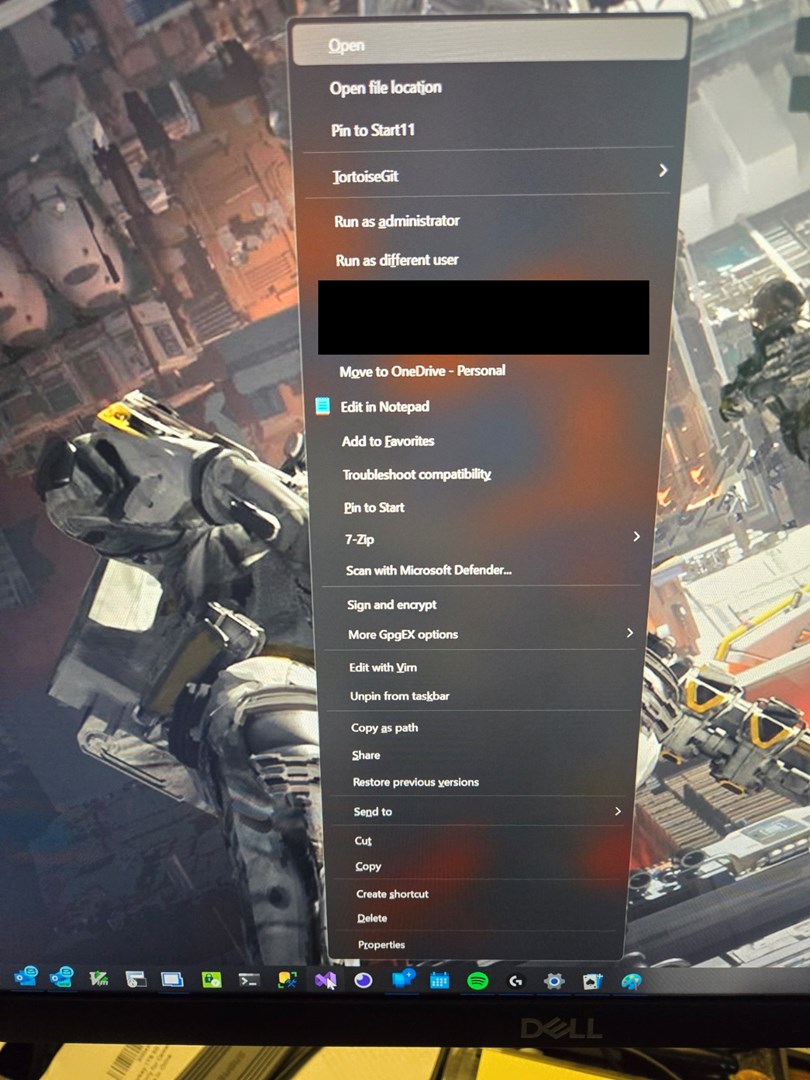
After the system is up for a period of time, in the home monitor but not the others (my system has 4 monitors) the taskbar will get confused. An example, in the home window if I right click on Windows Outlook it will come up with SQL Server Mgt Studio. If I right click on the same icon in one of the other monitors, it will be correct for Outlook. In the home monitor, going further right from the first icon that is wrong, the next one is correct, but subsequent icons going right appear to have skipped over several other pinned icons. Some icons, right clicking will give a right click context menu you'd expect from Explorer clicking on a file rather than the taskbar. These will also not show a peek thumbnail. Some will still show the thumbnail and an appropriate context menu for the taskbar. Again, this appears to only happen in the home monitor, the other three work as it should.
Windows 11 Enterprise 22H23
Version 10.0.22621 Build 22621
Start11 2.07
Autohide not enabled
Taskbar on bottom - default
I'm also running Fences on this machine, but there are no other apps that I'm aware of that modify the taskbar/explorer basic behavior. I do have some apps that add context menu items to Explorer (Tortoise Git, VIM), but those do not otherwise modify basic explorer display/behavior.
I have some screen shots demonstrating the behavior, but didn't see a way to attach them to this post.
I can get the problem to go away by going into taskmanager and having explorer restart. Once explorer/start11 reload, the problem goes away for a while.