Remove start11 icon from second monitor?
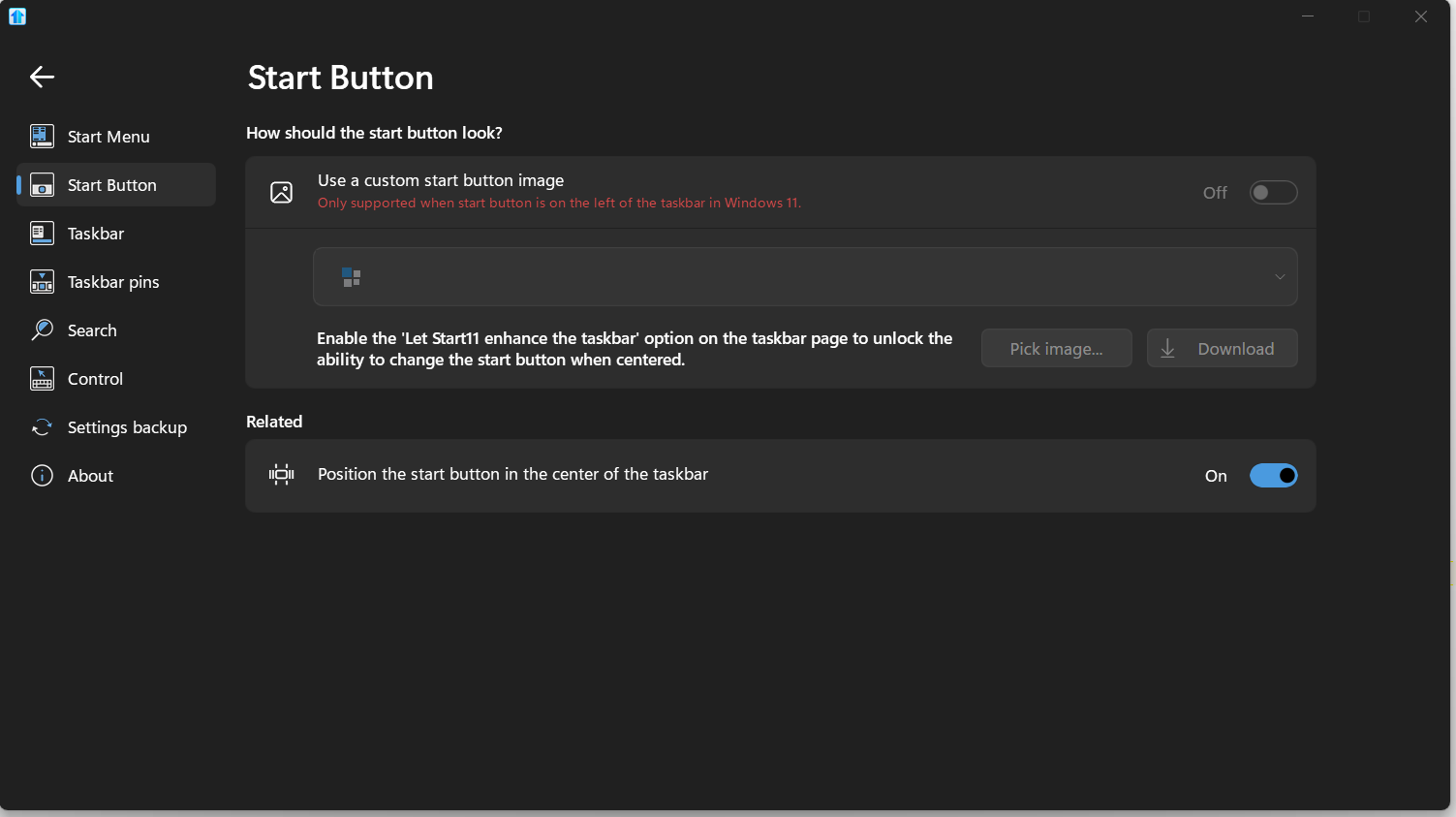
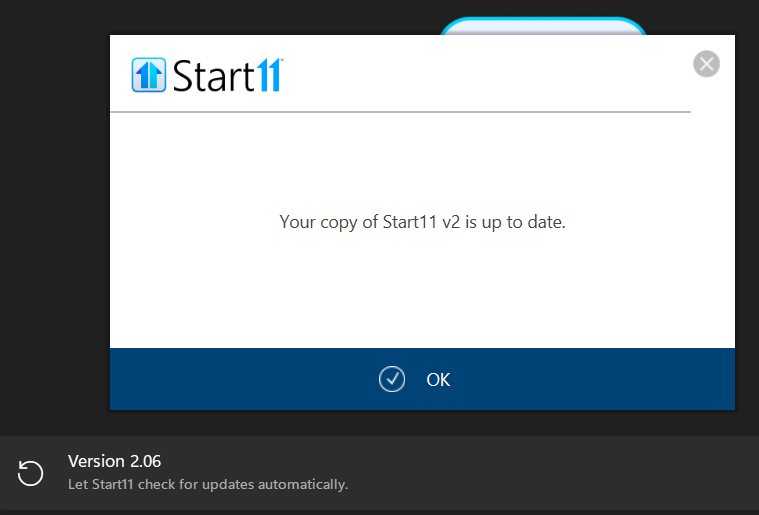
I don't see how to do this. I have the start menu icon for Start 11 V 2.06 but can't hide the start menu icon from the second monitor. is this possible?
Hello,
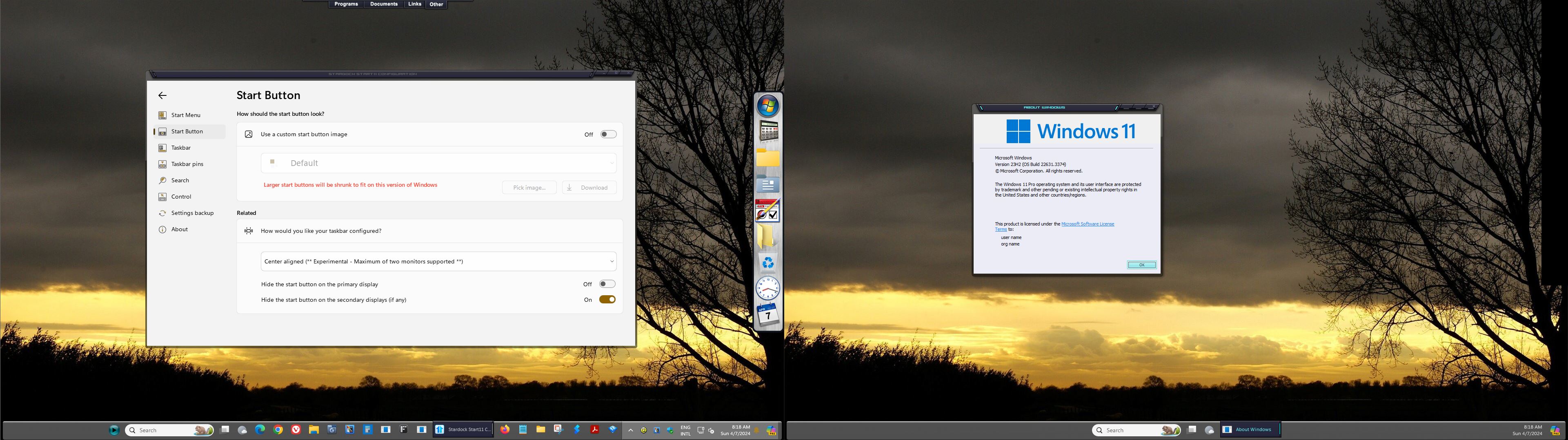
I assume, you meant, Start button visibility, yes? If so, if you on Windows 10, go to Start11 setting->Taskbar->Advance Options->Start button visibility->Turn off "Show Start button on secondary monitor taskbars"
Thank you.
Basj,
Stardock Community Assistant.
What about windows 11? I see no "Show Start button on secondary monitor taskbars" anywhere
It should be here.

Thank you,
Basj,
Stardock Community Assistant
Strange, I just do not have that. Windows 11 with Start11 Version 2.06.
I am on v2.07, please try this version.
Thank you,
Basj,
Stardock Community Assistant
I can't upgrade. I can't see the 2.0.7.

Its V2.07 Beta, it will not show up when you do update check. Please looking at your Account download page: https://store.stardock.com/myaccount/products
Thank you,
Basj,
Stardock Community Assistant
To use those settings on Windows 11 you need to enable the enhanced taskbar in Start11.
right, but am I forced to left align the bar now like it says?
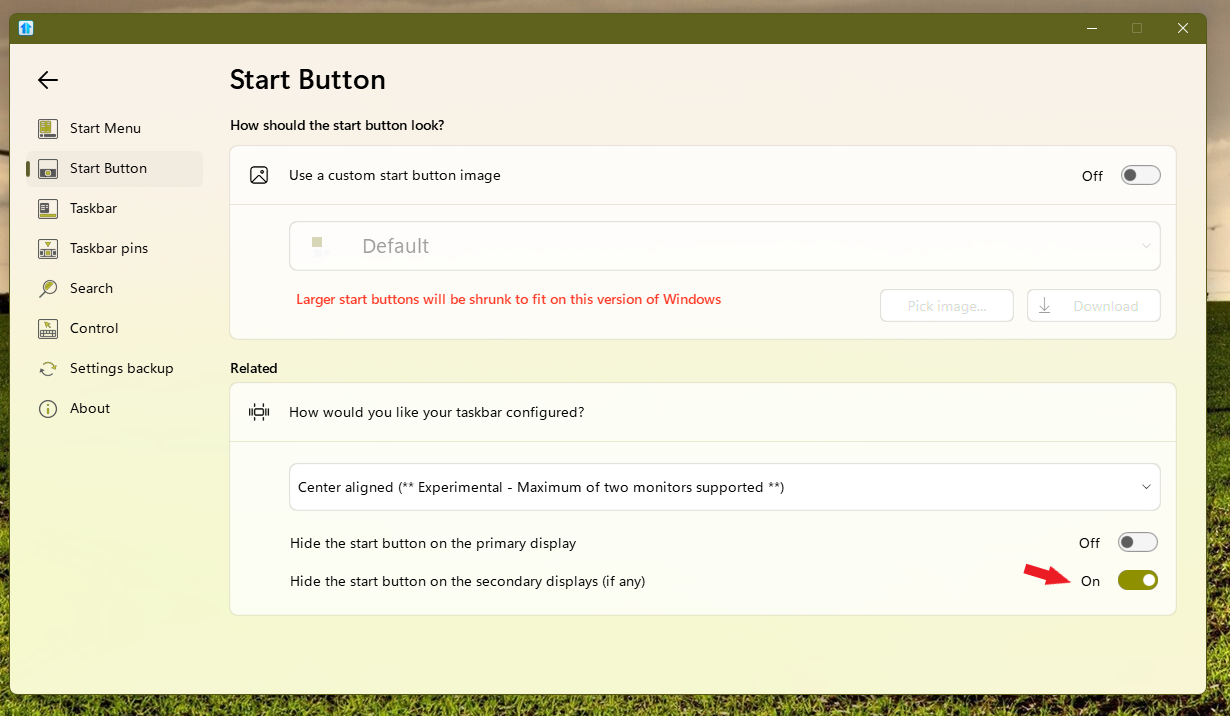
You can center the Start button with the Enhanced taskbar, but you have to use the default Windows 11 Start button.
You should be able still get the center aligned (Experimental...) Refer to screenshot below.

Thank you,
Basj,
Stardock Community Assistant
Welcome Guest! Please take the time to register with us.