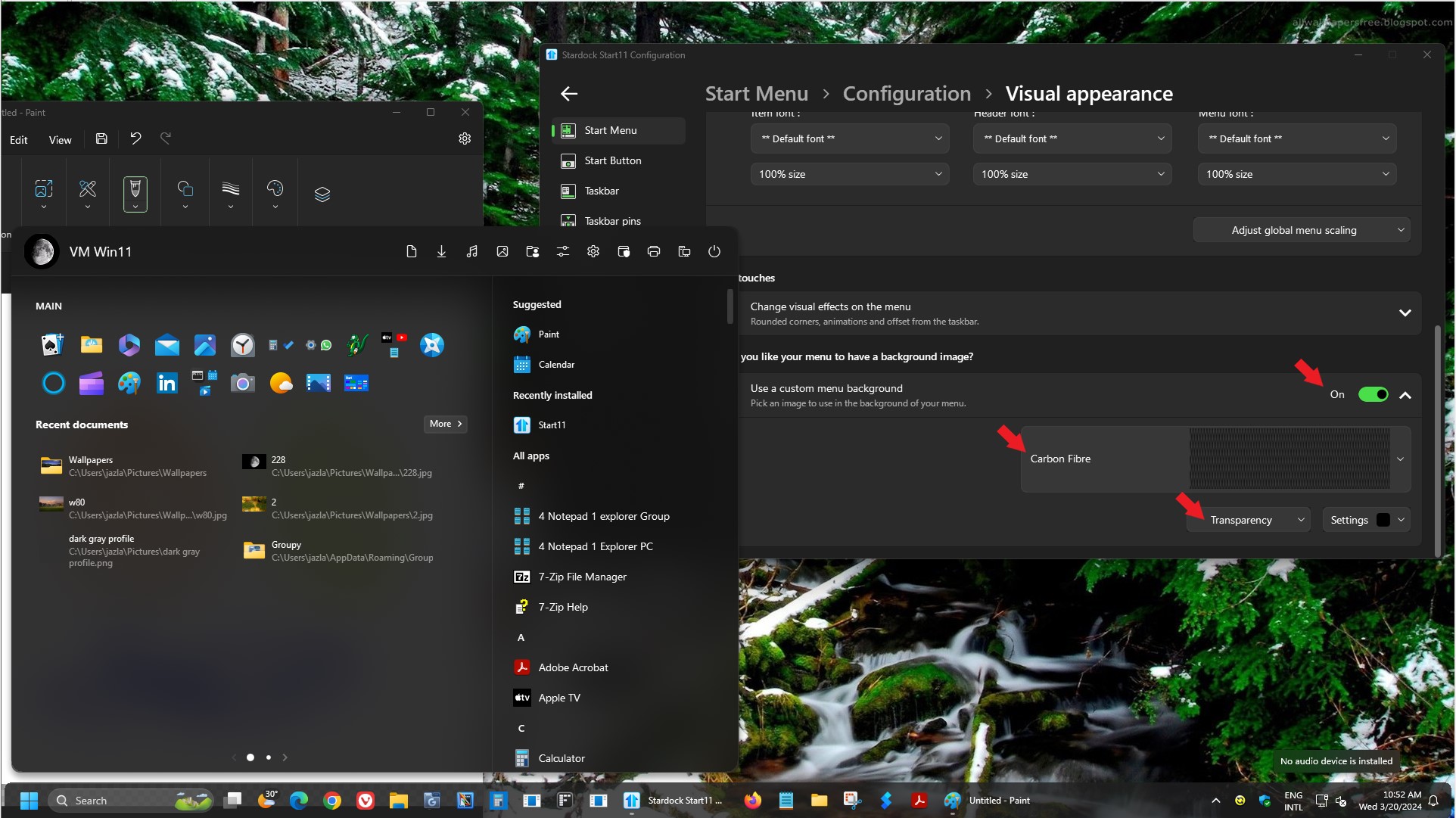
Can't get transparency/acrylic/mica to look similar to default Start Menu/Search
from  Stardock Forums
Stardock Forums
I won't pretend that I understand the differences between Mica, Acrylic, and plain old transparency, but whatever name it goes by, I would like to get Start11 to closely match Windows 11's default Start Menu look if possible, especially because I use the default Windows Search instead of Start11's. I've tried many different combinations of colors, transparency %, Mica effect on/off and I still can't come close to the default look. The gif below alters the colors quite a bit, but it's still good enough to see the stark differences.
Does anyone have any suggestions on how I can match the default look?
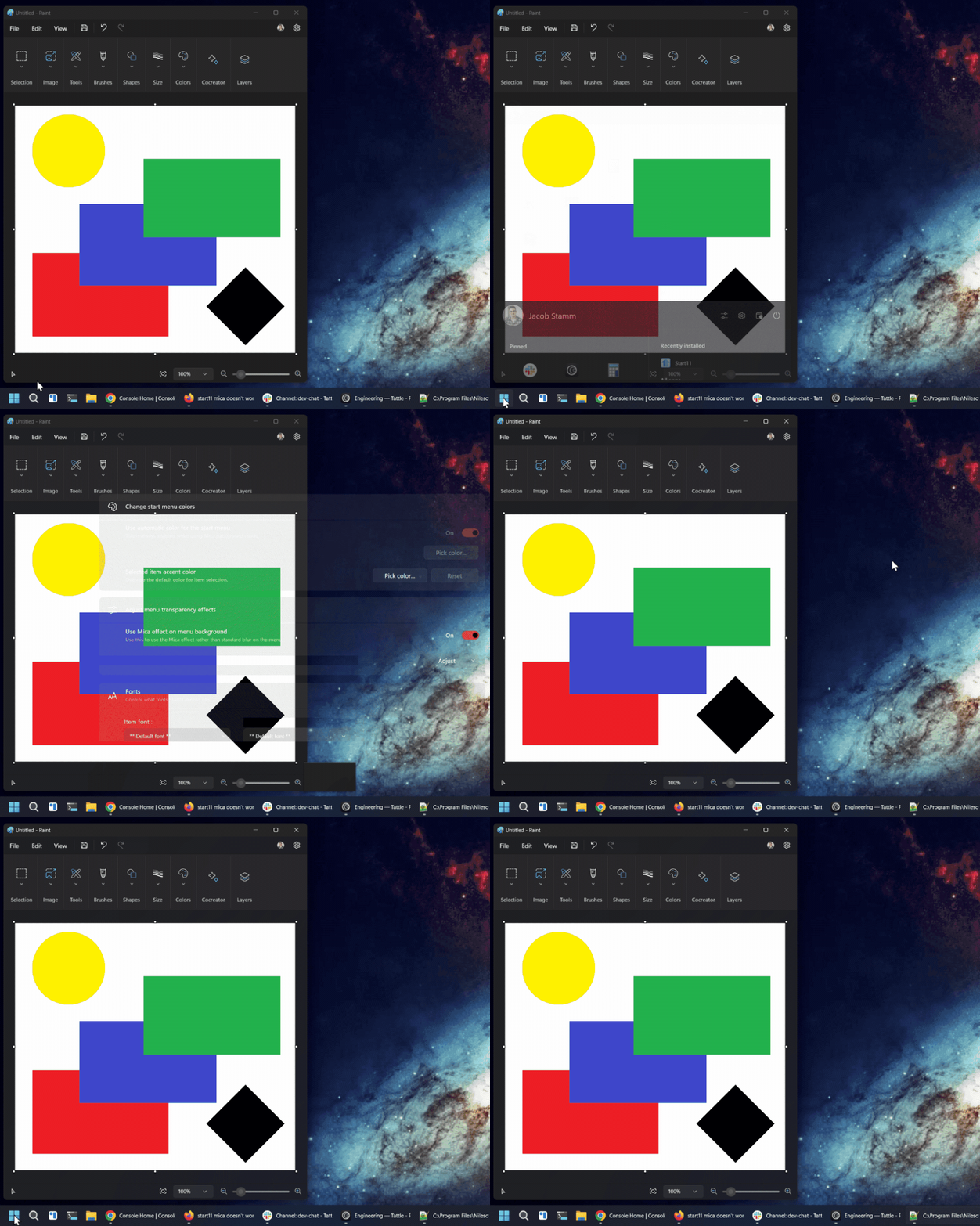
Using Start11 v2.06 on Windows 11 build 22631.3296